
Would you like to transfer or synchronize data?
You can try FREE APPLICATION from online stores:



PhoneCopy.com makes it simple to back up your contacts from Apple iPad to the cloud. In this guide, we will walk you through the entire process step by step.
This guideline also works for similar devices like Apple iPhone 2G, Apple iPhone 3G, Apple iPhone 3GS, Apple iPhone 4, Apple iPod Touch.
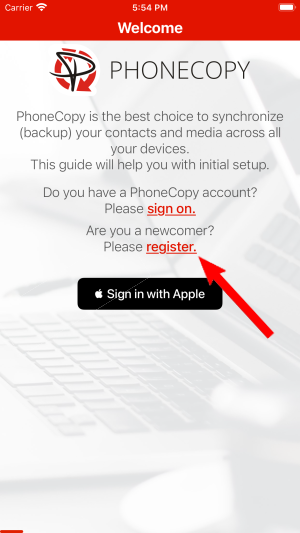
Run the app and create new account.
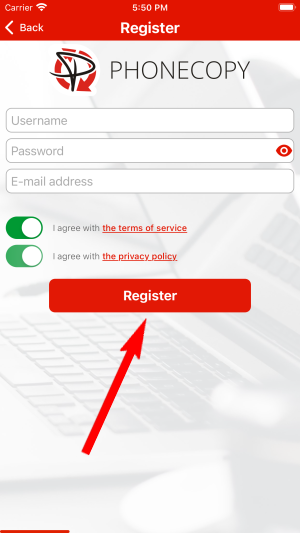
Then you need to allow PhoneCopy access to your contact list and select contacts which will be synchronized

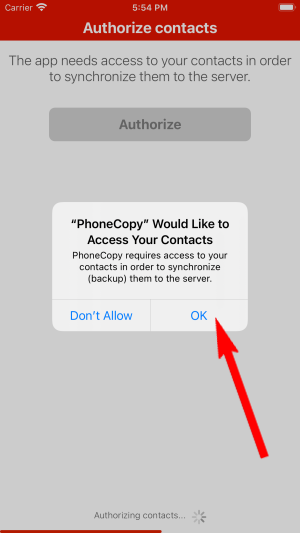
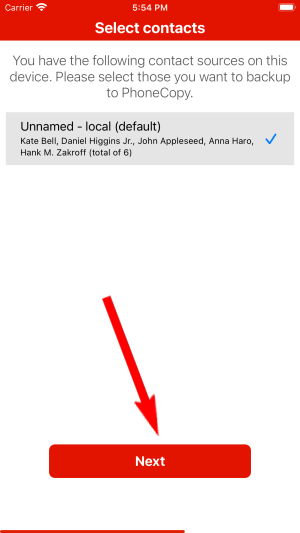
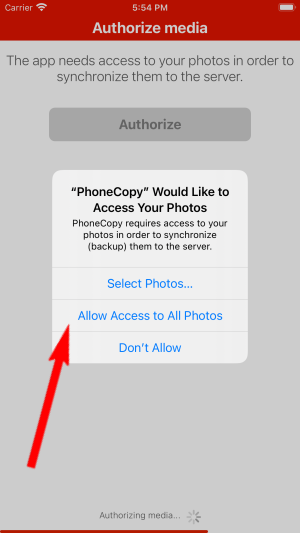
You can synchronize photos and videos too. Please note that the authorization of photos or videos is not required. If you will not grant it, PhoneCopy will only synchronize your contacts.


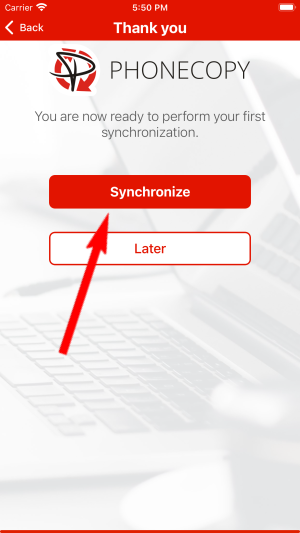
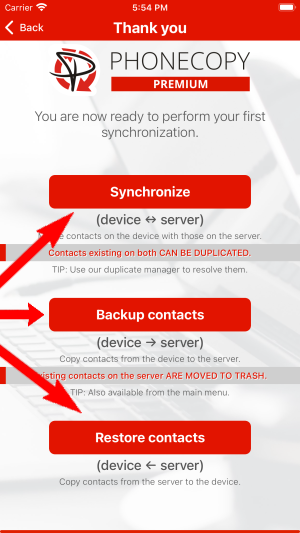
Let's synchronize!
Run the app and select "Sign on" if you already have an account.
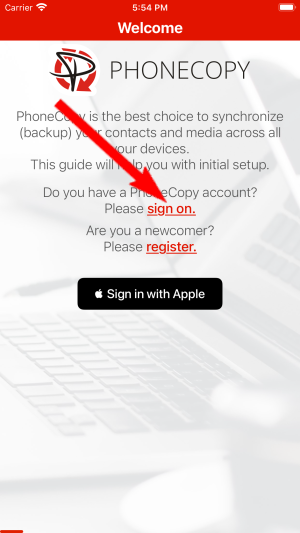
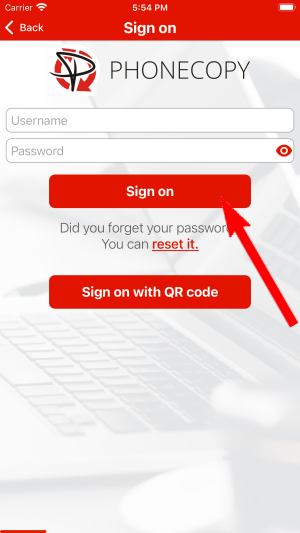
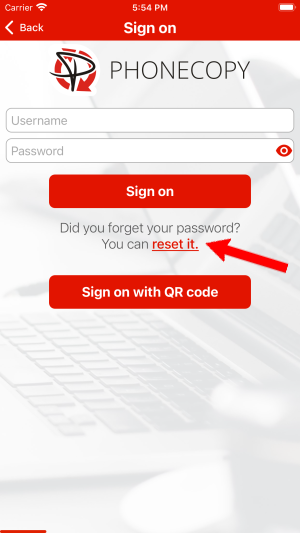
Then you need to allow PhoneCopy access to your contact list and select contacts which will be synchronized
You can also sync photos and videos. Please note that the authorization of photos or videos is not required. If you will not grant it, PhoneCopy will only synchronize your contacts.
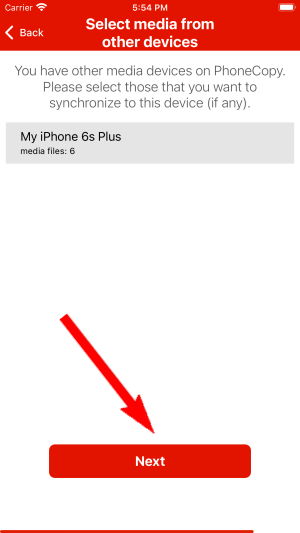
If you already have photos or videos in your PhoneCopy account you can choose from which phone(s) you want to transfer the backed up photos and videos to the new iPhone. Then let's synchronize!
This guideline also works for similar devices like Apple iPhone 14 Plus, Apple iPhone 14 Pro, Apple iPhone 14 Pro Max, Apple iPhone 15, Apple iPhone 15 Pro, Apple iPhone 15 Pro Max, Apple iPhone 16 Plus, Apple iPhone 16 Pro, Apple iPhone 16 Pro Max, Apple SE 3rd generation.
With your contacts safely backed up, you can rest easy knowing your data is secure. Log into your PhoneCopy account at any time to view, edit, or restore your contacts.
Contacts can be then transferred to another device (eq. iPhone, other Nokia, SonyEricsson, Samsung, LG etc). You can always edit your contacts in your online account. Also, you will see full history of your contacts, as well as the data that you have deleted between two synchronizations.


