
Would you like to transfer or synchronize data?
You can try FREE APPLICATION from online stores:




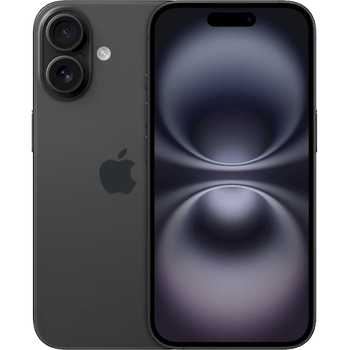
In this tutorial, we show you how to use PhoneCopy.com to safely back up the contacts stored on your Apple iPhone 13. The service is free for personal use and works directly from your phone.
This guideline also works for similar devices like Apple iPhone 12 mini, Apple iPhone 12 Pro, Apple iPhone 12 Pro Max, Apple iPhone 13 mini, Apple iPhone 13 Pro, Apple iPhone 13 Pro Max 5G, Apple iPhone 14.
Run the app and create new account.
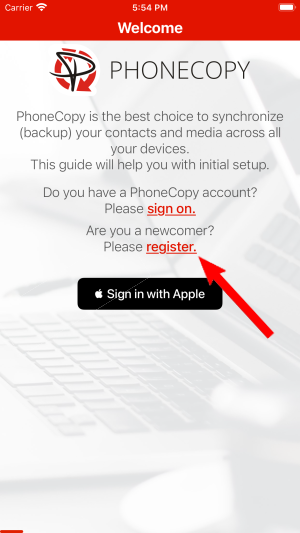
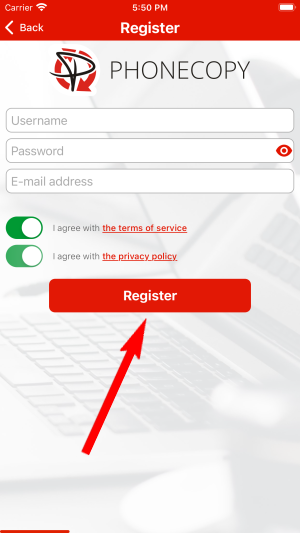
Then you need to allow PhoneCopy access to your contact list and select contacts which will be synchronized

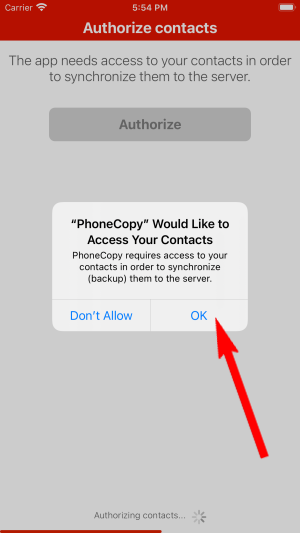
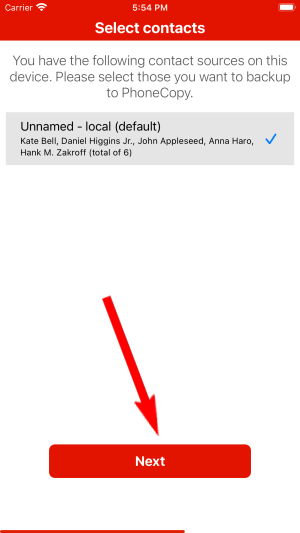
You can synchronize photos and videos too. Please note that the authorization of photos or videos is not required. If you will not grant it, PhoneCopy will only synchronize your contacts.

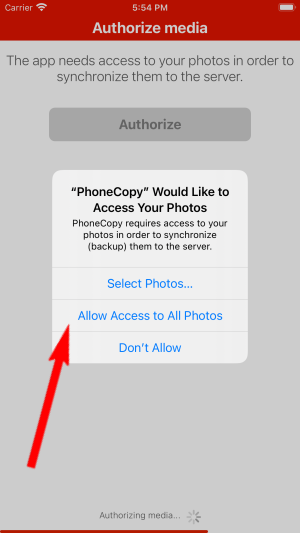

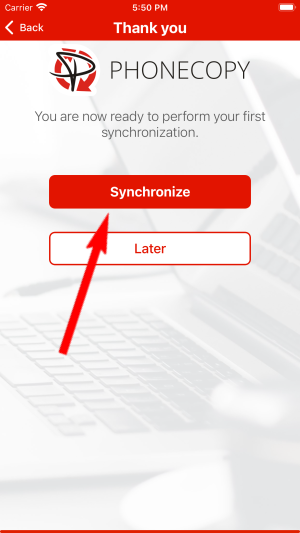
Let's synchronize!
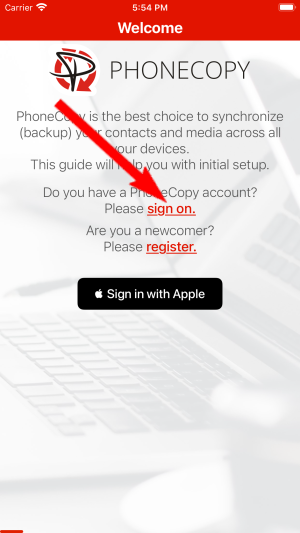
Run the app and select "Sign on" if you already have an account.
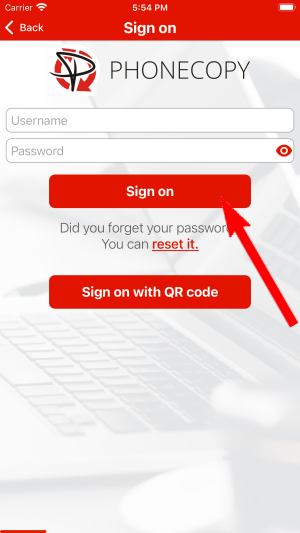
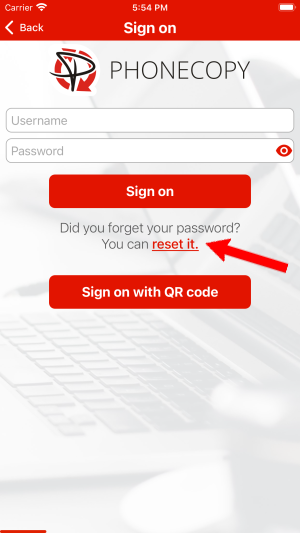
Then you need to allow PhoneCopy access to your contact list and select contacts which will be synchronized
You can also sync photos and videos. Please note that the authorization of photos or videos is not required. If you will not grant it, PhoneCopy will only synchronize your contacts.
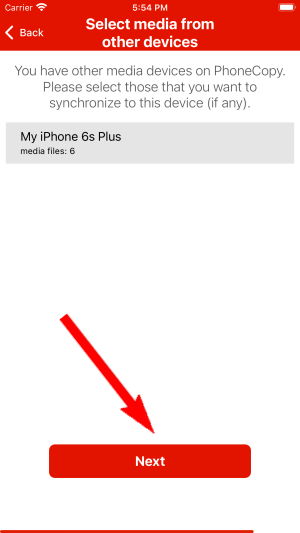
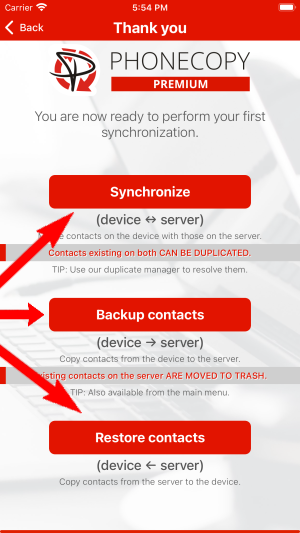
If you already have photos or videos in your PhoneCopy account you can choose from which phone(s) you want to transfer the backed up photos and videos to the new iPhone. Then let's synchronize!
This guideline also works for similar devices like Apple iPhone 15 Pro, Apple iPhone 15 Pro Max, Apple iPhone 16 Plus, Apple iPhone 16 Pro, Apple iPhone 16 Pro Max, Apple iPhone 16e, Apple iPhone 17, Apple iPhone 17 Pro, Apple iPhone 17 Pro Max, Apple iPhone Air.
Your data is now safe on PhoneCopy. The service stores a full copy of your contacts online, so you can access them from any device or restore them whenever needed.
You can set PhoneCopy to sync automatically at regular intervals, so your backup always stays up to date without you having to remember to do it manually.


