
Would you like to transfer or synchronize data?
You can try FREE APPLICATION from online stores:





PhoneCopy.com makes it simple to back up your contacts from Apple iPhone 13 to the cloud. In this guide, we will walk you through the entire process step by step.
This guideline also works for similar devices like Apple iPhone 12 mini, Apple iPhone 12 Pro, Apple iPhone 12 Pro Max, Apple iPhone 13 mini, Apple iPhone 13 Pro, Apple iPhone 13 Pro Max 5G, Apple iPhone 14.
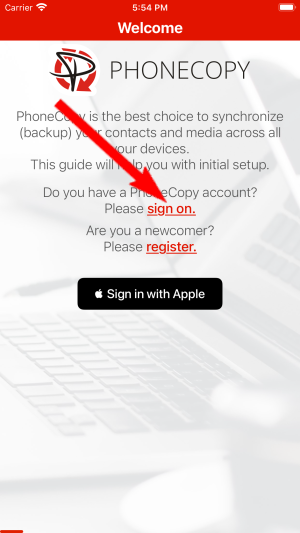
Run the app and create new account.
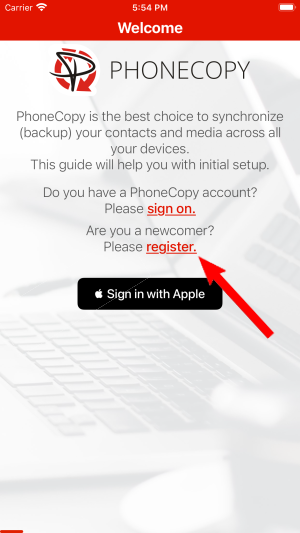
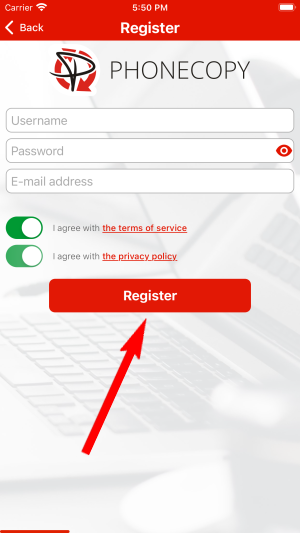
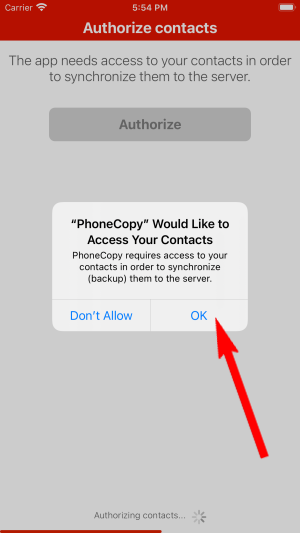
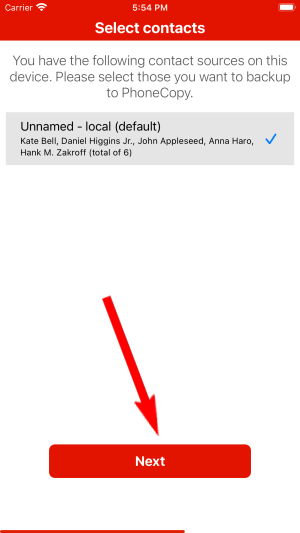
Then you need to allow PhoneCopy access to your contact list and select contacts which will be synchronized

You can synchronize photos and videos too. Please note that the authorization of photos or videos is not required. If you will not grant it, PhoneCopy will only synchronize your contacts.

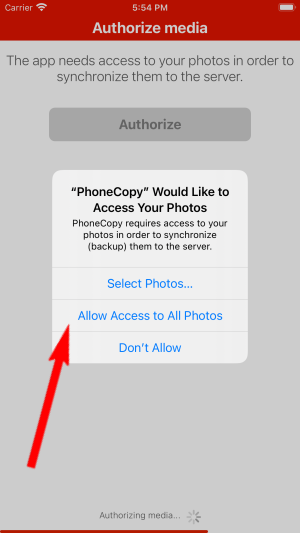
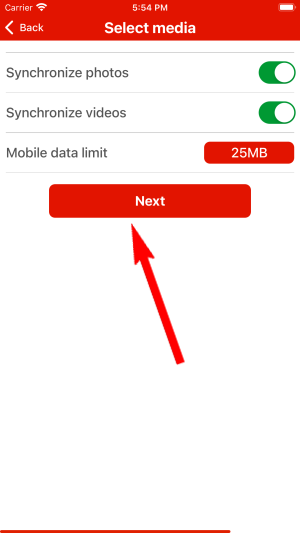
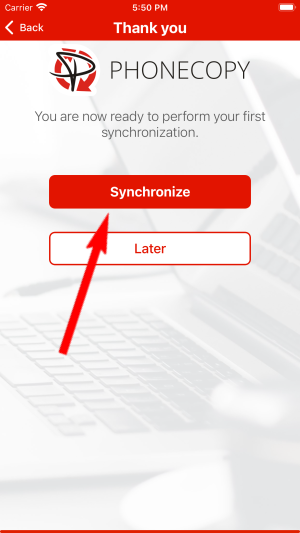
Let's synchronize!
Run the app and select "Sign on" if you already have an account.
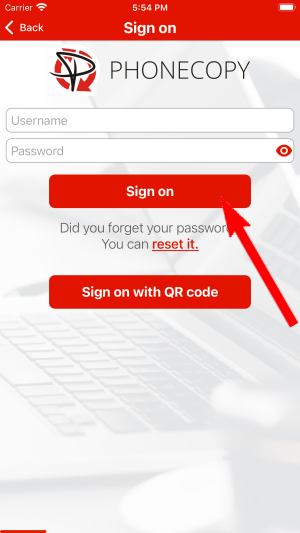
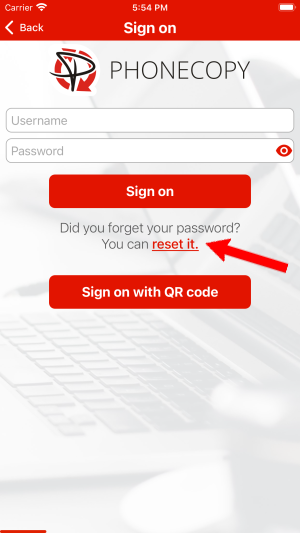
Then you need to allow PhoneCopy access to your contact list and select contacts which will be synchronized
You can also sync photos and videos. Please note that the authorization of photos or videos is not required. If you will not grant it, PhoneCopy will only synchronize your contacts.
If you already have photos or videos in your PhoneCopy account you can choose from which phone(s) you want to transfer the backed up photos and videos to the new iPhone. Then let's synchronize!
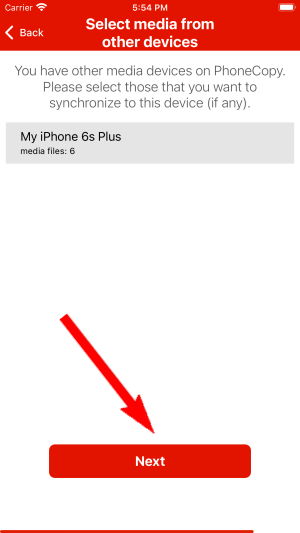
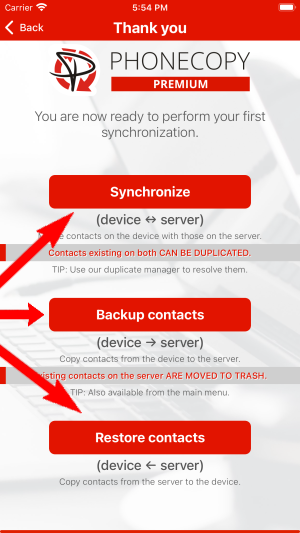
This guideline also works for similar devices like Apple iPhone 11, Apple iPhone 11 Pro, Apple iPhone 11 Pro Max, Apple iPhone 12 mini, Apple iPhone 12 Pro, Apple iPhone 12 Pro Max, Apple iPhone 13, Apple iPhone 13 Pro, Apple iPhone SE 2020, Apple iPod Touch 7th generation.
From now on, your contacts are protected. If anything happens to your Apple iPhone 13, simply log into PhoneCopy to access or restore your data instantly.
If you ever get a new phone, you can restore all your contacts in minutes using PhoneCopy. The service supports a wide range of manufacturers, so switching between brands is no problem.


