
Would you like to transfer or synchronize data?
You can try FREE APPLICATION from online stores:



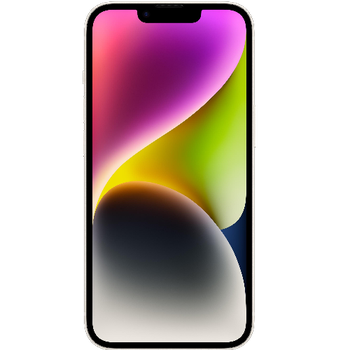
In our guideline we will introduce PhoneCopy.com service which supports many phones from almost all manufacturers, including Apple iPhone 14 Plus, and can be easily used to synchronize data between two or more devices.
This guideline also works for similar devices like Apple iPhone 14 Pro, Apple iPhone 14 Pro Max, Apple iPhone 15, Apple iPhone 15 Plus, Apple iPhone 15 Pro, Apple iPhone 15 Pro Max, Apple SE 3rd generation.
Run the app and create new account.
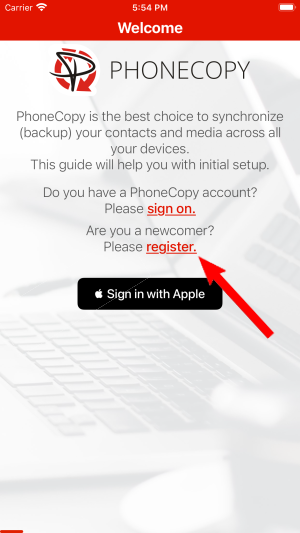
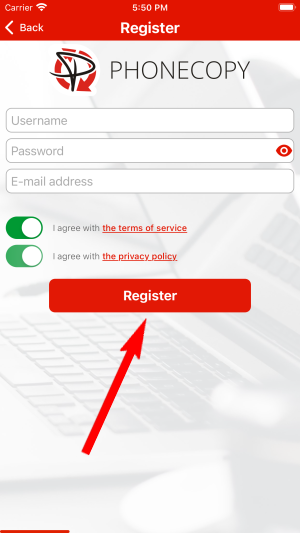
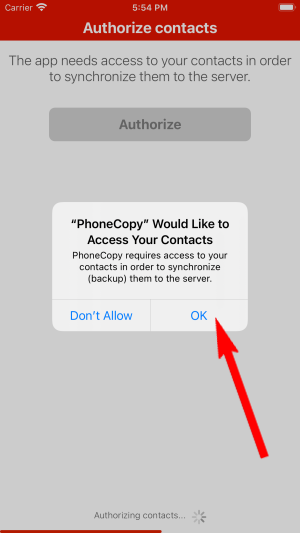
Then you need to allow PhoneCopy access to your contact list and select contacts which will be synchronized


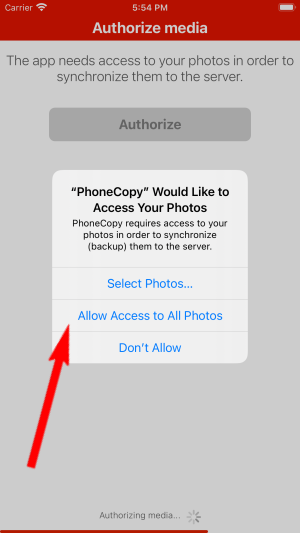
You can synchronize photos and videos too. Please note that the authorization of photos or videos is not required. If you will not grant it, PhoneCopy will only synchronize your contacts.


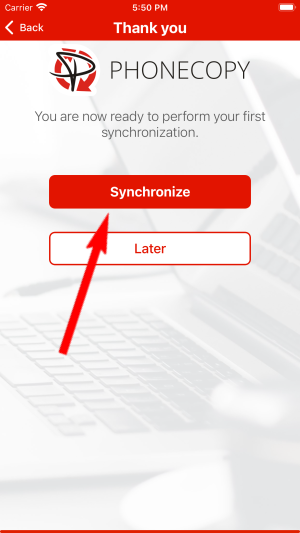
Let's synchronize!
Now you can easily edit your contacts and other resources online in your PhoneCopy profile. You have access to your contact even if you forget your phone at home.
It is a good idea to run a sync before any major change, such as a factory reset or an OS update. That way, your contacts are always protected before anything unexpected happens.


