
Would you like to transfer or synchronize data?
You can try FREE APPLICATION from online stores:



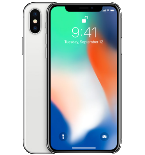
This step-by-step guide will help you back up your contacts from Apple iPhone X using PhoneCopy.com. The service works in the background and the whole process takes just a few minutes.
This guideline also works for similar devices like Apple iPad Air 2, Apple iPad mini 2, Apple iPad Pro 12,9" 2nd gen, Apple iPhone 8, Apple iPhone 8 Plus, Apple iPhone Xs, Apple iPhone Xs Max.
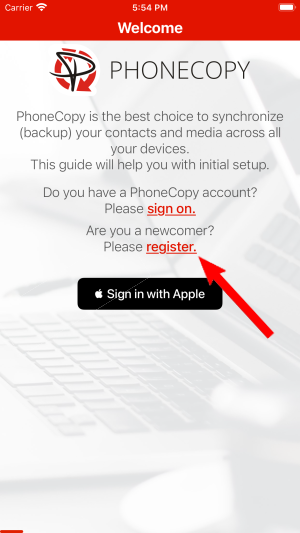
Run the app and create new account.
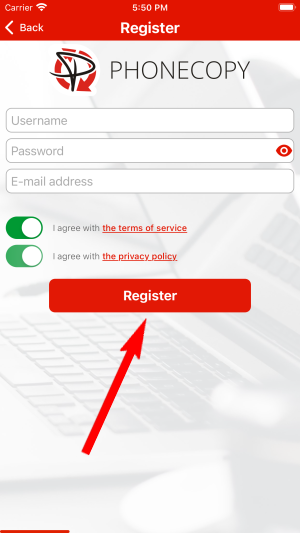
Then you need to allow PhoneCopy access to your contact list and select contacts which will be synchronized

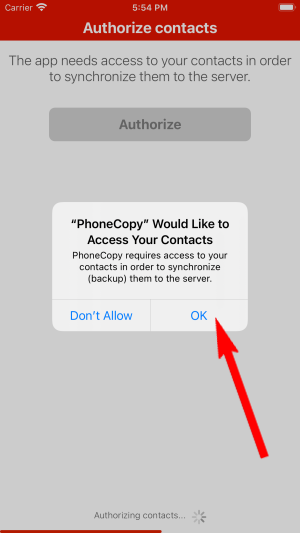
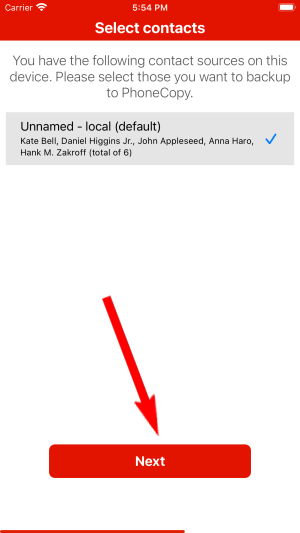
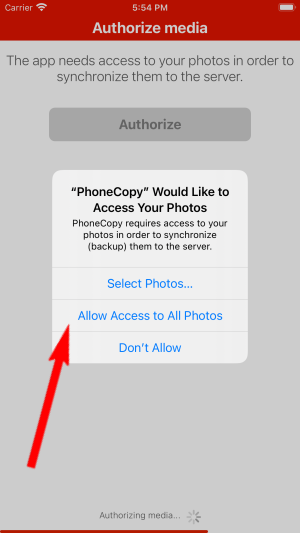
You can synchronize photos and videos too. Please note that the authorization of photos or videos is not required. If you will not grant it, PhoneCopy will only synchronize your contacts.

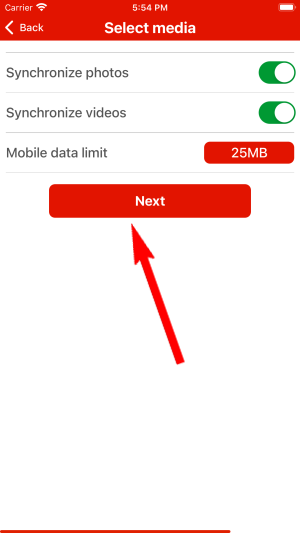
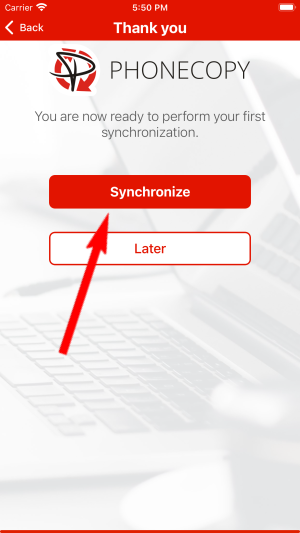
Let's synchronize!
This guideline also works for similar devices like Nokia 6300 4G, Nokia 800 Though, Nokia 8000 4G, Nokia 8110 4G.
Now you can easily edit your contacts and other resources online in your PhoneCopy profile. You have access to your contact even if you forget your phone at home.
If the sync does not complete, make sure your phone has a stable internet connection and that background data is enabled for the PhoneCopy app. A brief pause and retry usually resolves the issue.


