
Would you like to transfer or synchronize data?
You can try FREE APPLICATION from online stores:



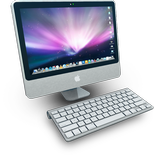
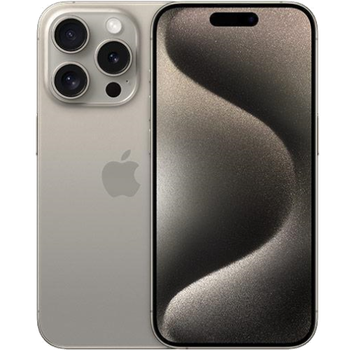
This step-by-step guide will help you back up your contacts from Apple Mac OS X using PhoneCopy.com. The service works in the background and the whole process takes just a few minutes.
This guideline also works for similar devices like Apple iMac, Apple MacBook, Apple MacBook Air, Apple MacBook Pro.
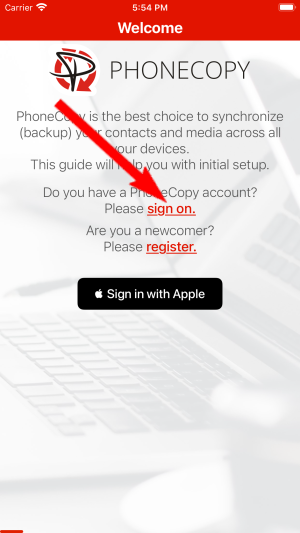
Run the app and select "Sign on" if you already have an account.
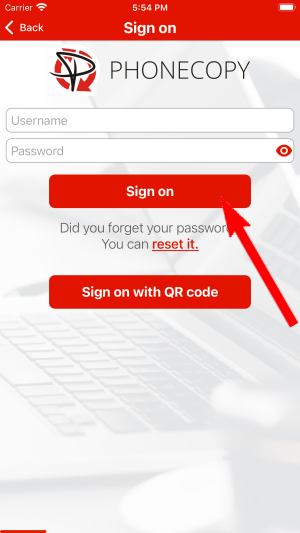
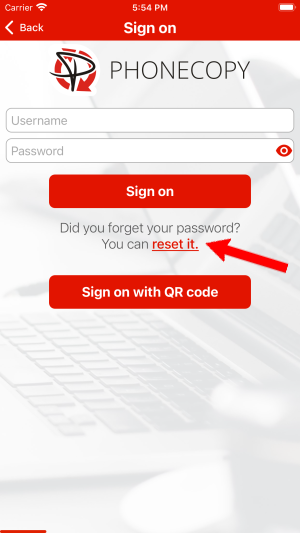
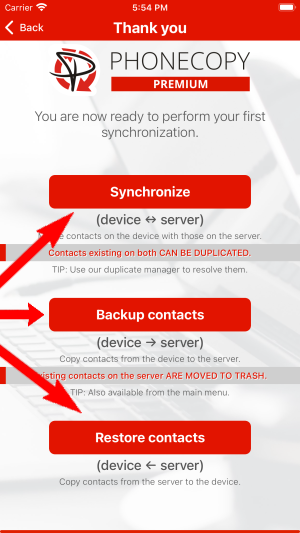
Then you need to allow PhoneCopy access to your contact list and select contacts which will be synchronized

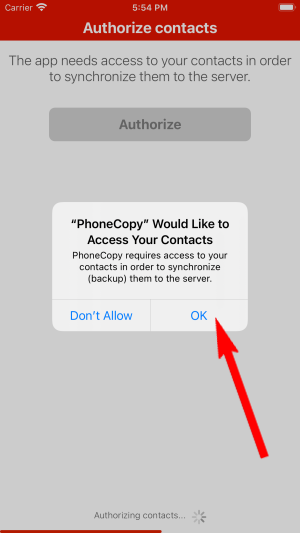

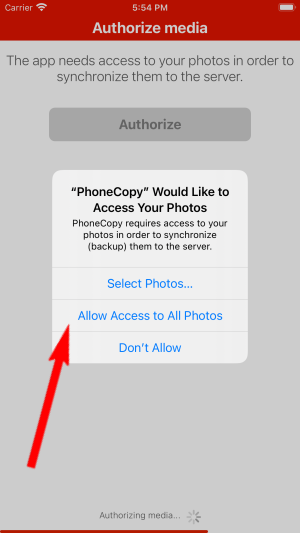
You can also sync photos and videos. Please note that the authorization of photos or videos is not required. If you will not grant it, PhoneCopy will only synchronize your contacts.


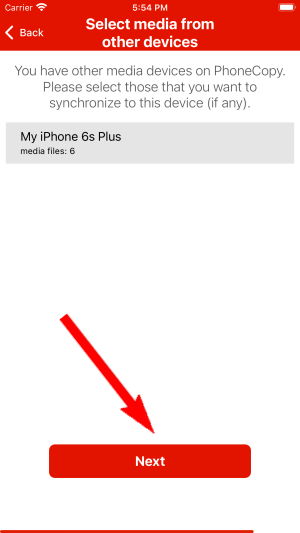
If you already have photos or videos in your PhoneCopy account you can choose from which phone(s) you want to transfer the backed up photos and videos to the new iPhone. Then let's synchronize!
This guideline also works for similar devices like Apple iPhone 14 Plus, Apple iPhone 14 Pro Max, Apple iPhone 15, Apple iPhone 15 Plus, Apple iPhone 15 Pro Max, Apple iPhone 16, Apple iPhone 16 Plus, Apple iPhone 16 Pro, Apple iPhone 16 Pro Max, Apple SE 3rd generation.
From now on, your contacts are protected. If anything happens to your Apple Mac OS X, simply log into PhoneCopy to access or restore your data instantly.
You can easily remove duplicate items among your contact list or SMS messages. Just go to the Contacts (or SMS) section and choose More Actions -> Search for duplicates. Detailed wizard will help you to solve this kind of problem easily.


