Would you like to transfer or synchronize data?
You can try FREE APPLICATION from online stores:



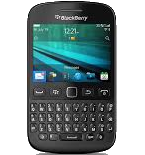

This step-by-step guide will help you back up your contacts from BlackBerry 9720 using PhoneCopy.com. The service works in the background and the whole process takes just a few minutes.
This guideline also works for similar devices like BlackBerry Curve 3G 9330, BlackBerry Curve 9315, BlackBerry Curve 9320, BlackBerry Curve 9350, BlackBerry Curve 9360, BlackBerry Curve 9370, BlackBerry Curve 9380.
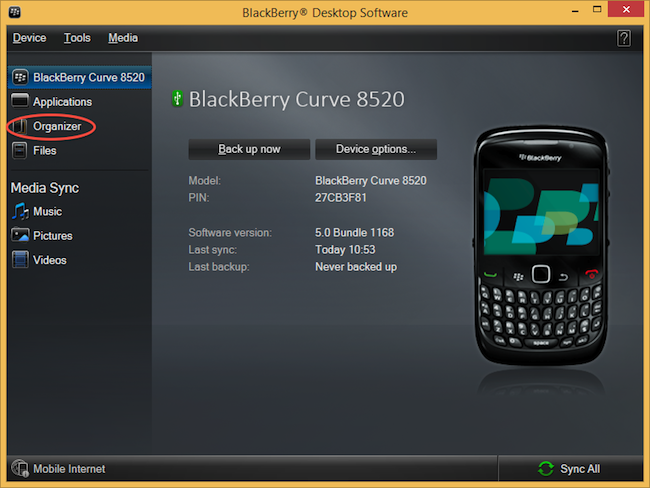
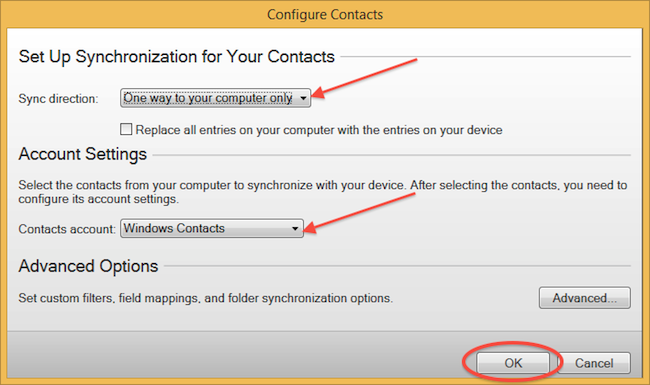
Select "Configure".
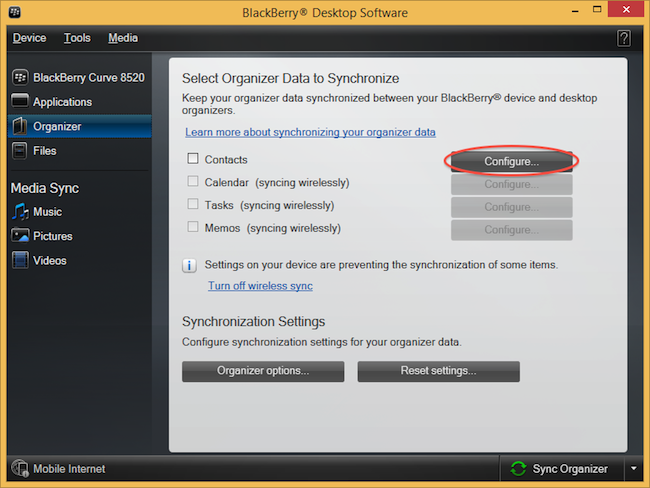
Open "Sync direction" menu and select "One way to your computer only". Open "Contacts account" menu, choose "Windows contacts" and press "OK".
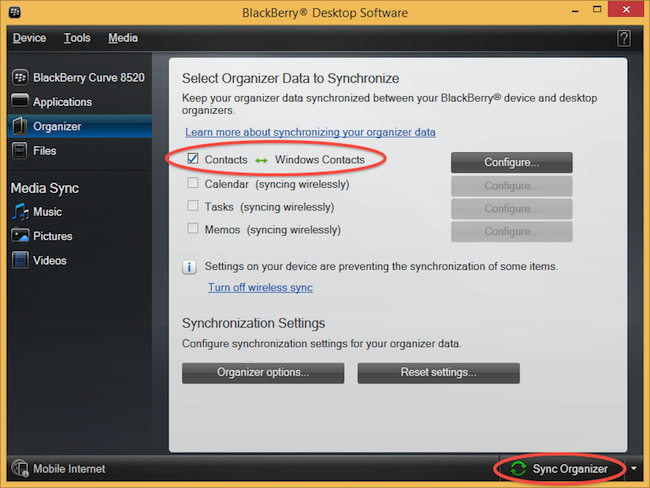
Mark "Contacts" and press "Sync Organizer".
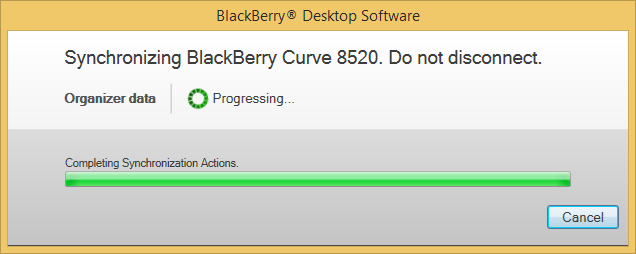
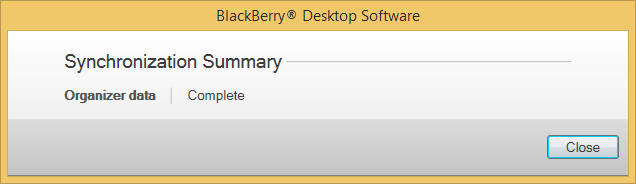
Transfer Windows contacts to PhoneCopy using our PhoneCopy for Windows aplication.
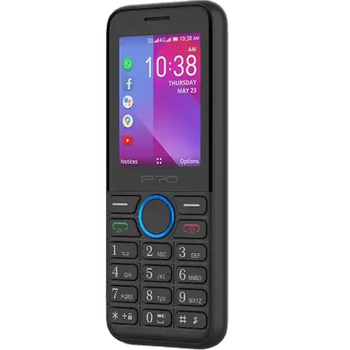
This guideline also works for similar devices like iPro i324f.
Well done — your contacts are now securely backed up in the cloud. Open your PhoneCopy account in any browser to review your data or make changes at any time.
It is a good idea to run a sync before any major change, such as a factory reset or an OS update. That way, your contacts are always protected before anything unexpected happens.


