Would you like to transfer or synchronize data?
You can try FREE APPLICATION from online stores:



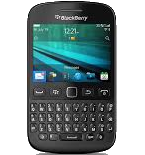

PhoneCopy.com supports hundreds of phone models, including BlackBerry 9720. This guide will show you how to use it to create a safe backup of your contacts in just a few minutes.
This guideline also works for similar devices like BlackBerry Curve 3G 9330, BlackBerry Curve 9315, BlackBerry Curve 9320, BlackBerry Curve 9350, BlackBerry Curve 9360, BlackBerry Curve 9370, BlackBerry Curve 9380.
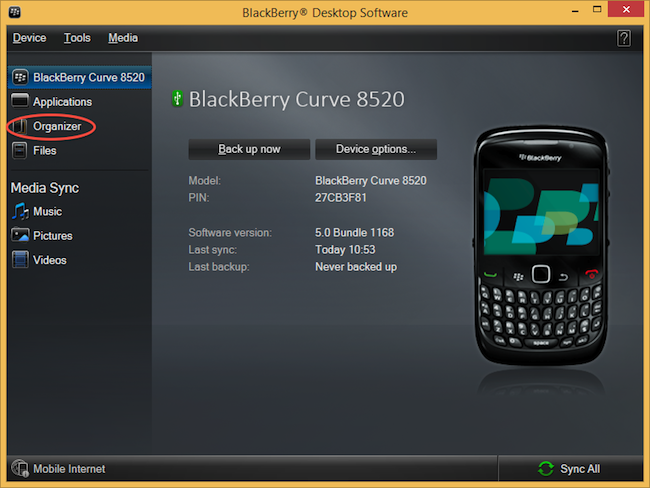
Select "Configure".
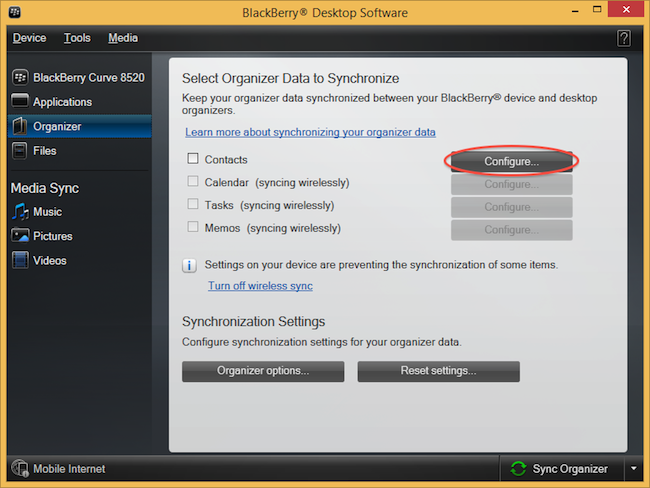
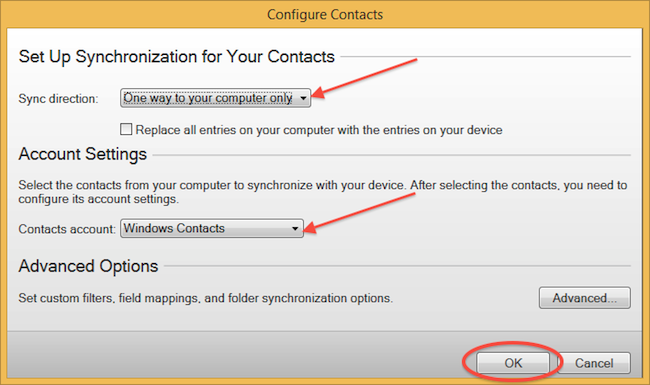
Open "Sync direction" menu and select "One way to your computer only". Open "Contacts account" menu, choose "Windows contacts" and press "OK".
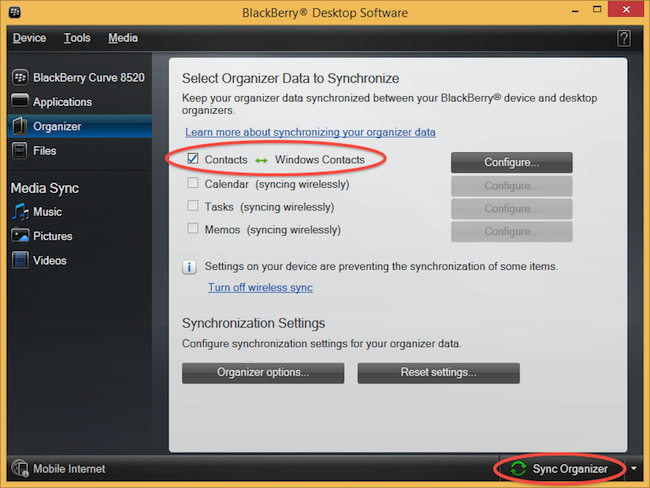
Mark "Contacts" and press "Sync Organizer".
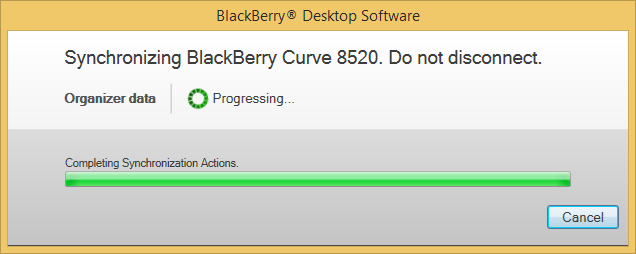
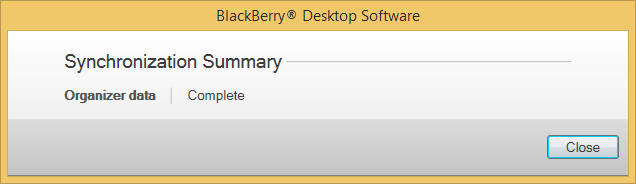
Transfer Windows contacts to PhoneCopy using our PhoneCopy for Windows aplication.
From now on, your contacts are protected. If anything happens to your BlackBerry 9720, simply log into PhoneCopy to access or restore your data instantly.
You can set PhoneCopy to sync automatically at regular intervals, so your backup always stays up to date without you having to remember to do it manually.


