Would you like to transfer or synchronize data?
You can try FREE APPLICATION from online stores:




PhoneCopy.com makes it simple to back up your contacts from BlackBerry 9720 to the cloud. In this guide, we will walk you through the entire process step by step.
This guideline also works for similar devices like BlackBerry Curve 3G 9330, BlackBerry Curve 9315, BlackBerry Curve 9320, BlackBerry Curve 9350, BlackBerry Curve 9360, BlackBerry Curve 9370, BlackBerry Curve 9380.
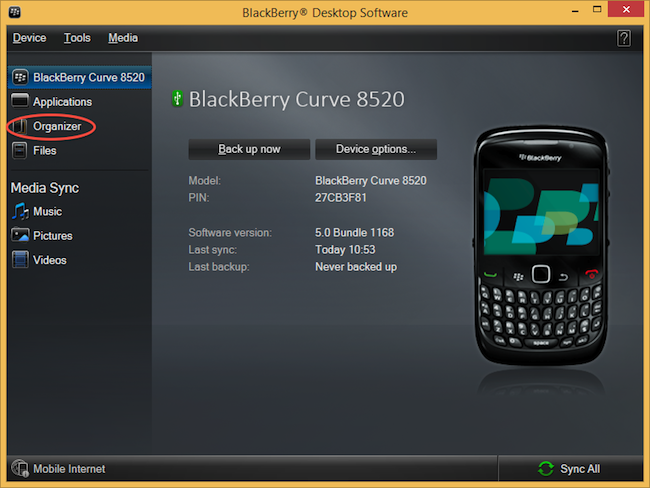
Select "Configure".
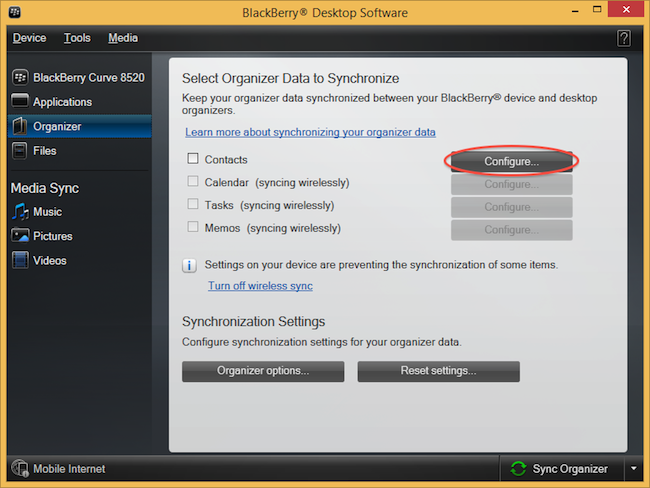
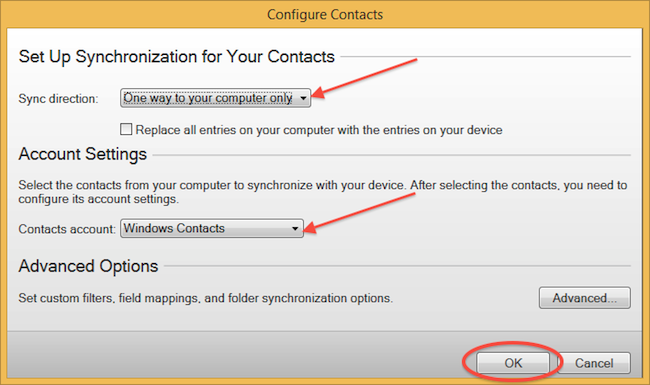
Open "Sync direction" menu and select "One way to your computer only". Open "Contacts account" menu, choose "Windows contacts" and press "OK".
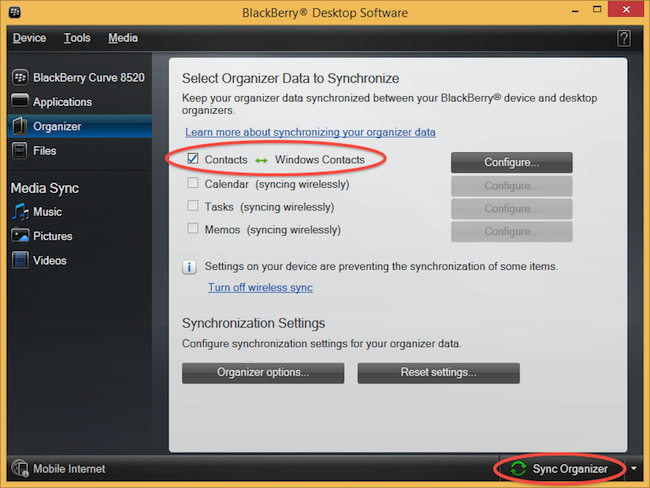
Mark "Contacts" and press "Sync Organizer".
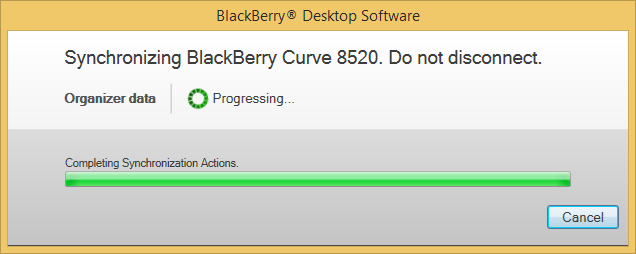
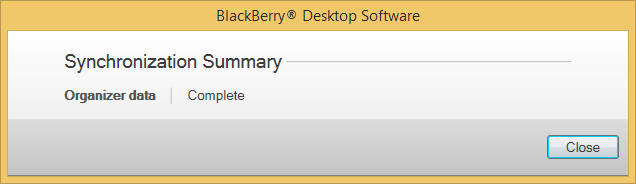
Transfer Windows contacts to PhoneCopy using our PhoneCopy for Windows aplication.
This guideline also works for similar devices like Vida Atom 3G, Vida K242, Vida Kimem Kerefa 4G.
Your contacts are now safely stored in your PhoneCopy account. You can view and manage them online at any time, even if your phone is lost, damaged, or simply out of reach.
Contacts can be then transferred to another device (eq. iPhone, Nokia, SonyEricsson, Samsung, LG etc). See PhoneCopy site for supported devices.


