
Would you like to transfer or synchronize data?
You can try FREE APPLICATION from online stores:



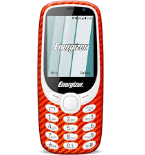

We used PhoneCopy.com service for this guideline. Using it, your can backup your contacts from your Energizer Energy e241s easily. The whole backup, including the settings, can be done in several minutes.
This guideline also works for similar devices like Energizer E282sc, Energizer Energy e241, Energizer Energy E242s 4G, Energizer Hardcase H280s.
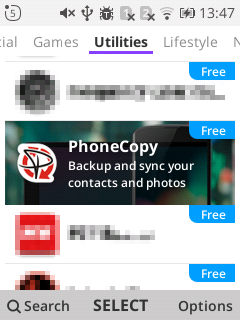
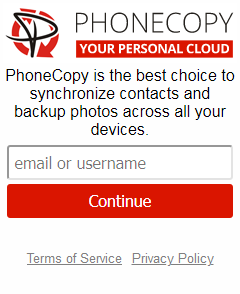
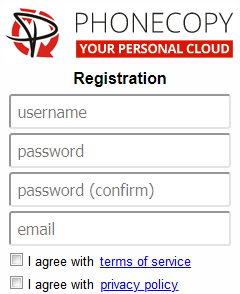
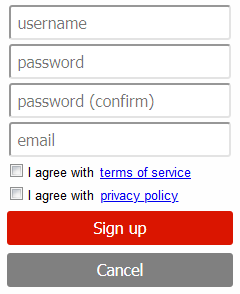
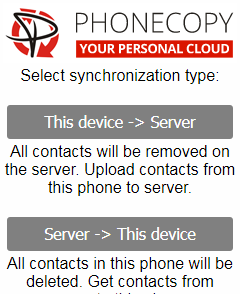
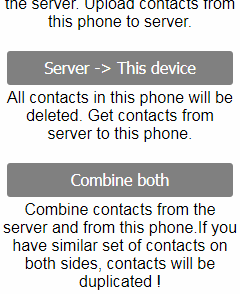
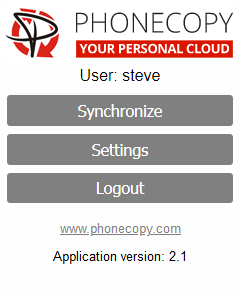
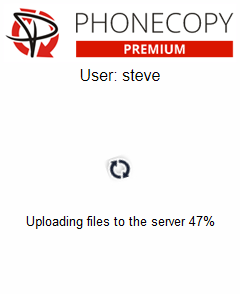
If you already have a PhoneCopy account, fill in your password. To export your contacts, press "Synchronize". Then select synchronization direction between three options: From your DEVICE to server, From SERVER to your device or Combine both. If you are not sure, use Combine both.
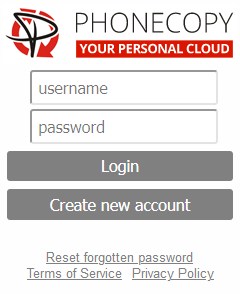
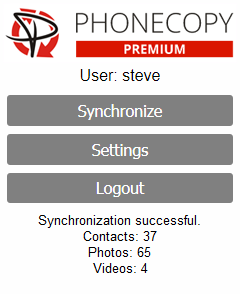
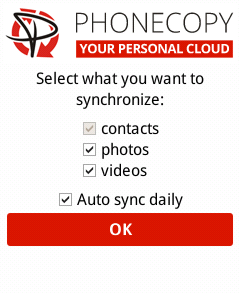
Select "contacts" and/or "photos" and press Synchronize. At the end of synchronization you will see status of synchronized items. In the Settings, you can set "auto sync daily".
This guideline also works for similar devices like Nokia 2720 Flip, Nokia 6300 4G, Nokia 800 Though, Nokia 8000 4G.
Once everything is done, check your data on the web. Login to PhoneCopy webpage and you will see brief review of all data transferred from your device. With another mouse click, you can review the change of each particular item.
Just as a reminder, the contacts are transferred via your mobile phone service provider, so you need to have data plan activated for the service to work. If you don't have a special data scheme, your carrier will charge you additional fees.


