
Would you like to transfer or synchronize data?
You can try FREE APPLICATION from online stores:



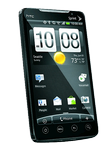
Losing your contacts can be frustrating. This guide shows you how to use PhoneCopy.com to keep a safe backup of all data from your HTC Evo 4G A9292 — it only takes a few minutes.
This guideline also works for similar devices like HTC ADR 6325, HTC Aria A6366, HTC Bravo, HTC ChaCha a810e, HTC DROID Incredible 2, HTC Legend A6363, HTC Salsa c510e.
Download PhoneCopy for Android to your Android phone, which you can download free of charge. After downloading and installation, go through following steps.
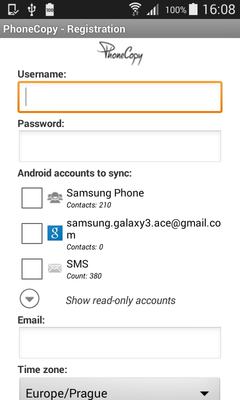
Run the app and create new account. You can check which contact databases you want to backup and synchronize. You can do multiple choice.
After successful login, press "Advanced & Account". Select "One-way sync" and after choose "This device >> server".
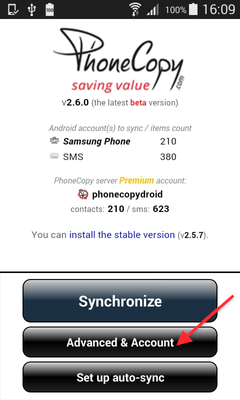
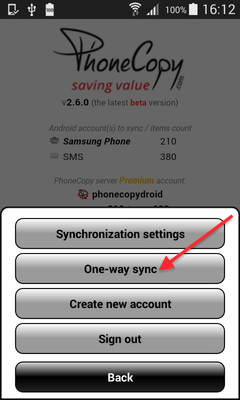
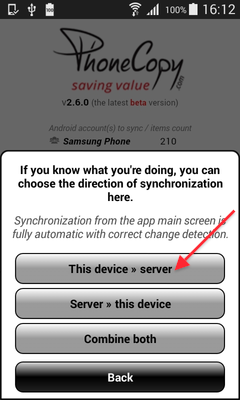
Contacts from your Android phone will be copied to PhoneCopy.com server in few seconds.
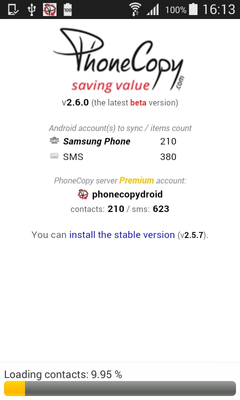
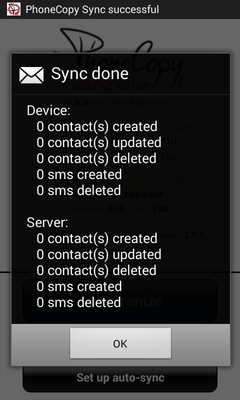
Run the app and select "Sign on" if you already have an account.
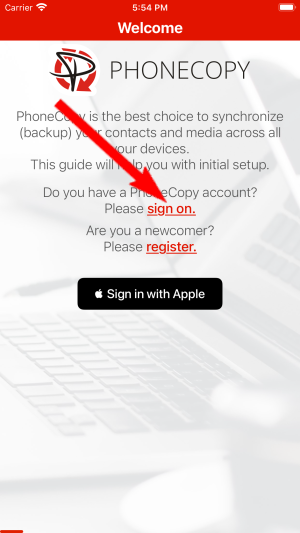
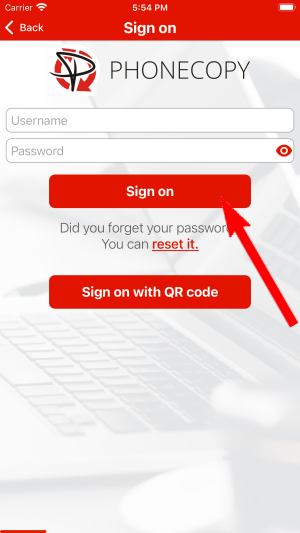
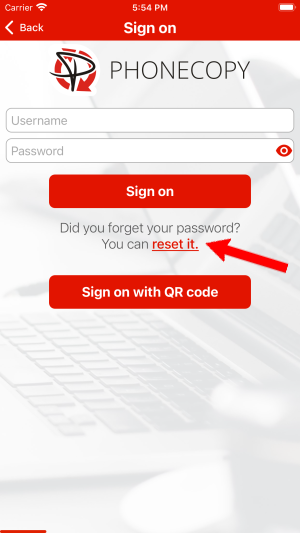
Then you need to allow PhoneCopy access to your contact list and select contacts which will be synchronized

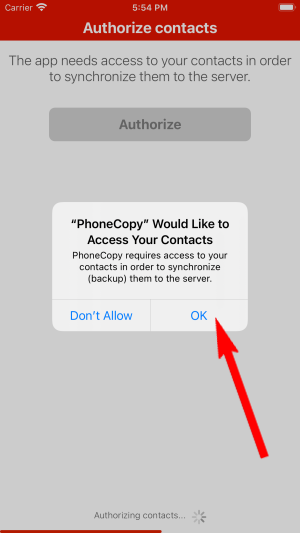
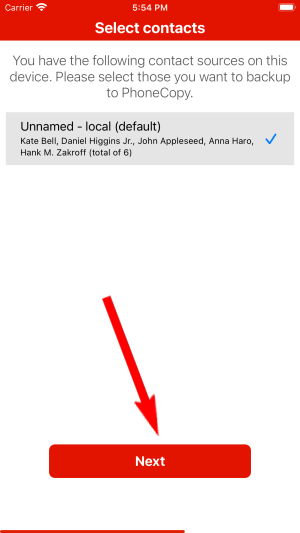
You can also sync photos and videos. Please note that the authorization of photos or videos is not required. If you will not grant it, PhoneCopy will only synchronize your contacts.
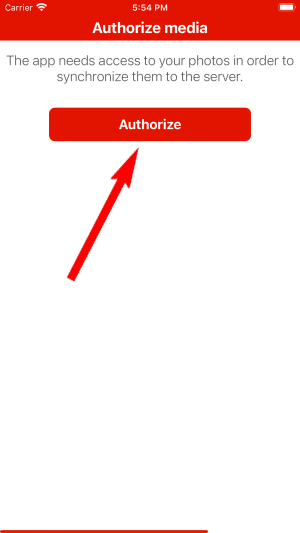
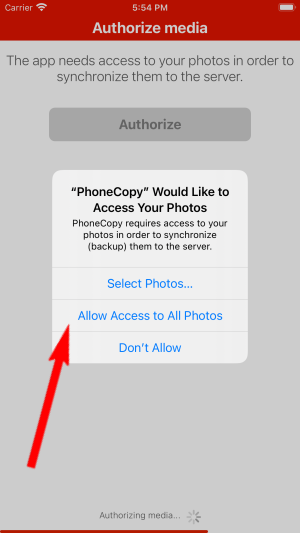
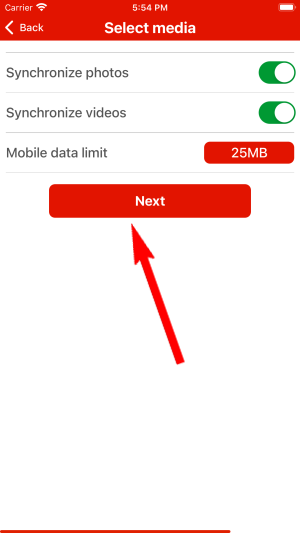
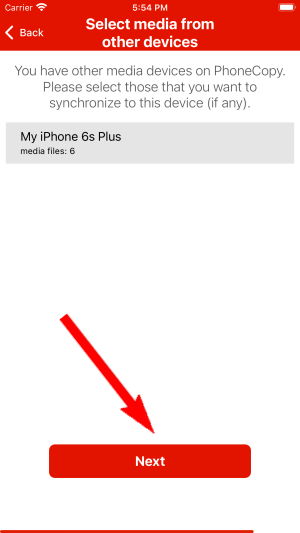
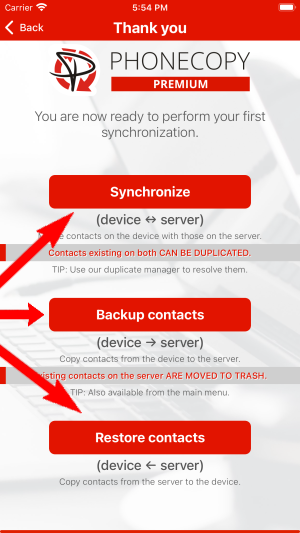
If you already have photos or videos in your PhoneCopy account you can choose from which phone(s) you want to transfer the backed up photos and videos to the new iPhone. Then let's synchronize!
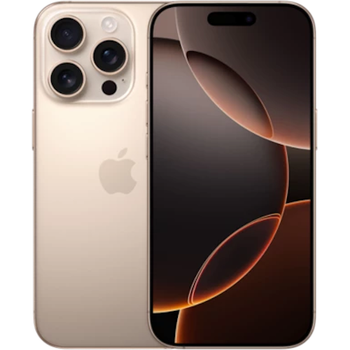
This guideline also works for similar devices like Apple iPhone 15, Apple iPhone 15 Plus, Apple iPhone 15 Pro, Apple iPhone 15 Pro Max, Apple iPhone 16, Apple iPhone 16 Plus, Apple iPhone 16 Pro Max, Apple iPhone 16e, Apple iPhone 17, Apple iPhone 17 Pro.
Now you can easily edit your contacts and other resources online in your PhoneCopy profile. You have access to your contact even if you forget your phone at home.
PhoneCopy also supports syncing notes, calendar events, and SMS messages on many devices, not just contacts. Check the PhoneCopy website to see the full list of supported data types for your phone.


