


Would you like to transfer or synchronize data?
You can try FREE APPLICATION from online stores:



In our guideline we will introduce PhoneCopy.com service which supports many phones from almost all manufacturers, including Huawei AOSP, and can be easily used to synchronize data between two or more devices.
This guideline also works for similar devices like Huawei MediaPad M5 8,4 sht-al09, Huawei MediaPad T5 10 ags2-l09, Huawei nova 6 SE, Huawei nova 7i, Huawei P12, Huawei P40 Lite jny-lx1, Huawei Y7 2019 dub-lx1.
Download PhoneCopy for Huawei from Huawei AppGallery to your Huawei phone, which you can download free of charge. After downloading and installation, go through the following steps.
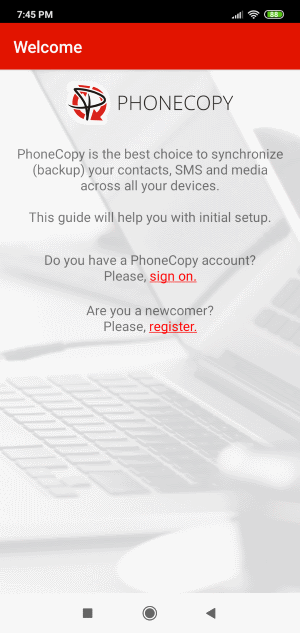
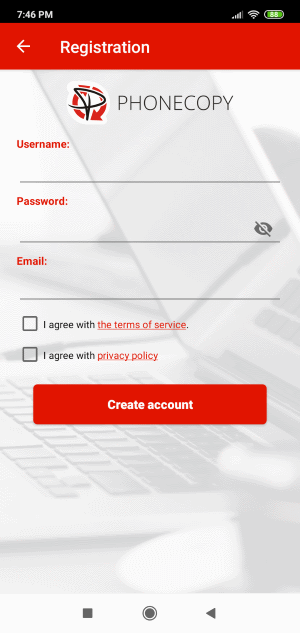
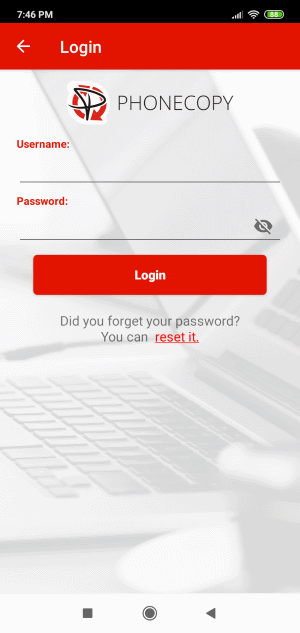
Run the app and create new account. If you already have an account choose "sign on".
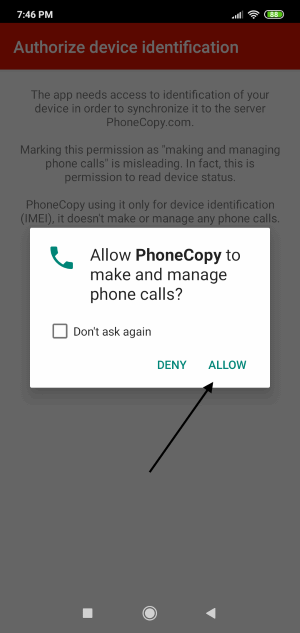
To allow correct functionality of PhoneCopy application we will kindly ask you to confirm access permissions for it.
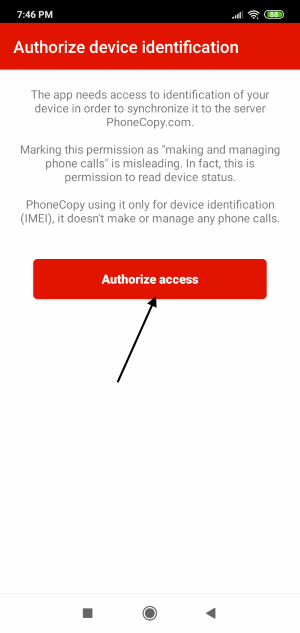
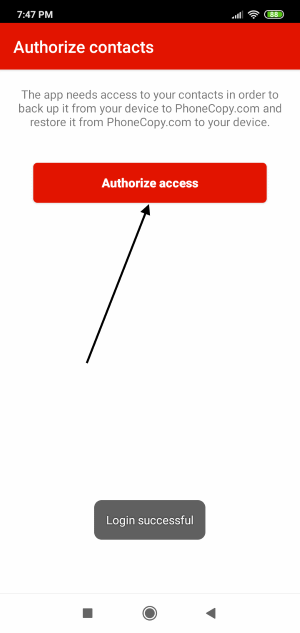
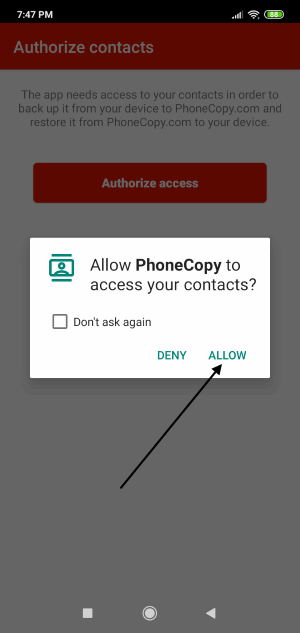
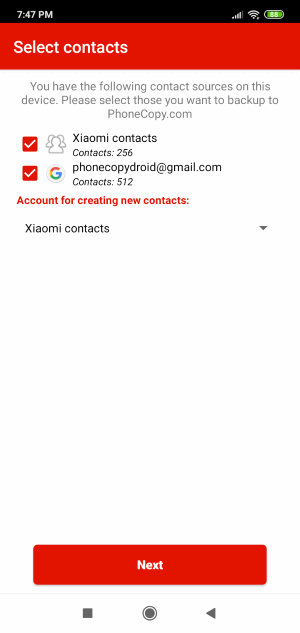
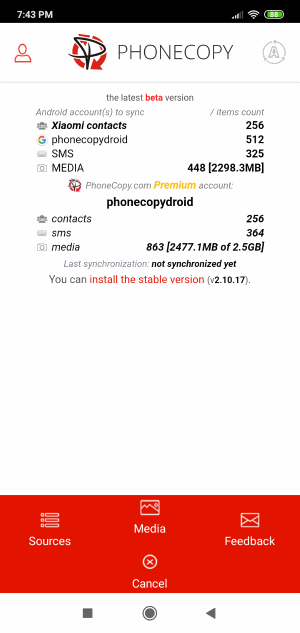
When you confirm access to contacts you can set which "contacts databases" you want to backup.
PhoneCopy allows to back up SMS too.
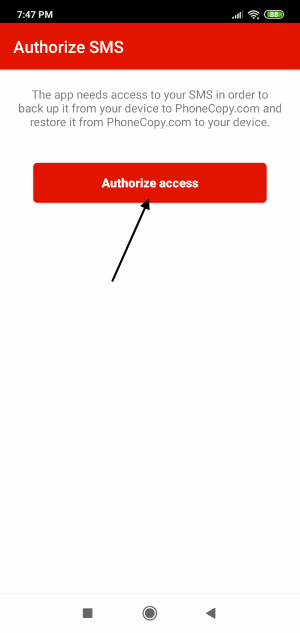
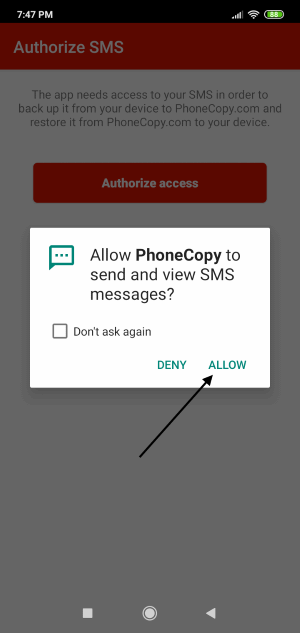
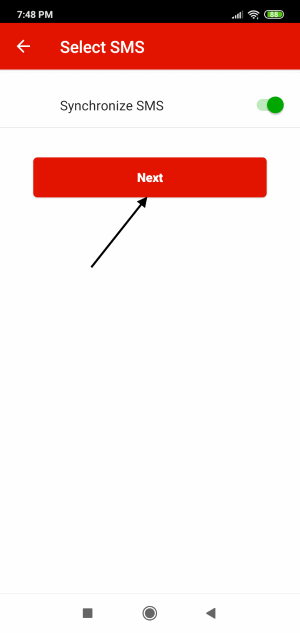
Then you can set up backup for media (photos and videos).
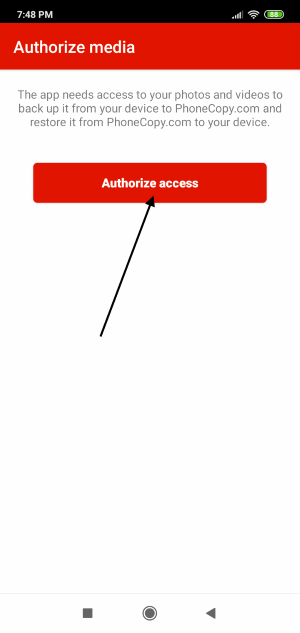
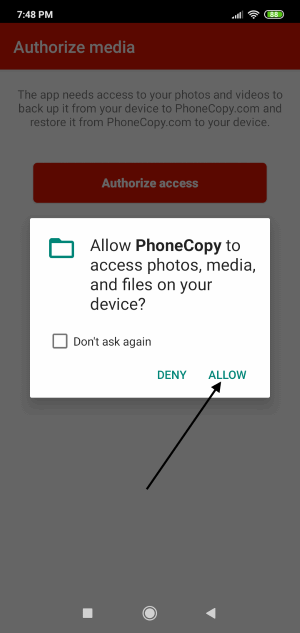
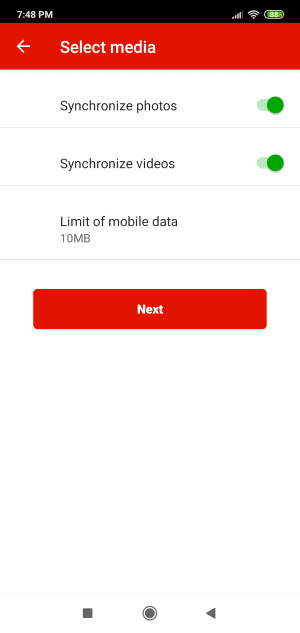
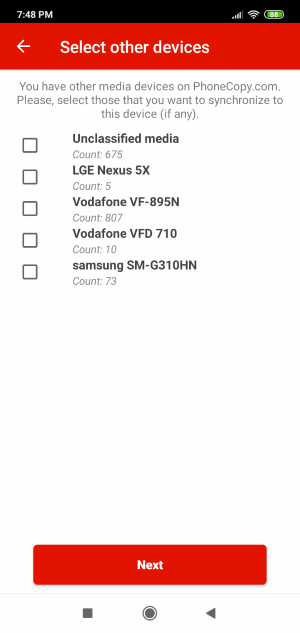
If you want download photos and videos from old phone (which was synchronized to PhoneCopy.com before) you can choose it in the next step. Then you can synchronize.
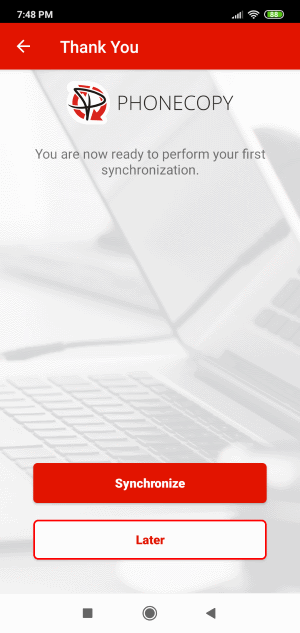
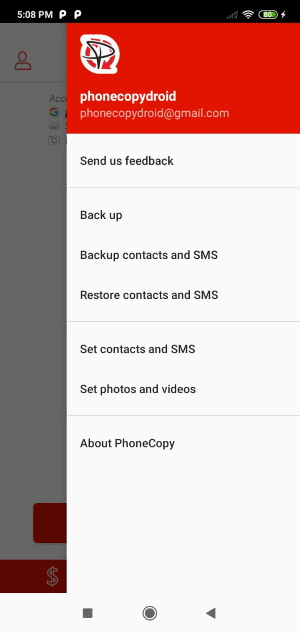
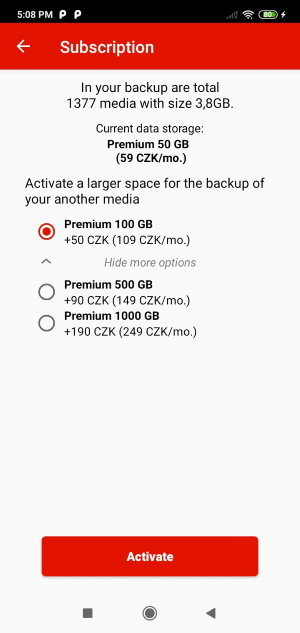
You can access all settings later by bottom menu of the application or by main menu. In case you exceed limits for a free account we recommend you to buy Premium
This guideline also works for similar devices like Nokia 2720 Flip, Nokia 6300 4G, Nokia 800 Though, Nokia 8000 4G.
With your contacts safely backed up, you can rest easy knowing your data is secure. Log into your PhoneCopy account at any time to view, edit, or restore your contacts.
It is a good idea to run a sync before any major change, such as a factory reset or an OS update. That way, your contacts are always protected before anything unexpected happens.


