
Would you like to transfer or synchronize data?
You can try FREE APPLICATION from online stores:





PhoneCopy.com is a reliable way to keep your contacts safe. Follow this guide to learn how to back up your Huawei Nova Y90 (ctr-lx2) data quickly and without any technical knowledge.
This guideline also works for similar devices like Huawei Mate 50 Pro (DCO-LX9), Huawei nova 11 Pro (goa-lx9), Huawei P50 Pro jad-al50, Huawei P50 Pro jad-lx9, Huawei Y Max (jkm-al00b), Huawei Y70 Plus mga-lx9, Huawei Y9 2019 jkm-lx1.
Download PhoneCopy for Huawei from Huawei AppGallery to your Huawei phone, which you can download free of charge. After downloading and installation, go through the following steps.
Run the app and create new account. If you already have an account choose "sign on".
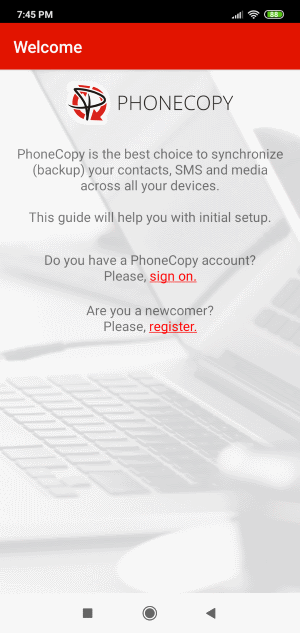
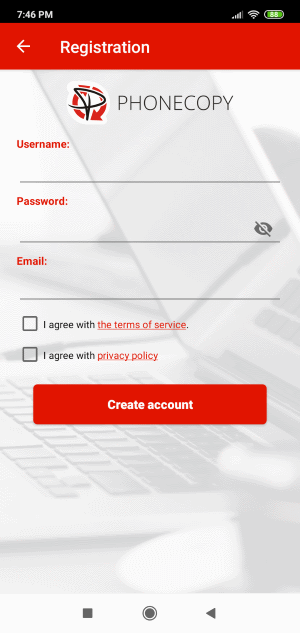
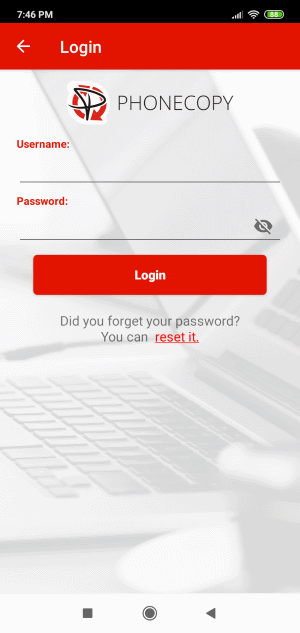
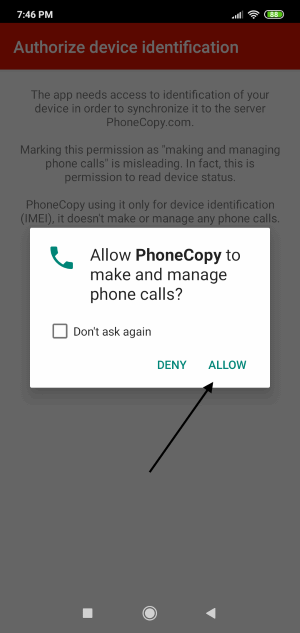
To allow correct functionality of PhoneCopy application we will kindly ask you to confirm access permissions for it.
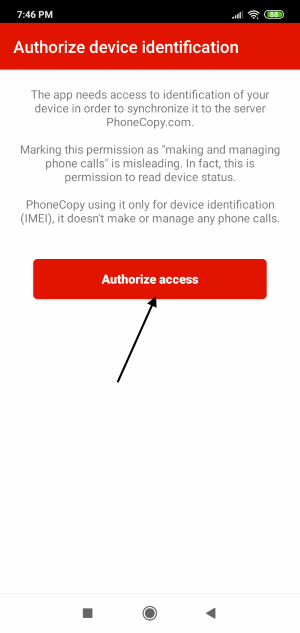
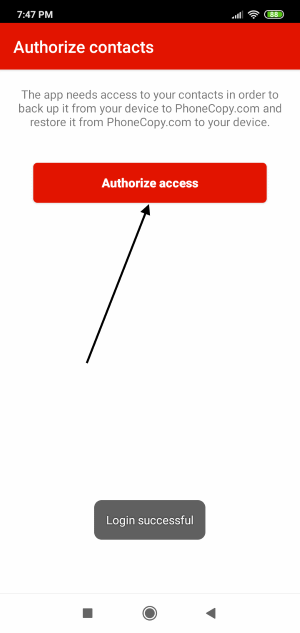
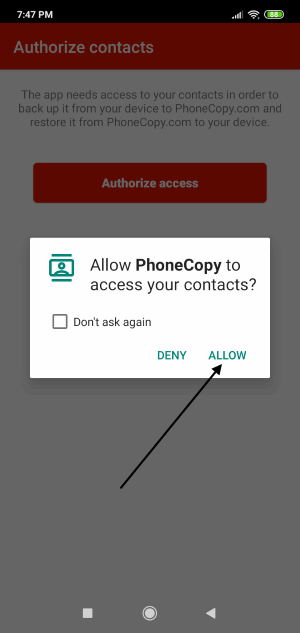
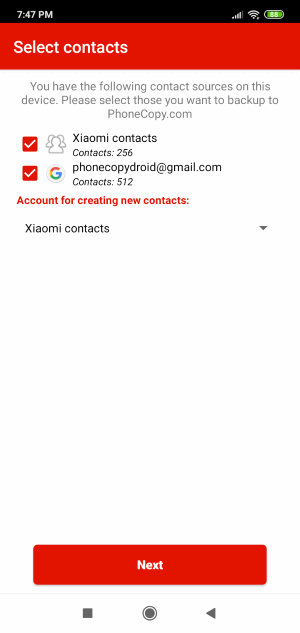
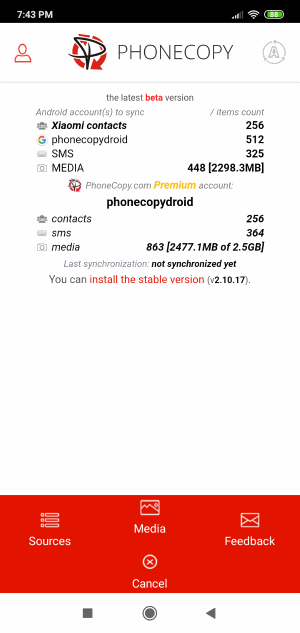
When you confirm access to contacts you can set which "contacts databases" you want to backup.
PhoneCopy allows to back up SMS too.
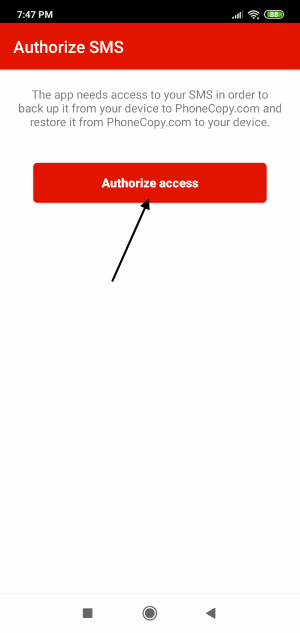
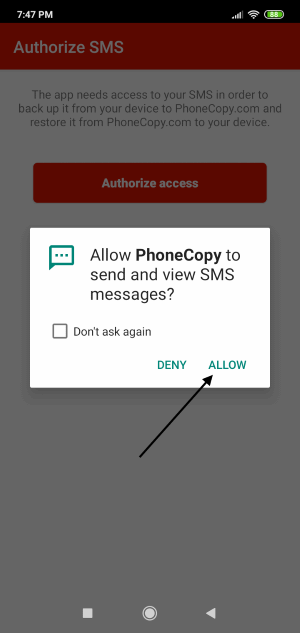
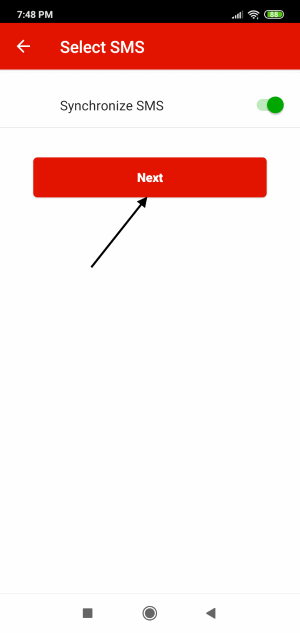
Then you can set up backup for media (photos and videos).
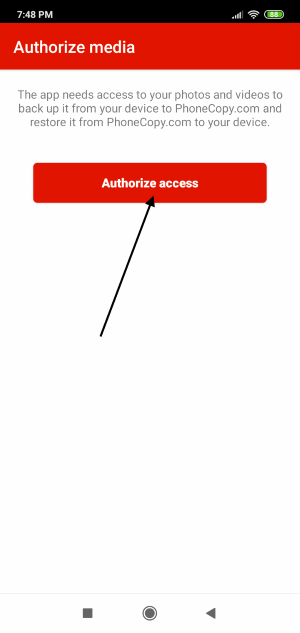
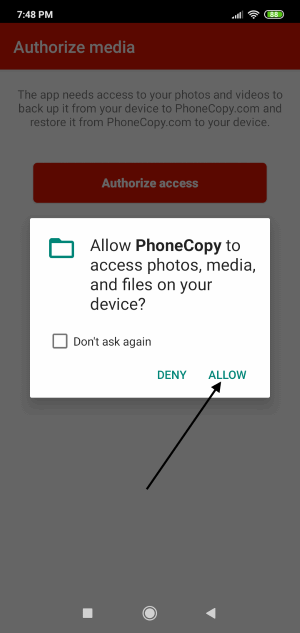
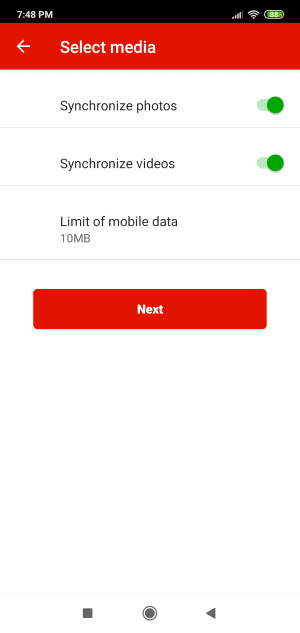
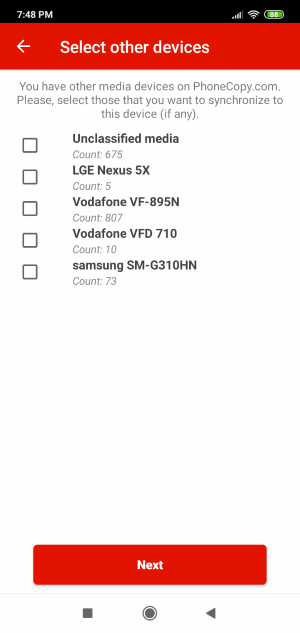
If you want download photos and videos from old phone (which was synchronized to PhoneCopy.com before) you can choose it in the next step. Then you can synchronize.
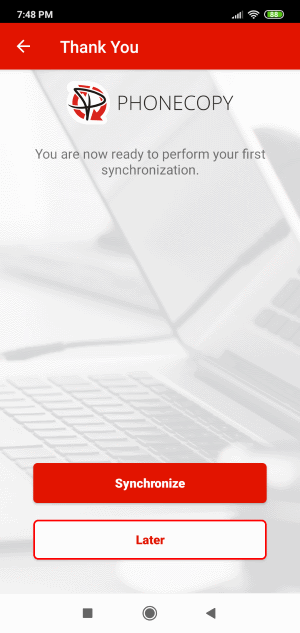
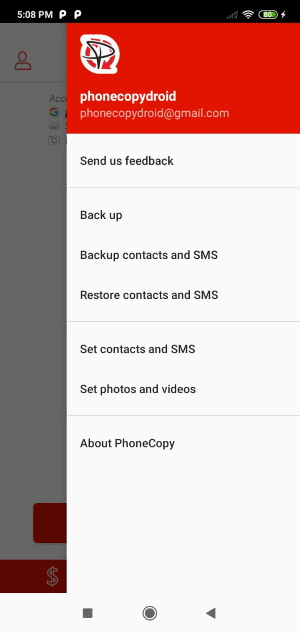
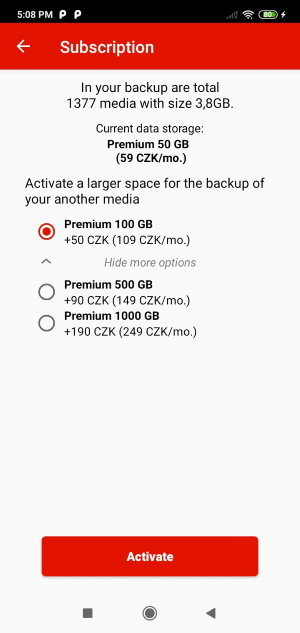
You can access all settings later by bottom menu of the application or by main menu. In case you exceed limits for a free account we recommend you to buy Premium
This guideline also works for similar devices like Apple Mac Mini, Apple Mac OS X, Apple Mac Pro, Apple Mac Studio, Apple MacBook, Apple MacBook Air, Apple MacBook Neo, Apple MacBook Pro.
That is all there is to it. Your contacts are now backed up on PhoneCopy and you can access them from any browser whenever you need them.
The free PhoneCopy plan allows you to store up to 500 contacts, which is more than enough for most users. A premium plan is available if you need to sync more data or use advanced features.


