
Would you like to transfer or synchronize data?
You can try FREE APPLICATION from online stores:



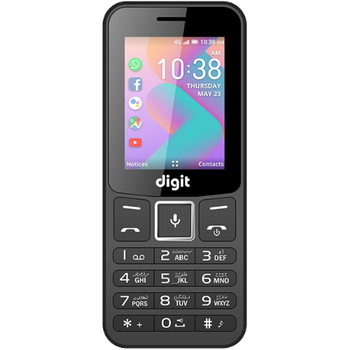
PhoneCopy.com is a web service which is free for personal purposes (with few limitations). This tutorial will show you how to backup your data from Jazz Digit 4G Star. The whole process can be completed in few minutes.
This guideline also works for similar devices like Jazz Digit 4G, Jazz Digit 4G Bold, Jazz Digit 4G Classic, Jazz Digit 4G Defender, Jazz Digit 4G Elite, Jazz Digit 4G Music, Jazz Digit 4G Power.
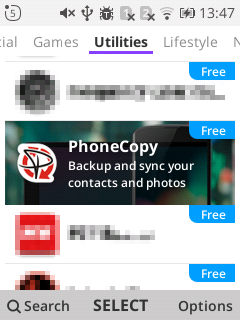
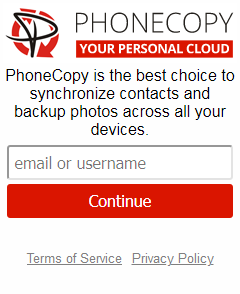
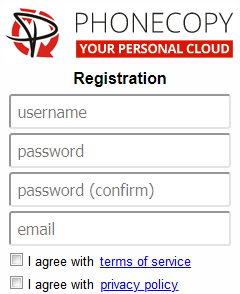
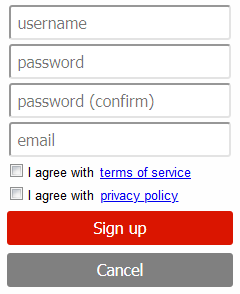
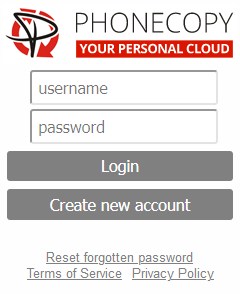
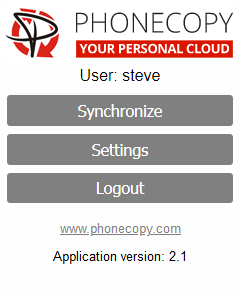
If you already have a PhoneCopy account, fill in your password. To export your contacts, press "Synchronize". Then select synchronization direction between three options: From your DEVICE to server, From SERVER to your device or Combine both. If you are not sure, use Combine both.
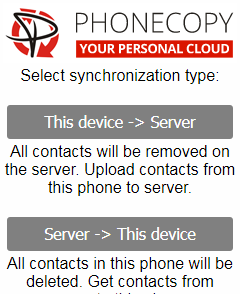
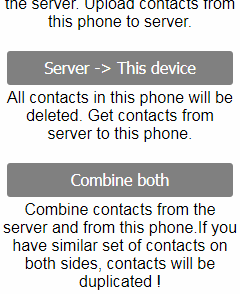
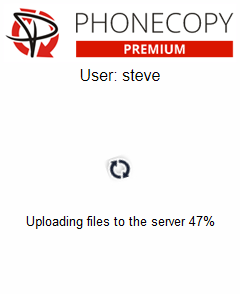
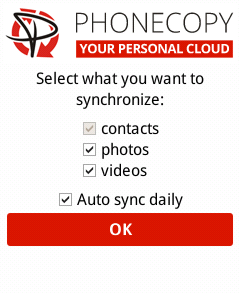
Select "contacts" and/or "photos" and press Synchronize. At the end of synchronization you will see status of synchronized items. In the Settings, you can set "auto sync daily".
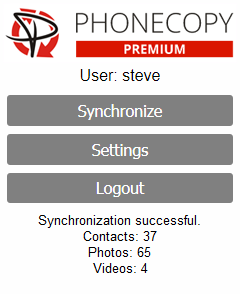
Your contacts are now safely stored in your PhoneCopy account. You can view and manage them online at any time, even if your phone is lost, damaged, or simply out of reach.
It is a good idea to run a sync before any major change, such as a factory reset or an OS update. That way, your contacts are always protected before anything unexpected happens.


