
Would you like to transfer or synchronize data?
You can try FREE APPLICATION from online stores:




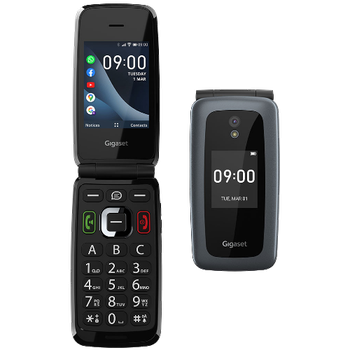
PhoneCopy.com supports hundreds of phone models, including KaiOS. This guide will show you how to use it to create a safe backup of your contacts in just a few minutes.
This guideline also works for similar devices like Nokia 2720 Flip, Nokia 6300 4G, Nokia 800 Though, Nokia 8000 4G.
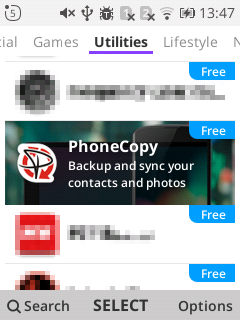
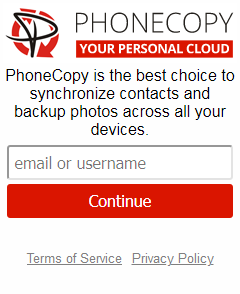
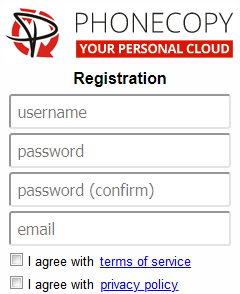
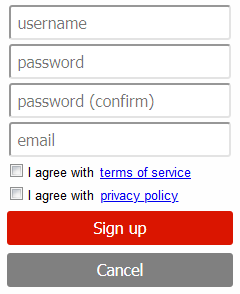
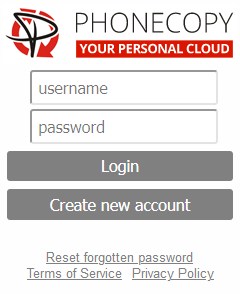
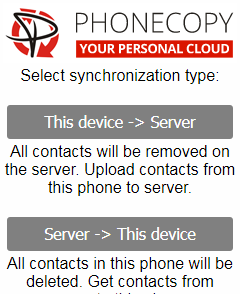
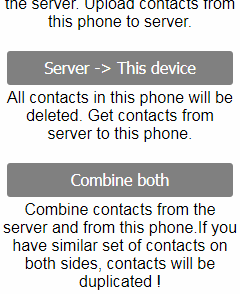
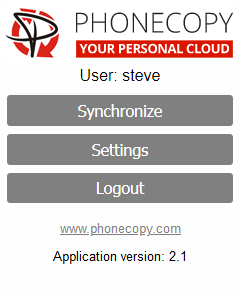
If you already have a PhoneCopy account, fill in your password. To export your contacts, press "Synchronize". Then select synchronization direction between three options: From your DEVICE to server, From SERVER to your device or Combine both. If you are not sure, use Combine both.
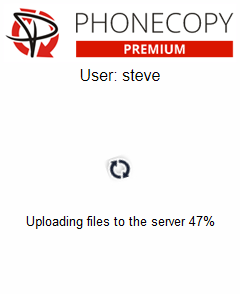
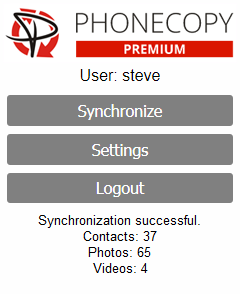
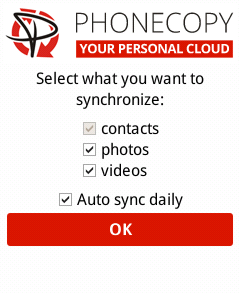
Select "contacts" and/or "photos" and press Synchronize. At the end of synchronization you will see status of synchronized items. In the Settings, you can set "auto sync daily".
Well done — your contacts are now securely backed up in the cloud. Open your PhoneCopy account in any browser to review your data or make changes at any time.
Just as a reminder, the contacts are transferred via your mobile phone service provider, so you need to have data plan activated for the service to work. If you don't have a special data scheme, your carrier will charge you additional fees.


