
Would you like to transfer or synchronize data?
You can try FREE APPLICATION from online stores:



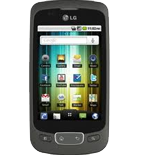
This step-by-step guide will help you back up your contacts from LG Optimus One P500 using PhoneCopy.com. The service works in the background and the whole process takes just a few minutes.
This guideline also works for similar devices like LG Optimus One KU3700, LG Optimus One LU3700, LG Optimus One SU370, LG Optimus S LS670, LG Optimus T P509.
Download PhoneCopy for Android to your Android phone, which you can download free of charge. After downloading and installation, go through following steps.
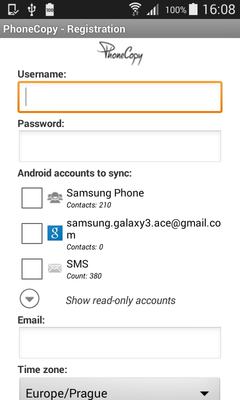
Run the app and create new account. You can check which contact databases you want to backup and synchronize. You can do multiple choice.
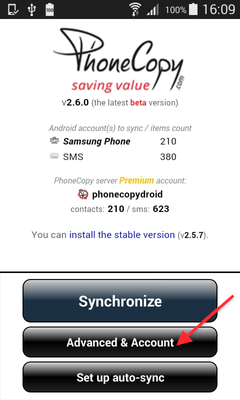
After successful login, press "Advanced & Account". Select "One-way sync" and after choose "This device >> server".
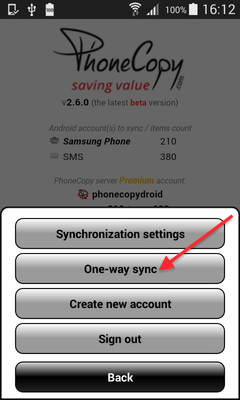
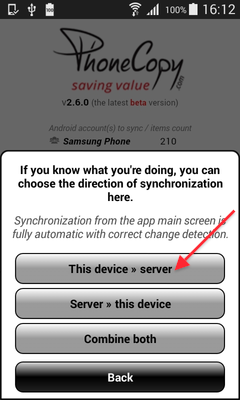
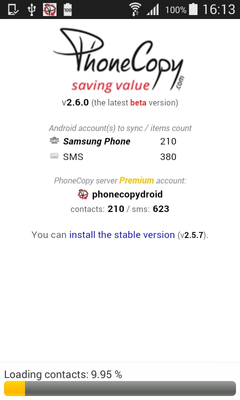
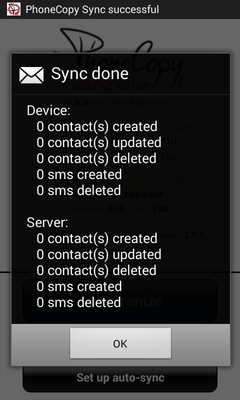
Contacts from your Android phone will be copied to PhoneCopy.com server in few seconds.
Run the app and select "Sign on" if you already have an account.
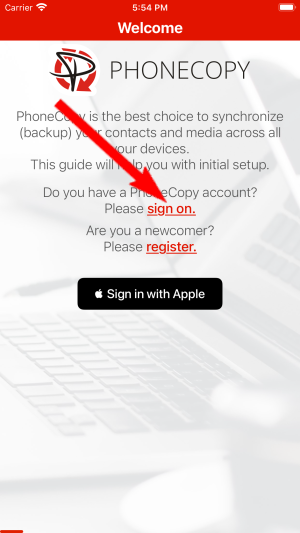
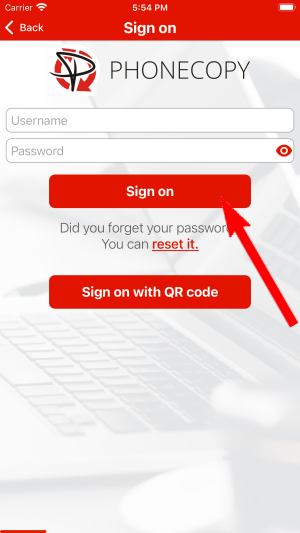
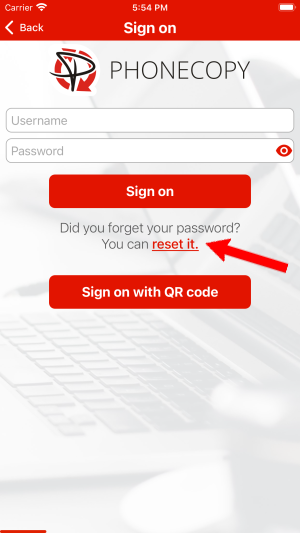
Then you need to allow PhoneCopy access to your contact list and select contacts which will be synchronized
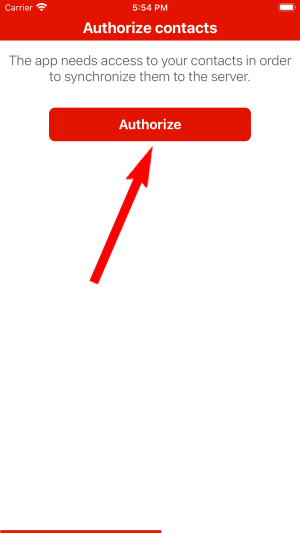
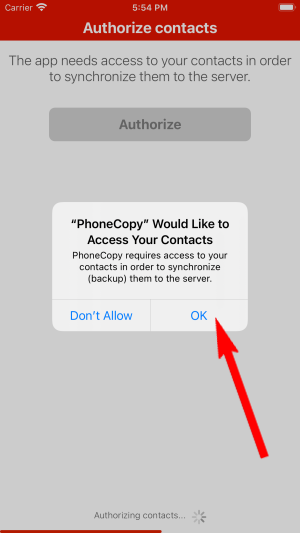
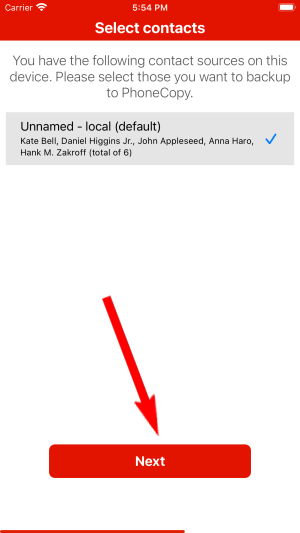
You can also sync photos and videos. Please note that the authorization of photos or videos is not required. If you will not grant it, PhoneCopy will only synchronize your contacts.
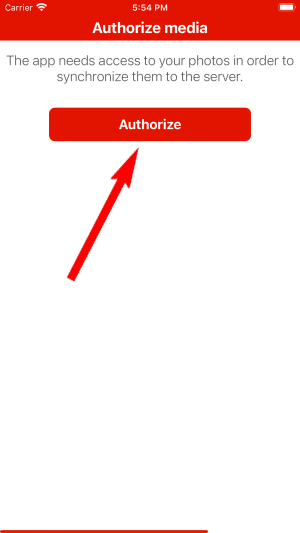
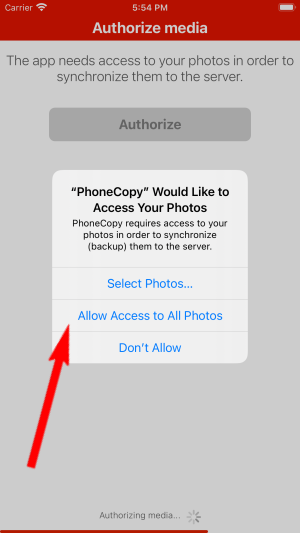
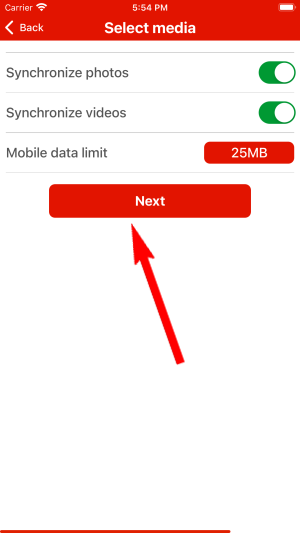
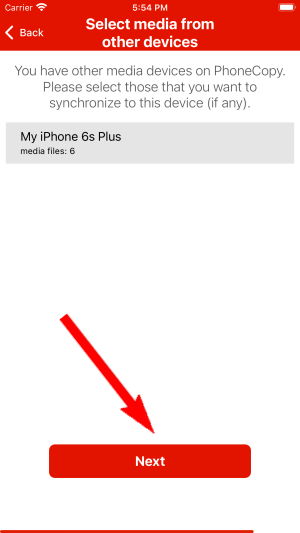
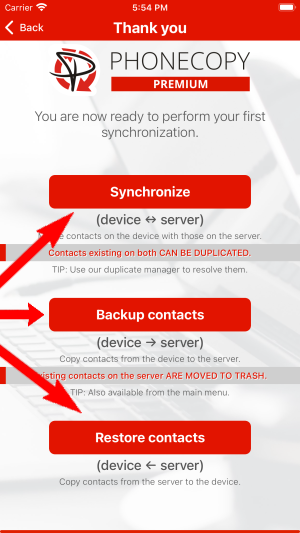
If you already have photos or videos in your PhoneCopy account you can choose from which phone(s) you want to transfer the backed up photos and videos to the new iPhone. Then let's synchronize!
This guideline also works for similar devices like Apple iPhone 14, Apple iPhone 14 Plus, Apple iPhone 14 Pro, Apple iPhone 14 Pro Max, Apple iPhone 15 Plus, Apple iPhone 15 Pro, Apple iPhone 15 Pro Max, Apple iPhone 16 Pro, Apple iPhone 16 Pro Max, Apple SE 3rd generation.
Now you can easily edit your contacts and other resources online in your PhoneCopy profile. You have access to your contact even if you forget your phone at home.
If you ever get a new phone, you can restore all your contacts in minutes using PhoneCopy. The service supports a wide range of manufacturers, so switching between brands is no problem.


