
Would you like to transfer or synchronize data?
You can try FREE APPLICATION from online stores:



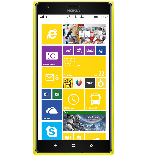
PhoneCopy.com is a web service which is free for personal purposes (with few limitations). This tutorial will show you how to backup your data from Lumia. The whole process can be completed in few minutes.
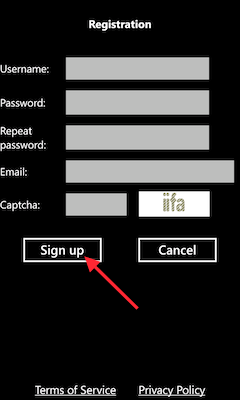
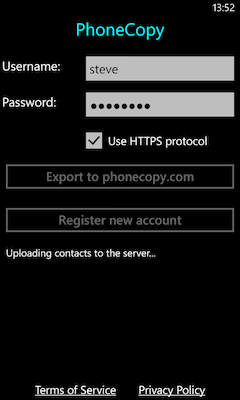
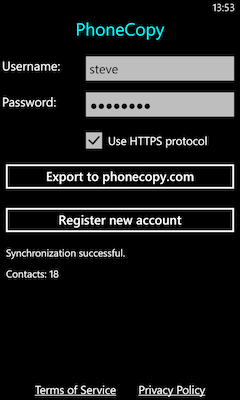
Download the PhoneCopy application from windowsphone.com. If you do not have a PhoneCopy account yet, press "Register new account" and create it by filling in "Registration" and then press "Sign up".
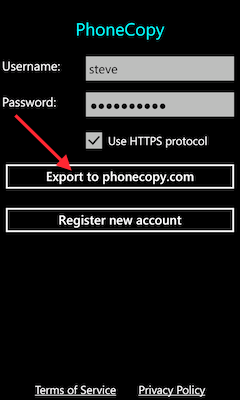
If you already have a PhoneCopy account, fill in your username and password. To export your contacts, press "Export to PhoneCopy.com". If you want to upload your merged contacts back to the same Windows Phone 8.1, it is necessary to delete all contacts there first.
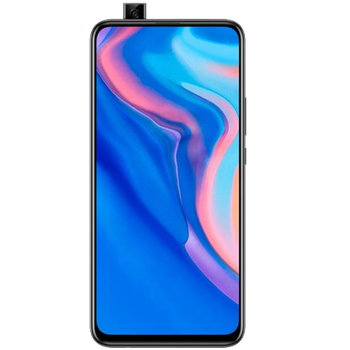
Download PhoneCopy for Huawei from Huawei AppGallery to your phone free of charge. After downloading and installation, go through the following steps.
Run the app, fill in your username and password. Here you can check where will be stored contacts from PhoneCopy. In case you are Premium user, you can upload SMS, photos and videos as well.
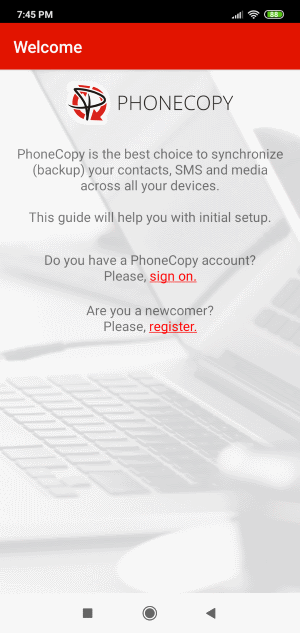
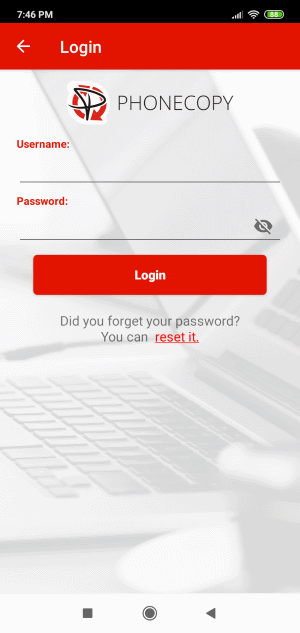
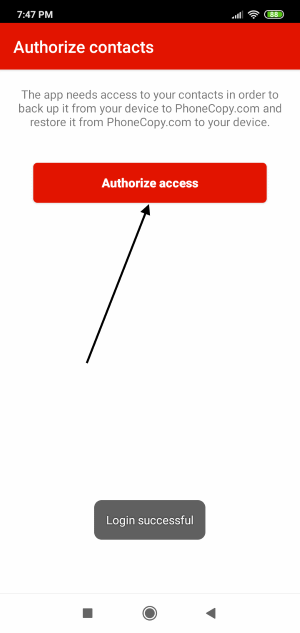
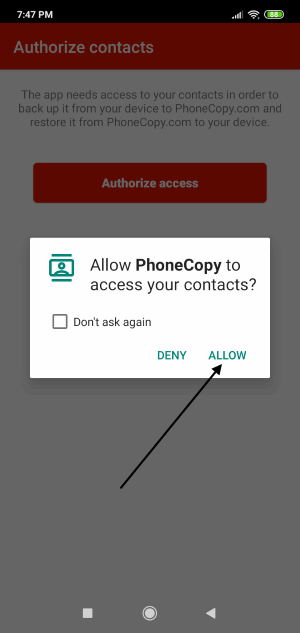
Log in to your existing account where you stored your data from the old phone. To allow correct functionality of PhoneCopy application we will kindly ask you to confirm access permissions for it.
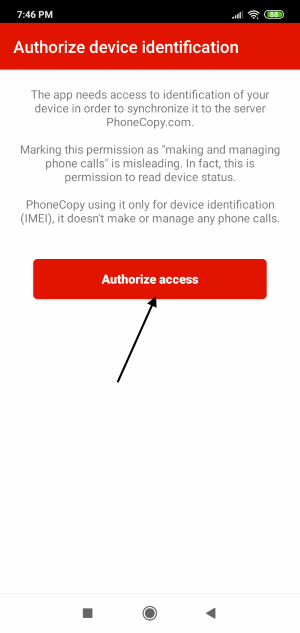
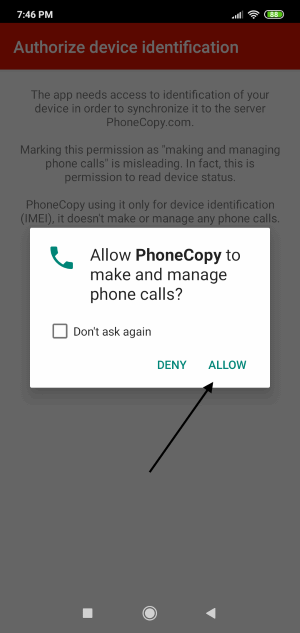
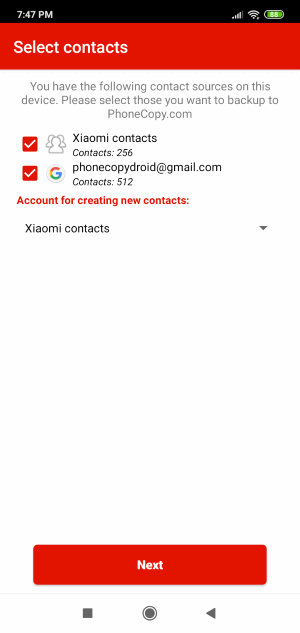
When you confirm access to contacts you can set which "contacts databases" you want to backup.
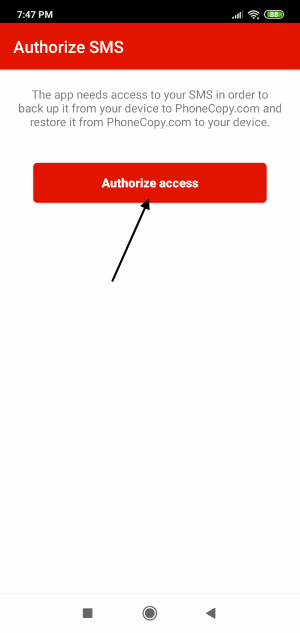
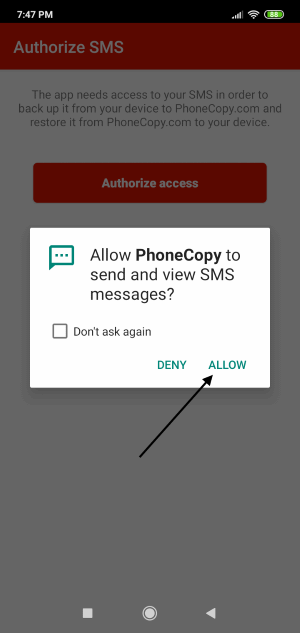
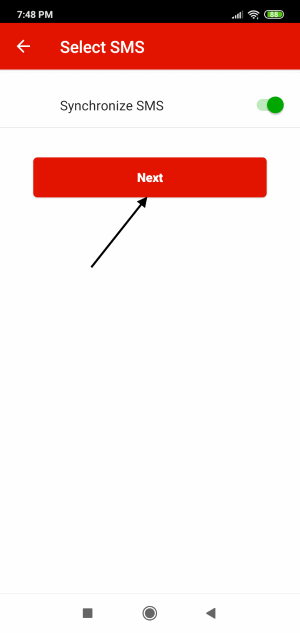
PhoneCopy allows to back up SMS too.
Then you can set up backup for media (photos and videos).
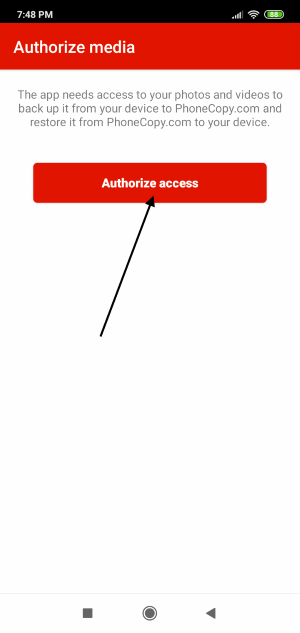
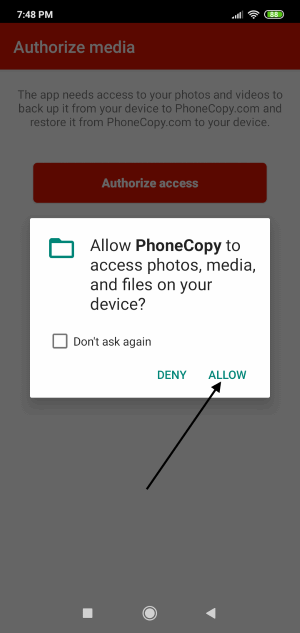
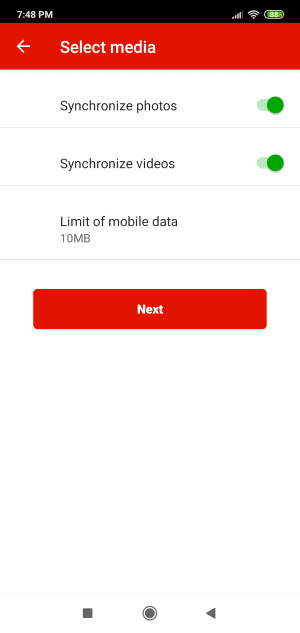
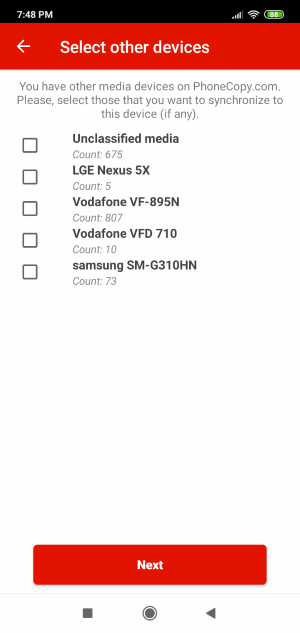
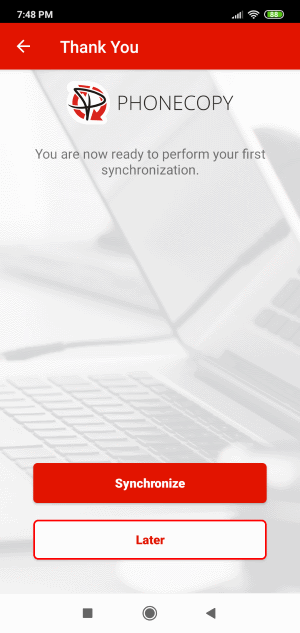
You can download photos and videos from old phone (which was synchronized to PhoneCopy.com before) you can choose it in the next step. Then you can synchronize.
This guideline also works for similar devices like Huawei 9i (RNE-al00), Huawei Mate P10 Plus (vky-al00), Huawei Mate Xs 5G (tah-n29m), Huawei Nova Y90 (ctr-lx2), Huawei P20 Pro (CLT-AL00), Huawei P50 Pro jad-al50, Huawei P50 Pro jad-lx9, Huawei Y Max (jkm-al00b), Huawei Y6 2018 (atu-l22), Huawei Y70 Plus mga-lx9.
Well done — your contacts are now securely backed up in the cloud. Open your PhoneCopy account in any browser to review your data or make changes at any time.
If you ever get a new phone, you can restore all your contacts in minutes using PhoneCopy. The service supports a wide range of manufacturers, so switching between brands is no problem.


