
Would you like to transfer or synchronize data?
You can try FREE APPLICATION from online stores:



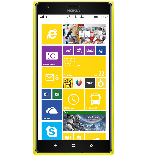
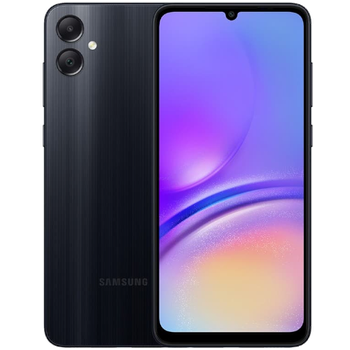
PhoneCopy.com is a reliable way to keep your contacts safe. Follow this guide to learn how to back up your Lumia data quickly and without any technical knowledge.
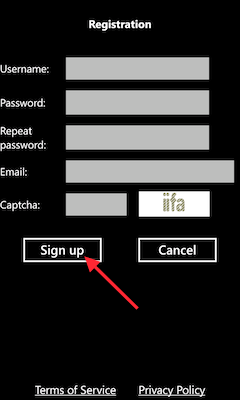
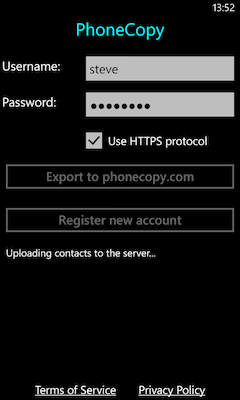
Download the PhoneCopy application from windowsphone.com. If you do not have a PhoneCopy account yet, press "Register new account" and create it by filling in "Registration" and then press "Sign up".
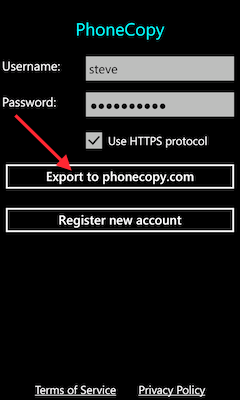
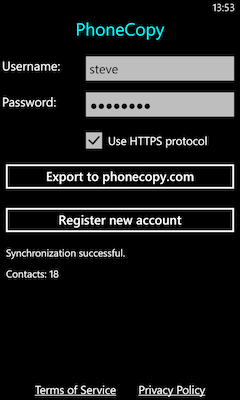
If you already have a PhoneCopy account, fill in your username and password. To export your contacts, press "Export to PhoneCopy.com". If you want to upload your merged contacts back to the same Windows Phone 8.1, it is necessary to delete all contacts there first.
Download PhoneCopy for Huawei from Huawei AppGallery to your phone free of charge. After downloading and installation, go through the following steps.
Run the app, fill in your username and password. Here you can check where will be stored contacts from PhoneCopy. In case you are Premium user, you can upload SMS, photos and videos as well.
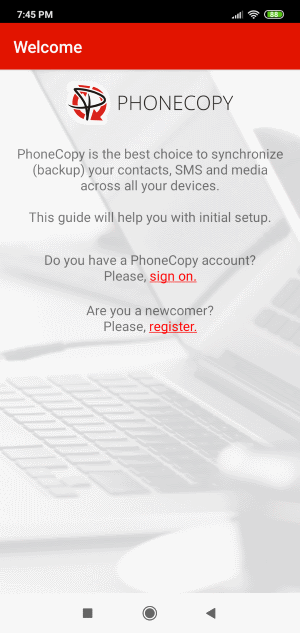
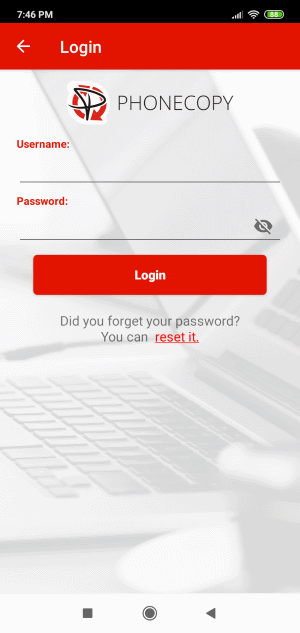
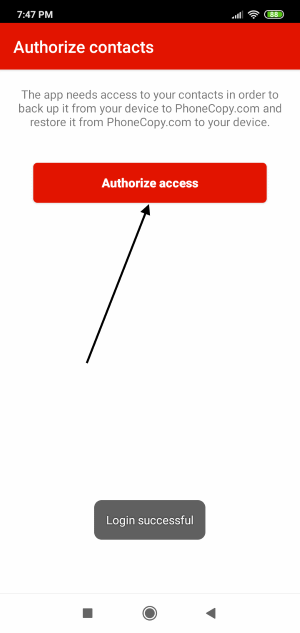
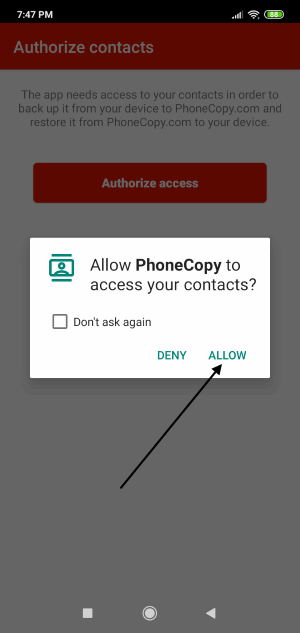
Log in to your existing account where you stored your data from the old phone. To allow correct functionality of PhoneCopy application we will kindly ask you to confirm access permissions for it.
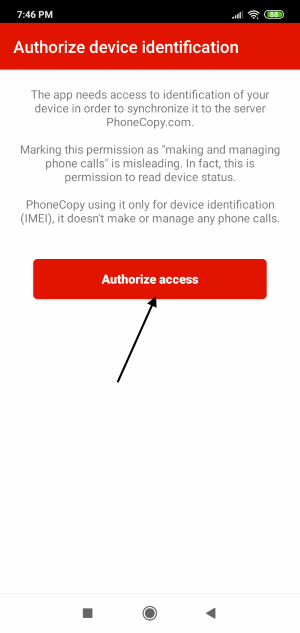
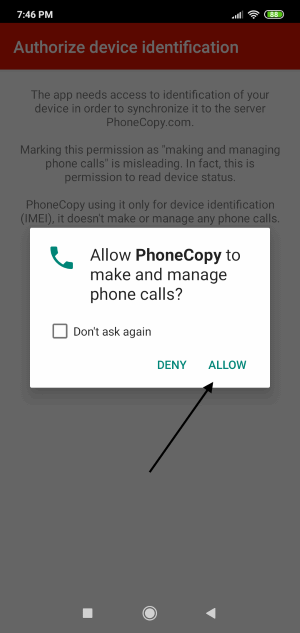
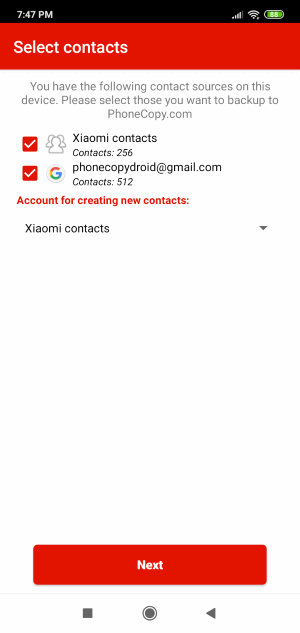
When you confirm access to contacts you can set which "contacts databases" you want to backup.
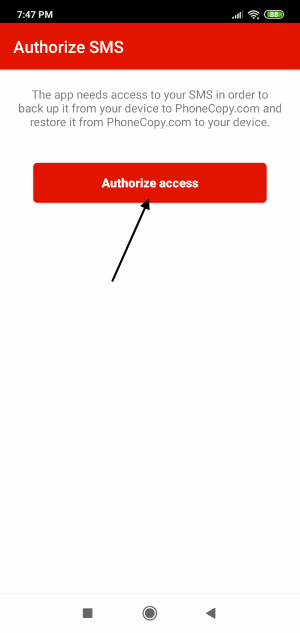
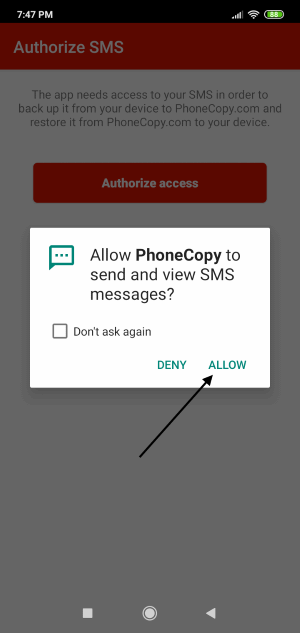
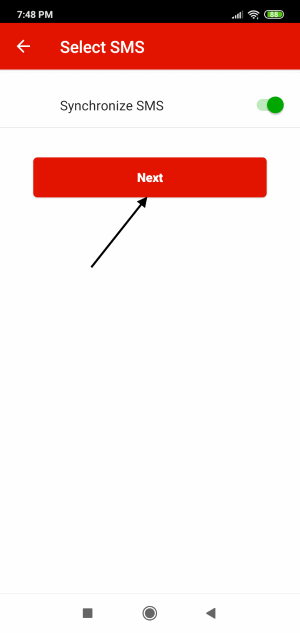
PhoneCopy allows to back up SMS too.
Then you can set up backup for media (photos and videos).
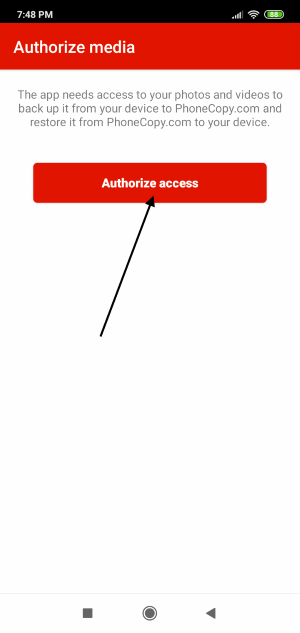
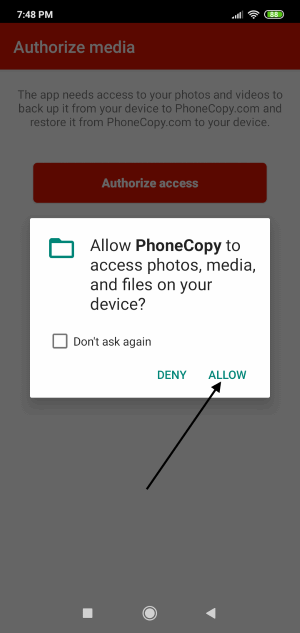
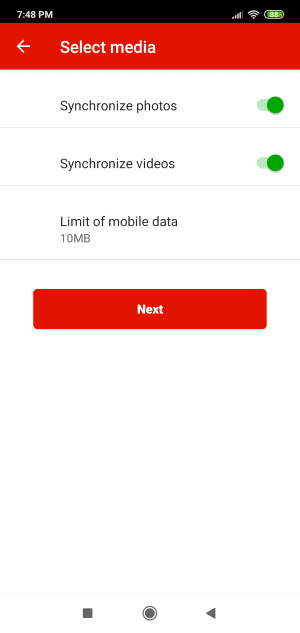
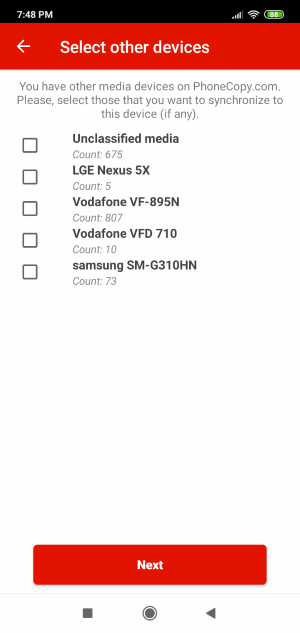
You can download photos and videos from old phone (which was synchronized to PhoneCopy.com before) you can choose it in the next step. Then you can synchronize.
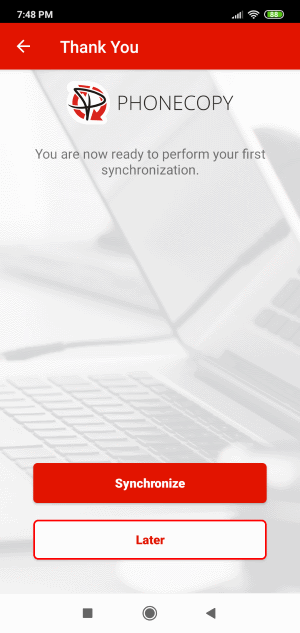
This guideline also works for similar devices like Samsung Galaxy A02 SM-A025u1, Samsung Galaxy A12 (SM-A125m), Samsung Galaxy A52 5G SM-A526u1, Samsung Galaxy M02 sm-m022f, Samsung Galaxy M54 5G sm-m546b, Samsung Galaxy Note20 Ultra 5G scg06, Samsung Galaxy S23 5G sm-s711b, Samsung Galaxy S23 5G sm-s711u, Samsung Galaxy Z Flip 4 (sm-f7210), Samsung Galaxy Z Fold 5 5G (SM-F946u).
Your backup is now complete. Visit the PhoneCopy website to confirm that all your contacts were transferred correctly and to explore the other features your account offers.
You can set PhoneCopy to sync automatically at regular intervals, so your backup always stays up to date without you having to remember to do it manually.


