
Would you like to transfer or synchronize data?
You can try FREE APPLICATION from online stores:



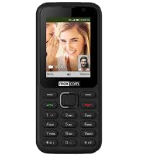

PhoneCopy.com makes it simple to back up your contacts from LYF Jio F250Y to the cloud. In this guide, we will walk you through the entire process step by step.
This guideline also works for similar devices like LYF Jio F41T, LYF Jio F50Y, LYF Jio F81E, LYF Jio F90M, LYF LF-2401, LYF LF-2402, LYF LF-2403N.
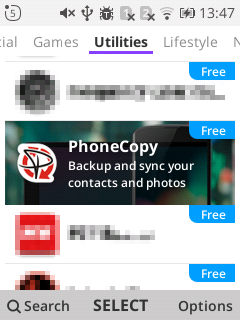
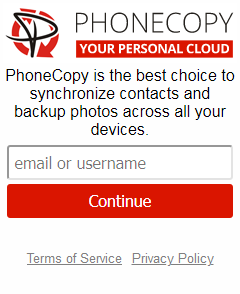
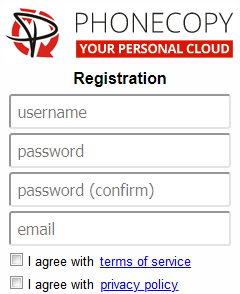
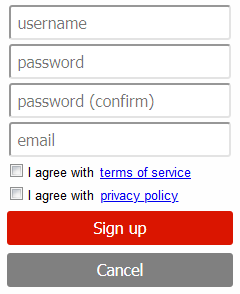
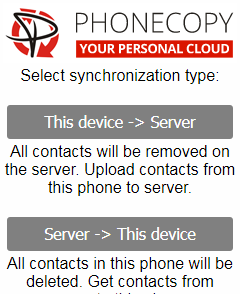
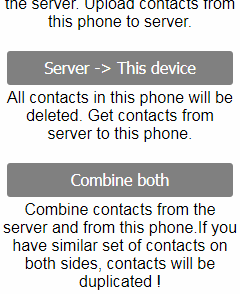
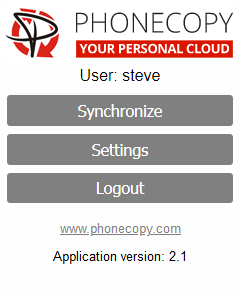
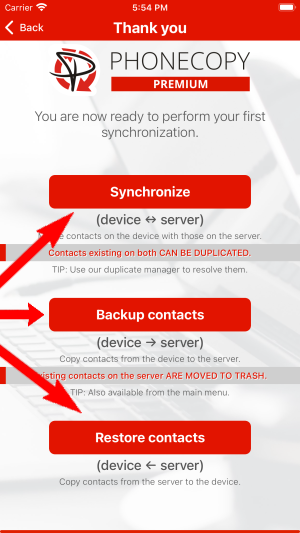
If you already have a PhoneCopy account, fill in your password. To export your contacts, press "Synchronize". Then select synchronization direction between three options: From your DEVICE to server, From SERVER to your device or Combine both. If you are not sure, use Combine both.
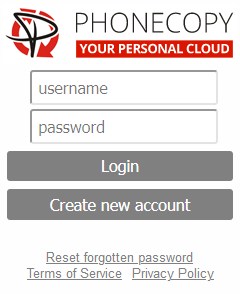
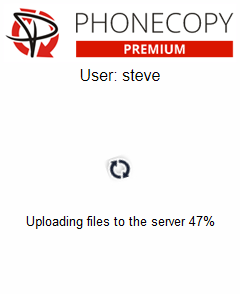
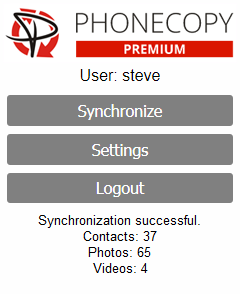
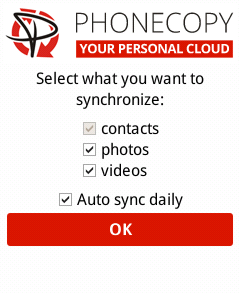
Select "contacts" and/or "photos" and press Synchronize. At the end of synchronization you will see status of synchronized items. In the Settings, you can set "auto sync daily".
Run the app and select "Sign on" if you already have an account.
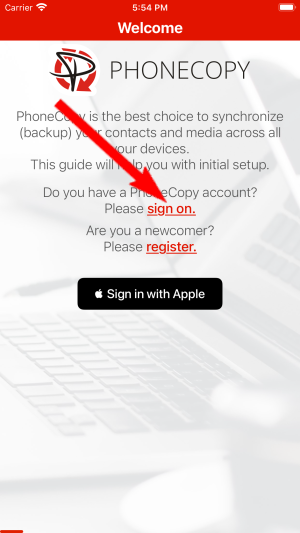
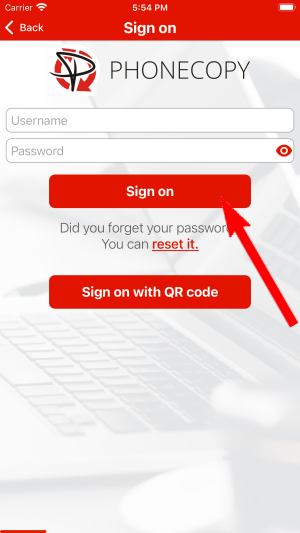
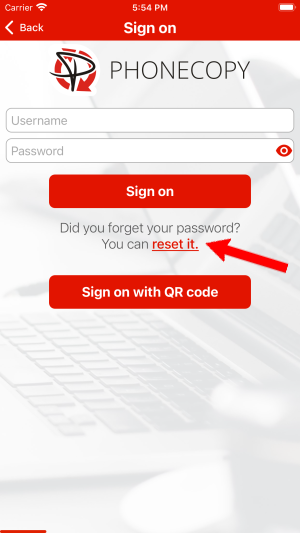
Then you need to allow PhoneCopy access to your contact list and select contacts which will be synchronized
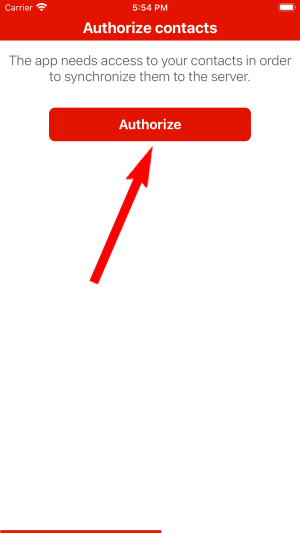
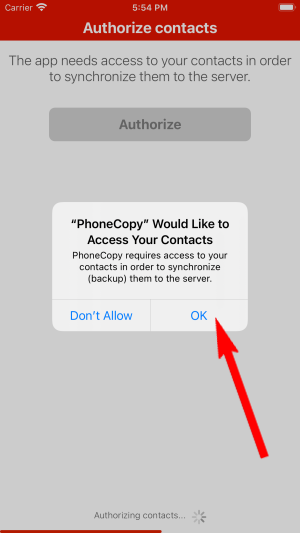
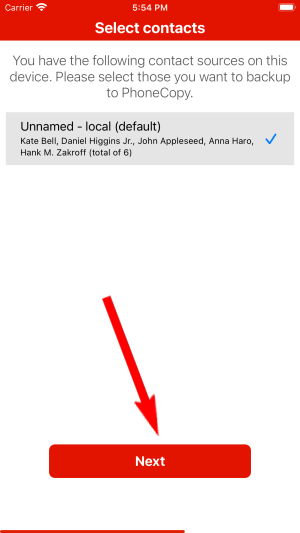
You can also sync photos and videos. Please note that the authorization of photos or videos is not required. If you will not grant it, PhoneCopy will only synchronize your contacts.
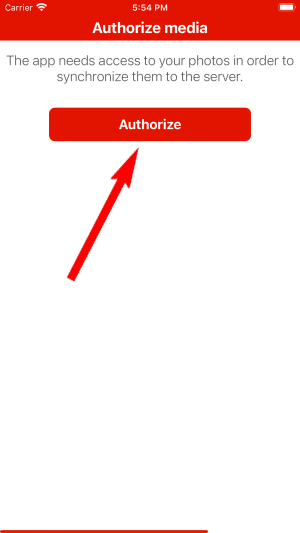
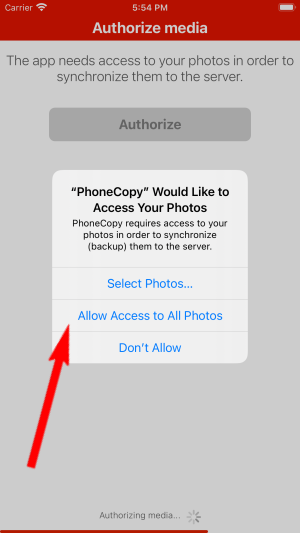
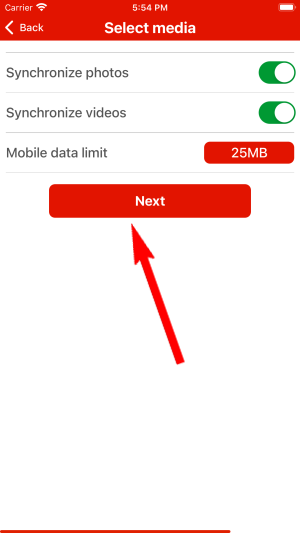
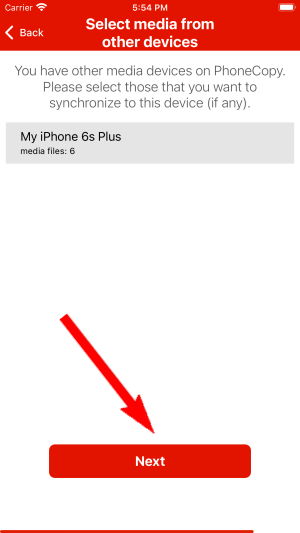
If you already have photos or videos in your PhoneCopy account you can choose from which phone(s) you want to transfer the backed up photos and videos to the new iPhone. Then let's synchronize!
This guideline also works for similar devices like Apple iPhone 11, Apple iPhone 11 Pro, Apple iPhone 11 Pro Max, Apple iPhone 12 mini, Apple iPhone 12 Pro, Apple iPhone 12 Pro Max, Apple iPhone 13, Apple iPhone 13 Pro, Apple iPhone SE 2020, Apple iPod Touch 7th generation.
Your contacts are now safely stored in your PhoneCopy account. You can view and manage them online at any time, even if your phone is lost, damaged, or simply out of reach.
Contacts can be then transferred to another device (eq. iPhone, Nokia, SonyEricsson, Samsung, LG etc). See PhoneCopy site for supported devices.


