
Would you like to transfer or synchronize data?
You can try FREE APPLICATION from online stores:



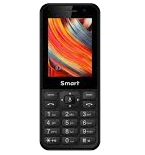
This step-by-step guide will help you back up your contacts from MTN Smart T M560M3 using PhoneCopy.com. The service works in the background and the whole process takes just a few minutes.
This guideline also works for similar devices like MTN Smart 3G, MTN Smart Kamunye M571M3, MTN Smart S 3G, MTN Smart T M561M3, MTN Smart T M562M3.
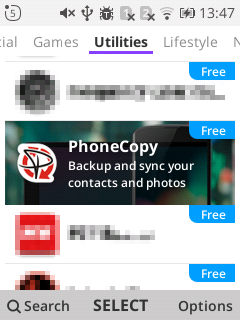
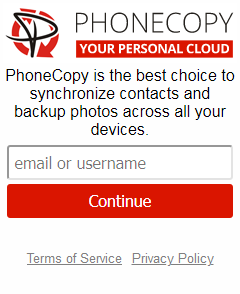
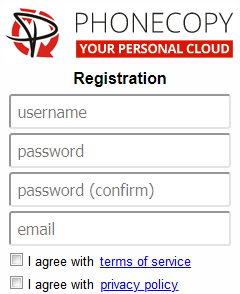
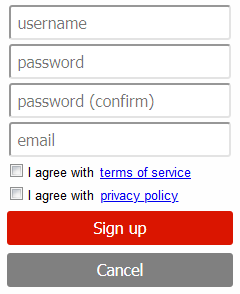
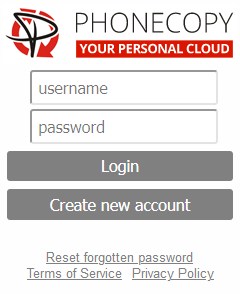
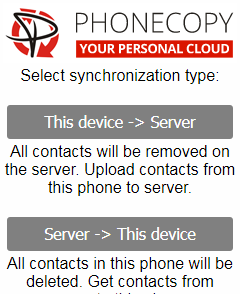
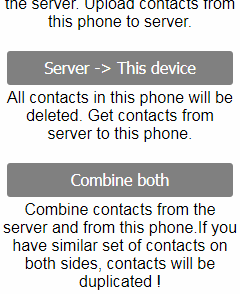
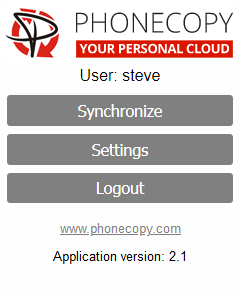
If you already have a PhoneCopy account, fill in your password. To export your contacts, press "Synchronize". Then select synchronization direction between three options: From your DEVICE to server, From SERVER to your device or Combine both. If you are not sure, use Combine both.
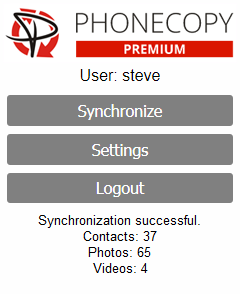
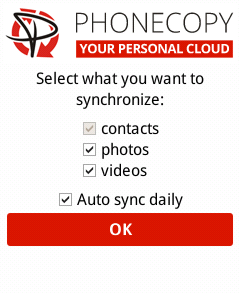
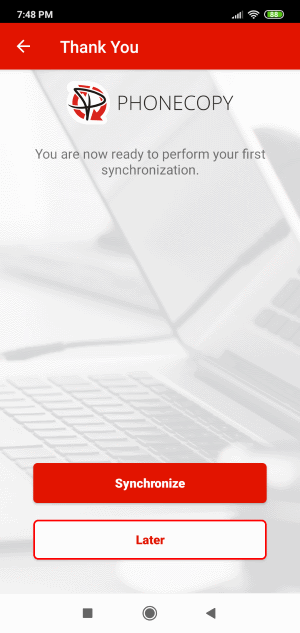
Select "contacts" and/or "photos" and press Synchronize. At the end of synchronization you will see status of synchronized items. In the Settings, you can set "auto sync daily".
Download PhoneCopy for Huawei from Huawei AppGallery to your phone free of charge. After downloading and installation, go through the following steps.
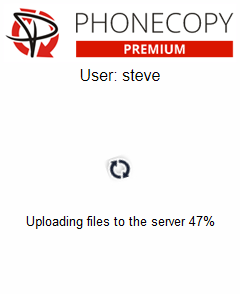
Run the app, fill in your username and password. Here you can check where will be stored contacts from PhoneCopy. In case you are Premium user, you can upload SMS, photos and videos as well.
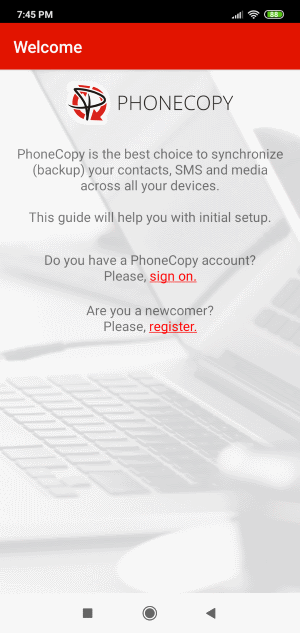
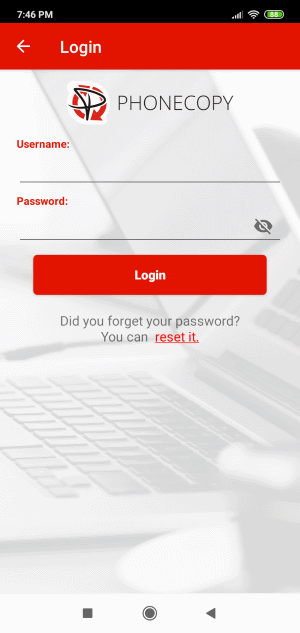
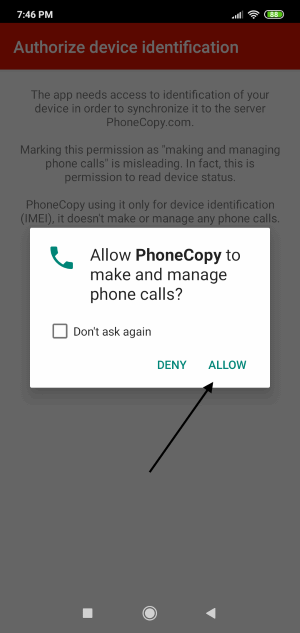
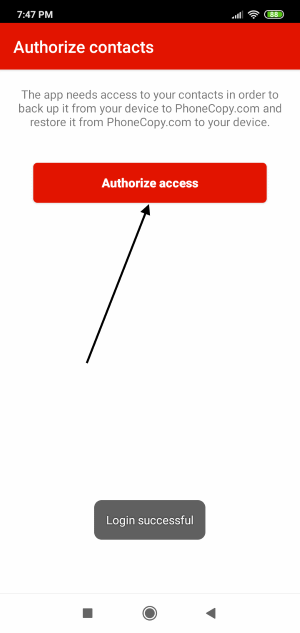
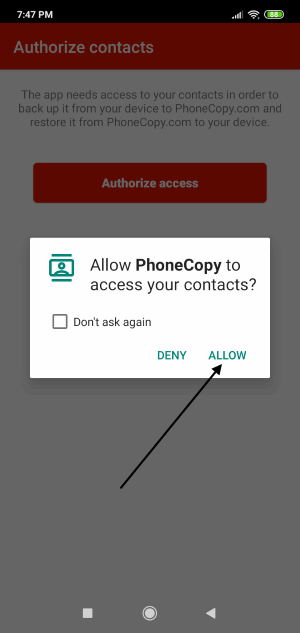
Log in to your existing account where you stored your data from the old phone. To allow correct functionality of PhoneCopy application we will kindly ask you to confirm access permissions for it.
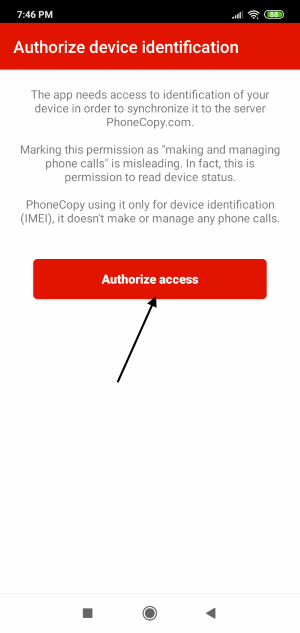
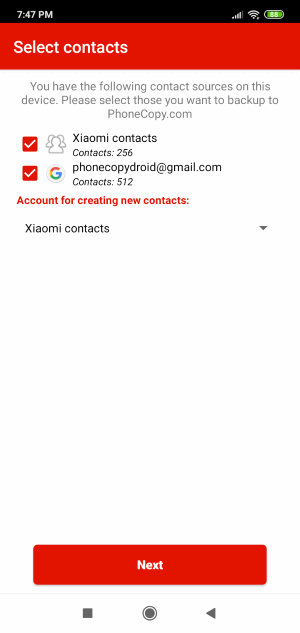
When you confirm access to contacts you can set which "contacts databases" you want to backup.
PhoneCopy allows to back up SMS too.
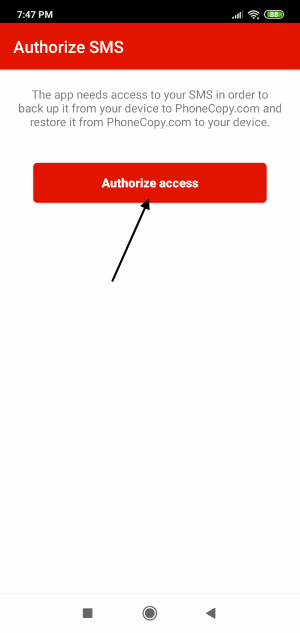
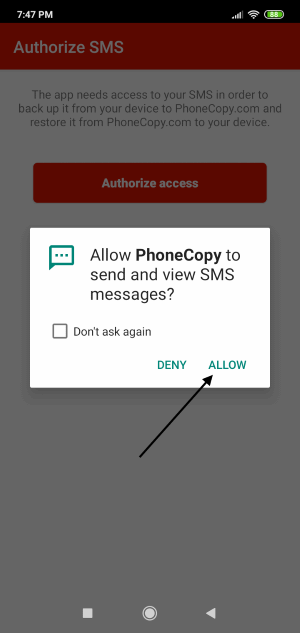
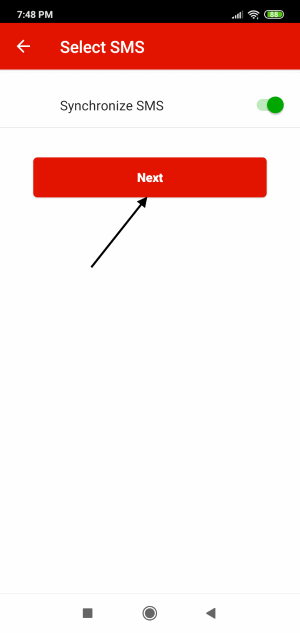
Then you can set up backup for media (photos and videos).
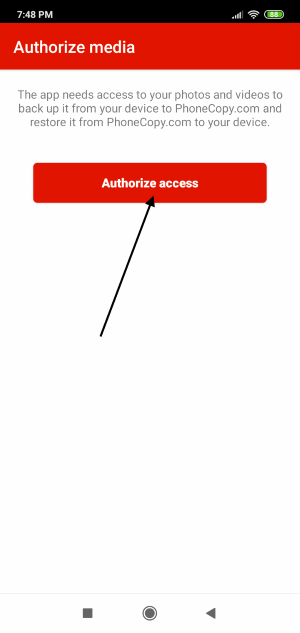
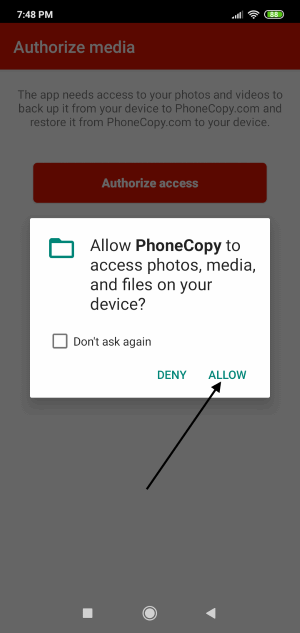
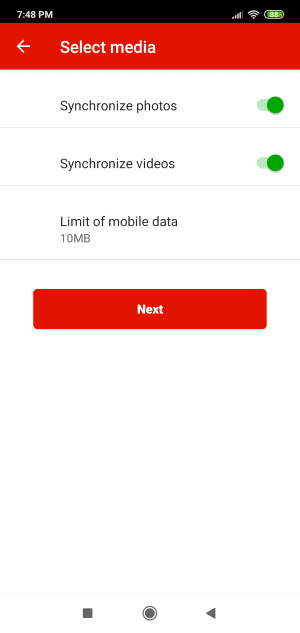
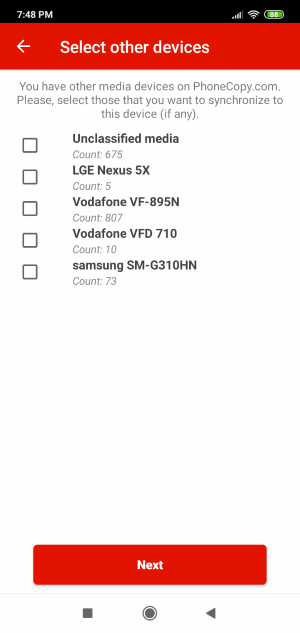
You can download photos and videos from old phone (which was synchronized to PhoneCopy.com before) you can choose it in the next step. Then you can synchronize.
This guideline also works for similar devices like Samsung Galaxy A05 (SM-A055m), Samsung Galaxy A16 5G SM-A166b, Samsung Galaxy A24 sm-a245m, Samsung Galaxy A25 5G sm-a256u1, Samsung Galaxy A35 5G sm-a356w, Samsung Galaxy A54 5G SM-A546vl, Samsung Galaxy F15 5G (sm-e156b), Samsung Galaxy M15 5G (sm-m156b), Samsung Galaxy S24 FE 5G sm-s721u1, Samsung Galaxy Z Flip6 (SM-F741u).
Once everything is done, check your data on the web. Login to PhoneCopy webpage and you will see brief review of all data transferred from your device. With another mouse click, you can review the change of each particular item.
The free PhoneCopy plan allows you to store up to 500 contacts, which is more than enough for most users. A premium plan is available if you need to sync more data or use advanced features.


