
Would you like to transfer or synchronize data?
You can try FREE APPLICATION from online stores:



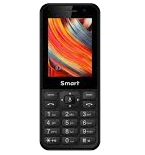
In this tutorial, we show you how to use PhoneCopy.com to safely back up the contacts stored on your MTN Smart T M562M3. The service is free for personal use and works directly from your phone.
This guideline also works for similar devices like MTN Smart 3G, MTN Smart Kamunye M571M3, MTN Smart S 3G, MTN Smart T M560M3, MTN Smart T M561M3.
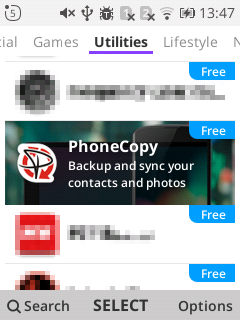
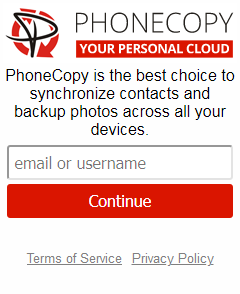
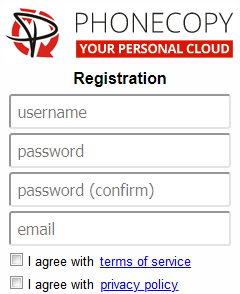
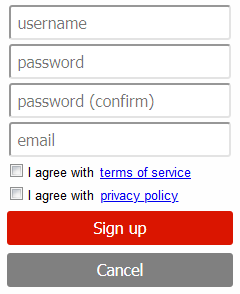
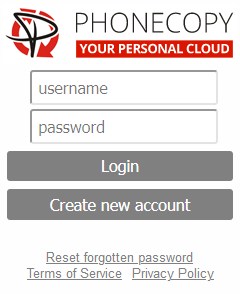
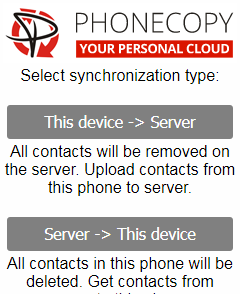
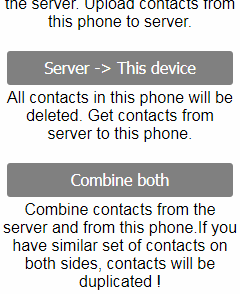
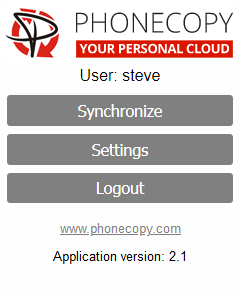
If you already have a PhoneCopy account, fill in your password. To export your contacts, press "Synchronize". Then select synchronization direction between three options: From your DEVICE to server, From SERVER to your device or Combine both. If you are not sure, use Combine both.
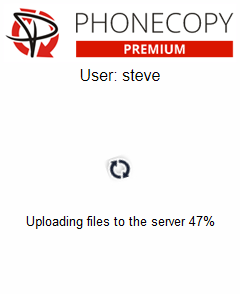
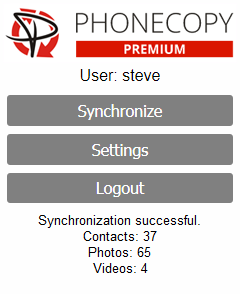
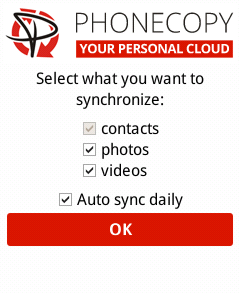
Select "contacts" and/or "photos" and press Synchronize. At the end of synchronization you will see status of synchronized items. In the Settings, you can set "auto sync daily".
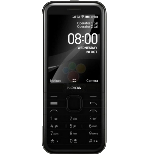
This guideline also works for similar devices like Nokia 2720 Flip, Nokia 6300 4G, Nokia 800 Though, Nokia 8110 4G.
Well done — your contacts are now securely backed up in the cloud. Open your PhoneCopy account in any browser to review your data or make changes at any time.
On your online account, you will see full history of your contacts, as well as the data that you've deleted in between the synchronizations. You can find them in an archive from where you can restore them. And if this is still not enough of a backup for you, you can download a CSV file, that you can store in your computer.


