

Would you like to transfer or synchronize data?
You can try FREE APPLICATION from online stores:



PhoneCopy.com makes it simple to back up your contacts from Nokia 301 to the cloud. In this guide, we will walk you through the entire process step by step.
This guideline also works for similar devices like Nokia 207, Nokia 208, Nokia 515, Nokia 515 Dual SIM, Nokia Asha 300, Nokia C3-01, Nokia X3-02.
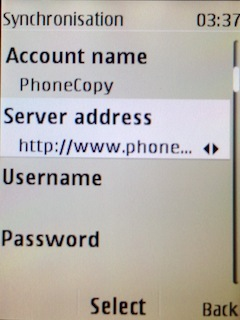
To have your contacts saved you have to synchronize the Nokia with PhoneCopy. For better illustration, we've made some screenshots. The first step is create of synchronization account.
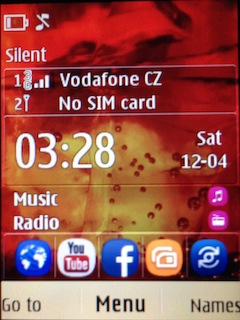
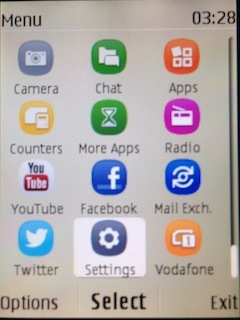
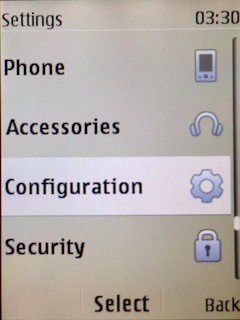
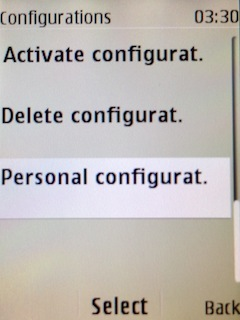
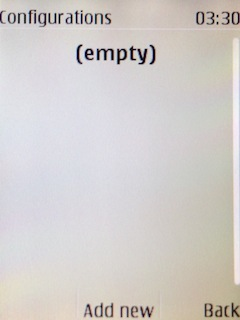
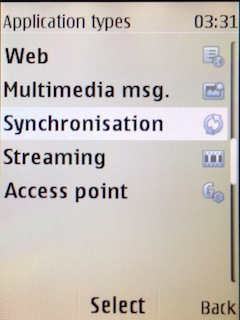
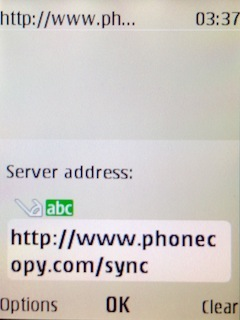
Fill in "Account name" (write PhoneCopy) and "Server address" (http://www.phonecopy.com/sync)
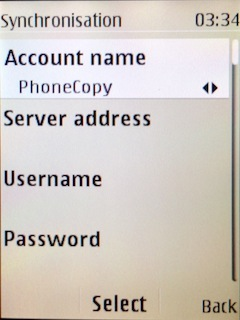
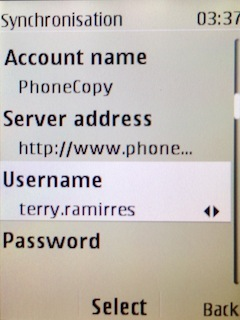
Now you need to fill in your "Username" and "Password".
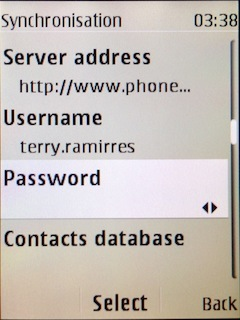
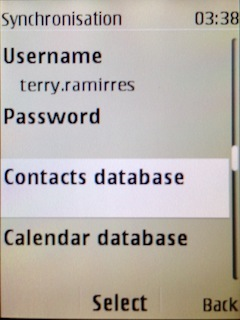
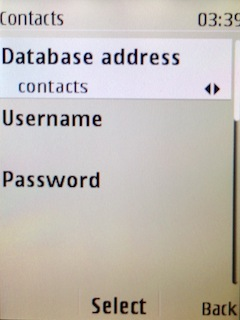
Select "Contacts database" and to "Database address" write contacts.
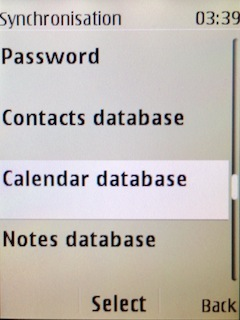
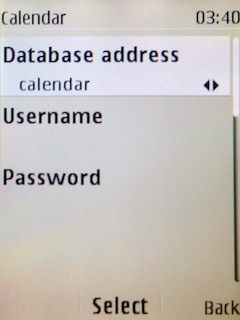
Select "Calendar database" and to "Database address" write calendar.
Select "Notes database" and to "Database address" write notes.
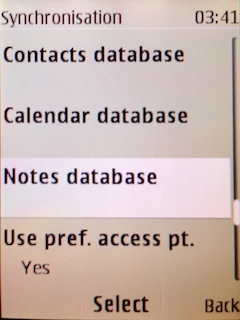
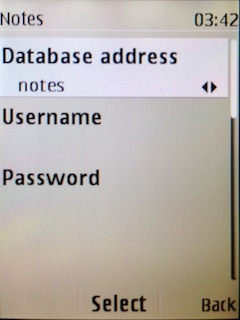
Choose, if you want to "Use pref. acces pt." and press 3x "Back".
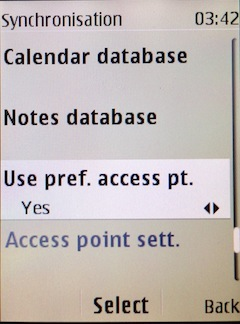
Now you need to select "Sync settings".
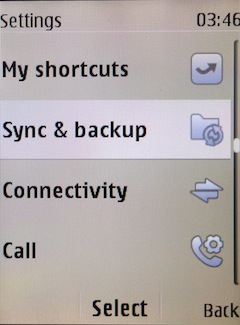
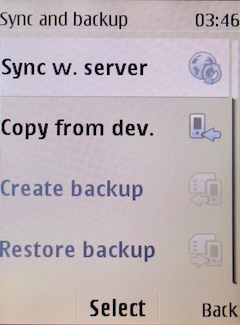
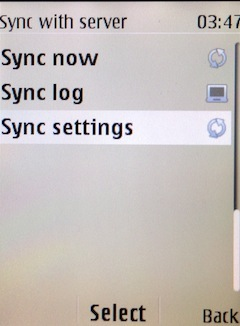
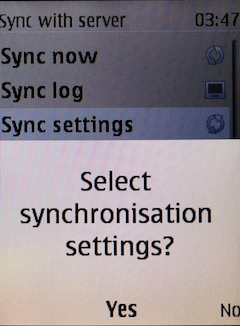
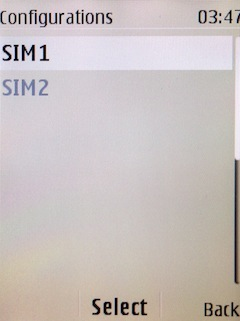
If you have Nokia 515 Dual sim, select "SIM" for synchronisation, choose "PhoneCopy" account and press 2x Back.
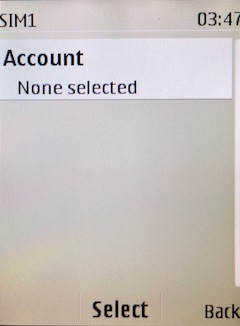
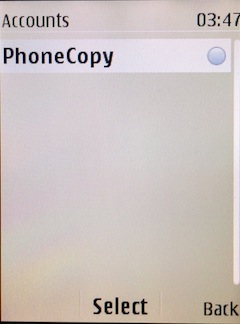
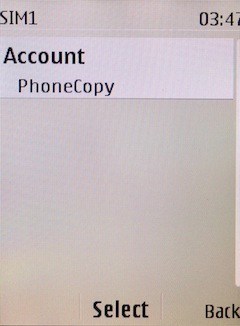
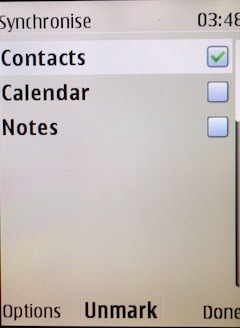
Select "Synchronised data", mark "Contacts" and press "Done".
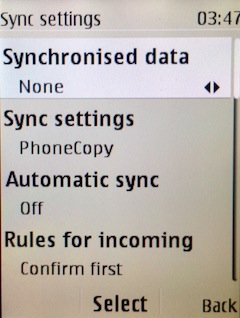
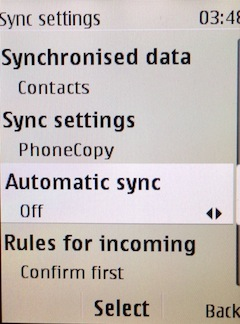
Choose, if you want to use "Automatic sync" and press "Back".
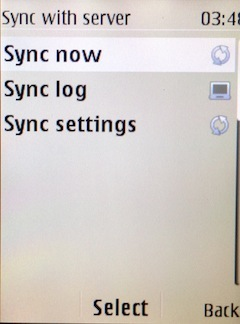
Now you can start synchronisation.
Download PhoneCopy for Huawei from Huawei AppGallery to your phone free of charge. After downloading and installation, go through the following steps.
Run the app, fill in your username and password. Here you can check where will be stored contacts from PhoneCopy. In case you are Premium user, you can upload SMS, photos and videos as well.
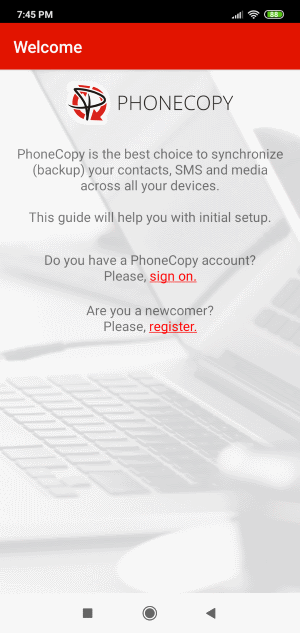
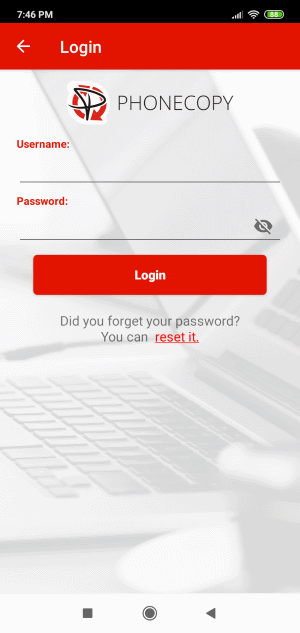
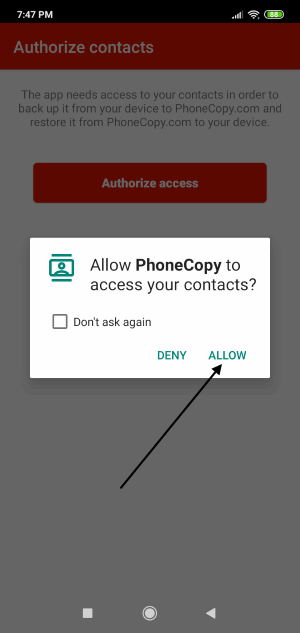
Log in to your existing account where you stored your data from the old phone. To allow correct functionality of PhoneCopy application we will kindly ask you to confirm access permissions for it.
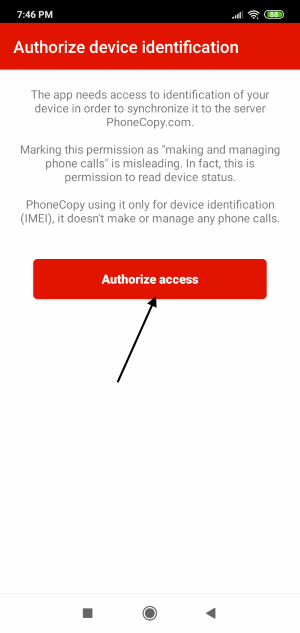
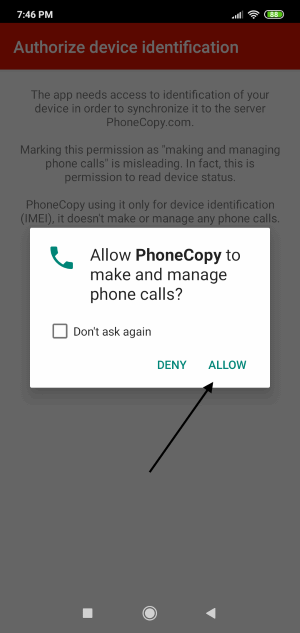
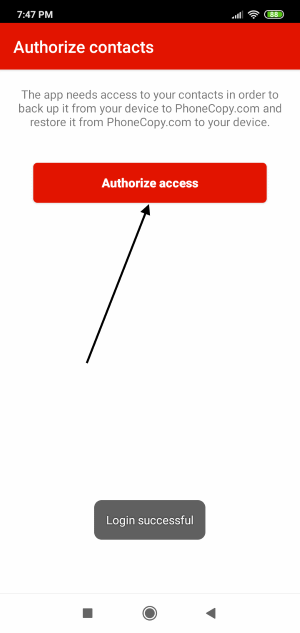
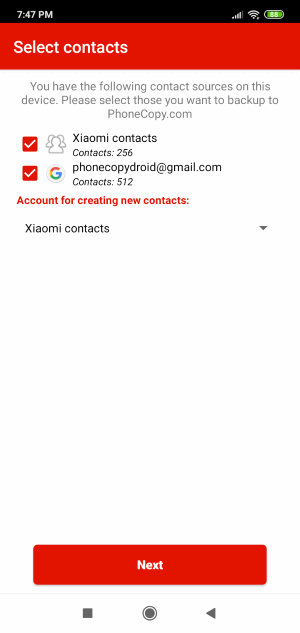
When you confirm access to contacts you can set which "contacts databases" you want to backup.
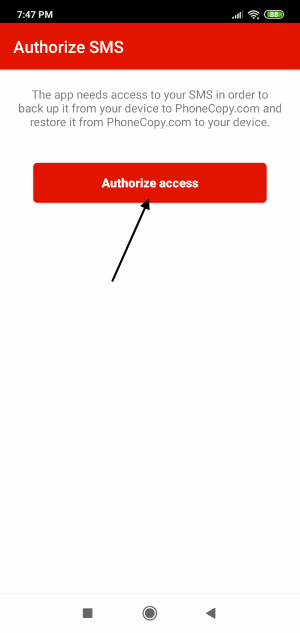
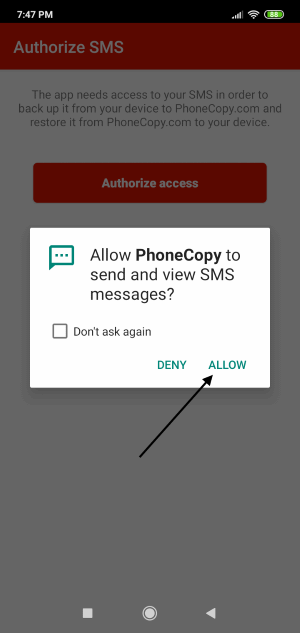
PhoneCopy allows to back up SMS too.
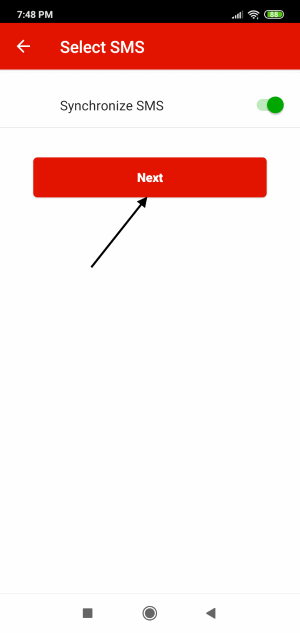
Then you can set up backup for media (photos and videos).
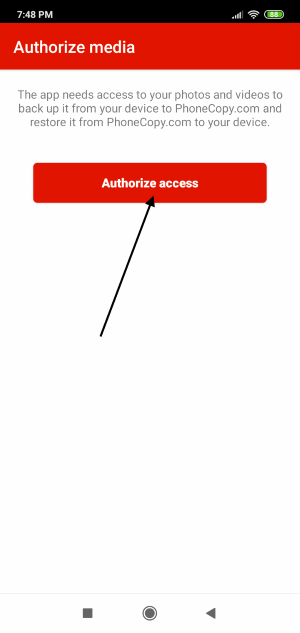
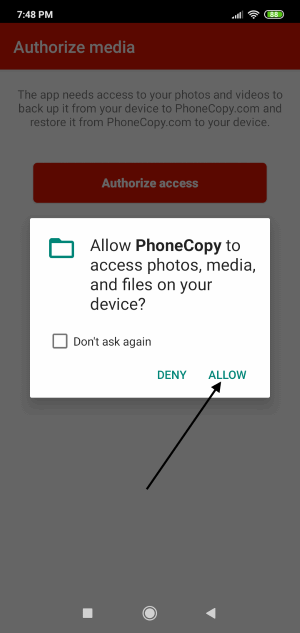
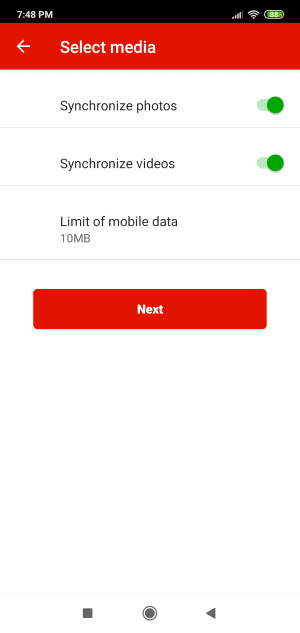
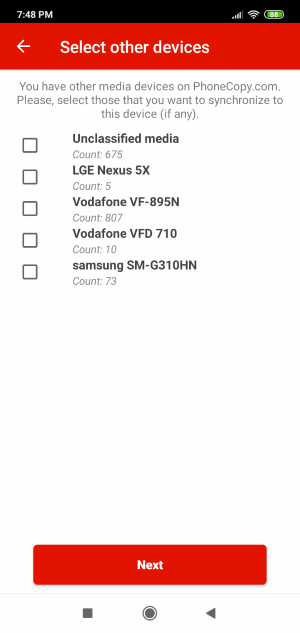
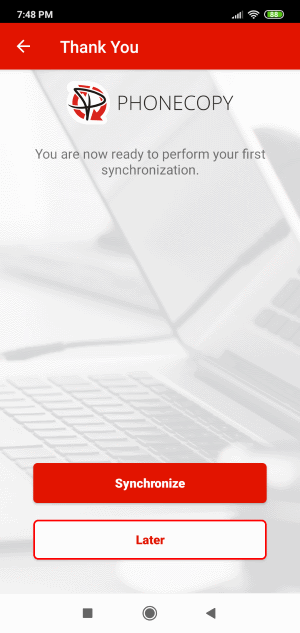
You can download photos and videos from old phone (which was synchronized to PhoneCopy.com before) you can choose it in the next step. Then you can synchronize.
This guideline also works for similar devices like Huawei MediaPad M5 8,4 sht-al09, Huawei MediaPad T5 10 ags2-l09, Huawei nova 6 SE, Huawei nova 7i, Huawei P10 (vtr-l09), Huawei P10 (vtr-l29), Huawei P12, Huawei P40 Lite jny-lx1, Huawei Y7 2019 dub-lx1, Huawei Y7 ldn-l01.
Your data is now safe on PhoneCopy. The service stores a full copy of your contacts online, so you can access them from any device or restore them whenever needed.
If the sync does not complete, make sure your phone has a stable internet connection and that background data is enabled for the PhoneCopy app. A brief pause and retry usually resolves the issue.


