Would you like to transfer or synchronize data?
You can try FREE APPLICATION from online stores:



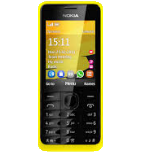

In this tutorial, we show you how to use PhoneCopy.com to safely back up the contacts stored on your Nokia 301. The service is free for personal use and works directly from your phone.
This guideline also works for similar devices like Nokia 207, Nokia 208, Nokia 515, Nokia 515 Dual SIM, Nokia Asha 300, Nokia C3-01, Nokia X3-02.
To have your contacts saved you have to synchronize the Nokia with PhoneCopy. For better illustration, we've made some screenshots. The first step is create of synchronization account.
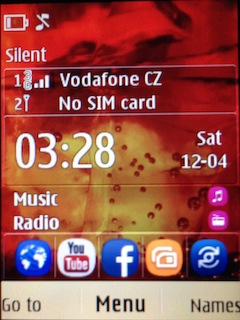
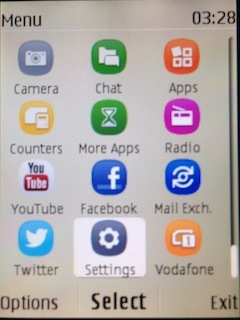
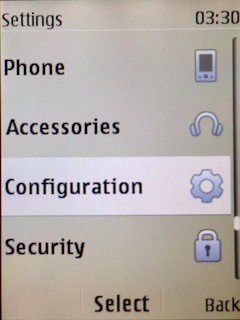
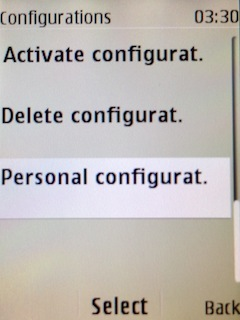
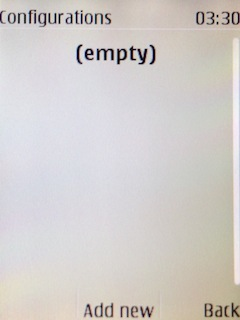
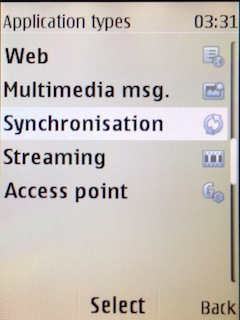
Fill in "Account name" (write PhoneCopy) and "Server address" (http://www.phonecopy.com/sync)
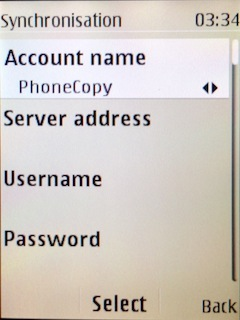
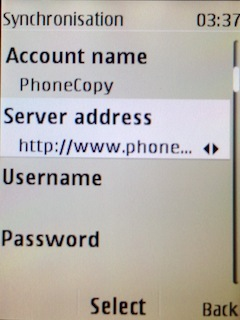
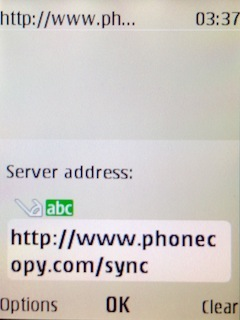
Now you need to fill in your "Username" and "Password".
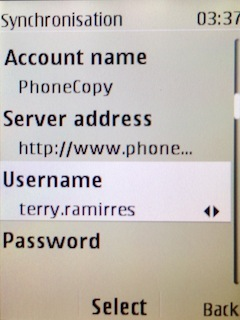
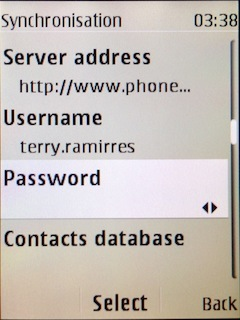
Select "Contacts database" and to "Database address" write contacts.
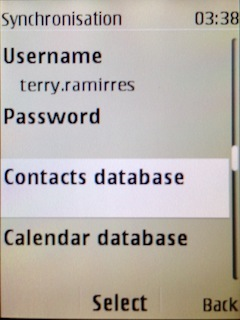
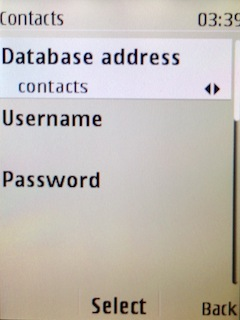
Select "Calendar database" and to "Database address" write calendar.
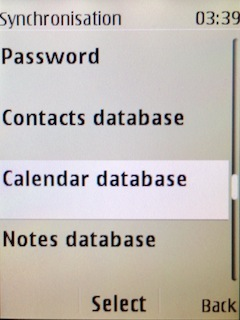
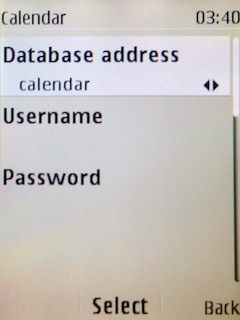
Select "Notes database" and to "Database address" write notes.
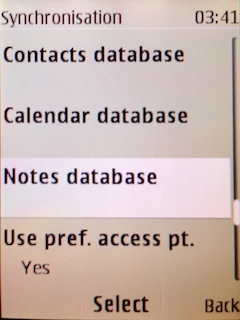
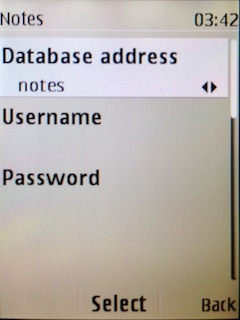
Choose, if you want to "Use pref. acces pt." and press 3x "Back".
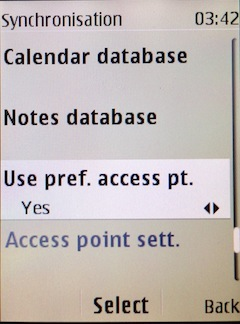
Now you need to select "Sync settings".
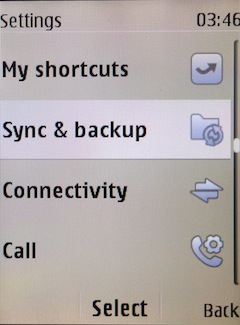
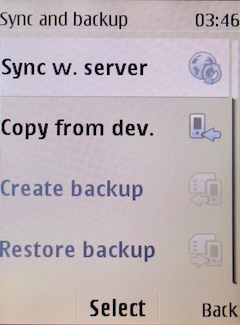
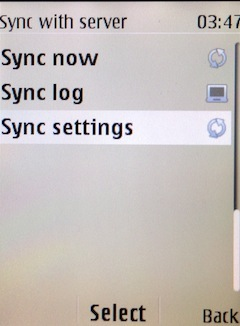
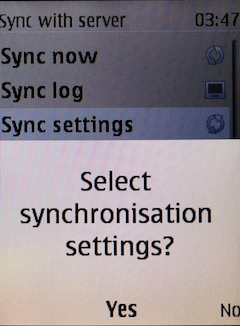
If you have Nokia 515 Dual sim, select "SIM" for synchronisation, choose "PhoneCopy" account and press 2x Back.
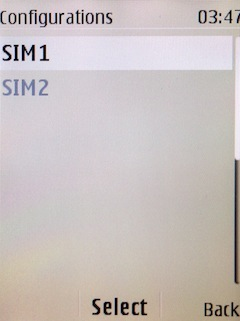
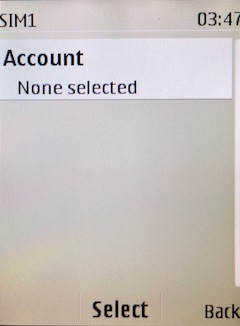
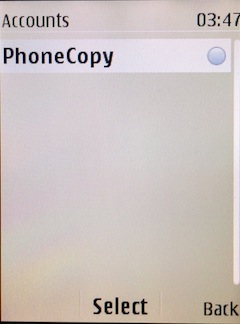
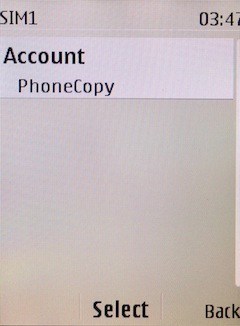
Select "Synchronised data", mark "Contacts" and press "Done".
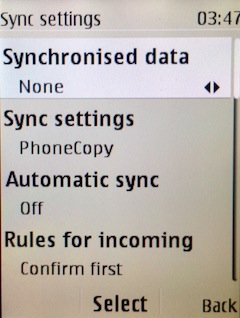
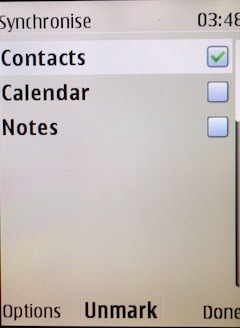
Choose, if you want to use "Automatic sync" and press "Back".
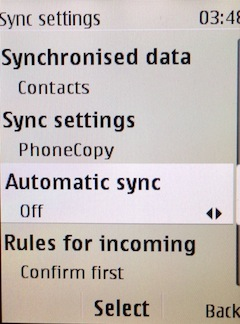
Now you can start synchronisation.
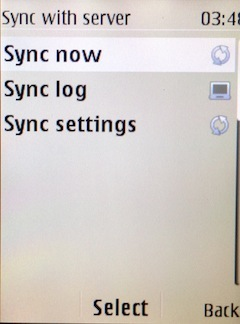
Once everything is done, check your data on the web. Login to PhoneCopy webpage and you will see brief review of all data transferred from your device. With another mouse click, you can review the change of each particular item.
Contacts can be then transferred to another device (eq. iPhone, other Nokia, SonyEricsson, Samsung, LG etc). You can always edit your contacts in your online account. Also, you will see full history of your contacts, as well as the data that you have deleted between two synchronizations.


