
Would you like to transfer or synchronize data?
You can try FREE APPLICATION from online stores:



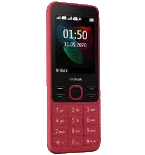
PhoneCopy.com makes it simple to back up your contacts from Nokia 6300 4G to the cloud. In this guide, we will walk you through the entire process step by step.
This guideline also works for similar devices like Nokia 2720 Flip, Nokia 800 Though, Nokia 8000 4G, Nokia 8110 4G.
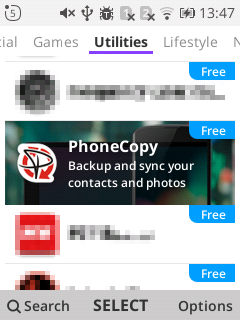
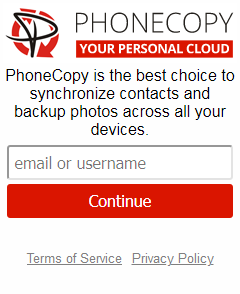
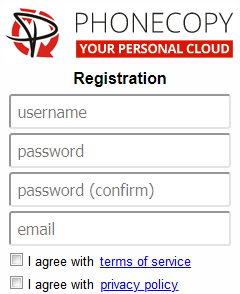
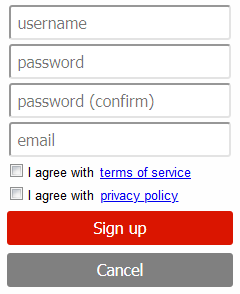
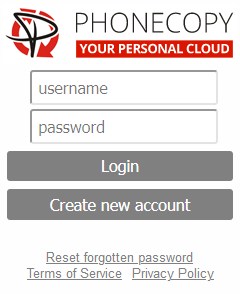
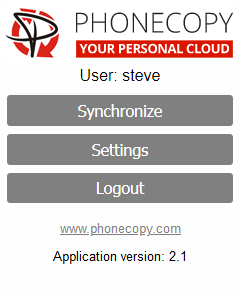
If you already have a PhoneCopy account, fill in your password. To export your contacts, press "Synchronize". Then select synchronization direction between three options: From your DEVICE to server, From SERVER to your device or Combine both. If you are not sure, use Combine both.
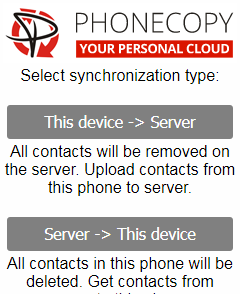
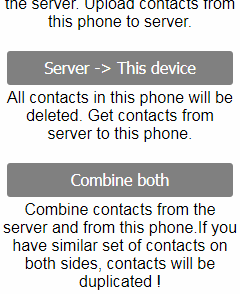
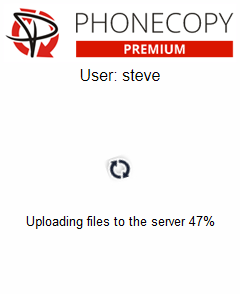
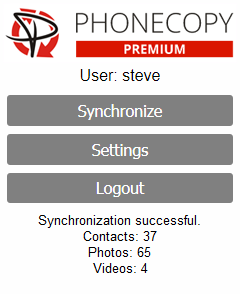
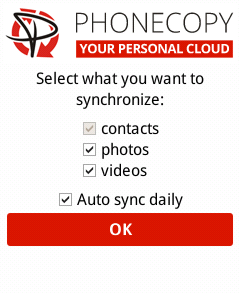
Select "contacts" and/or "photos" and press Synchronize. At the end of synchronization you will see status of synchronized items. In the Settings, you can set "auto sync daily".
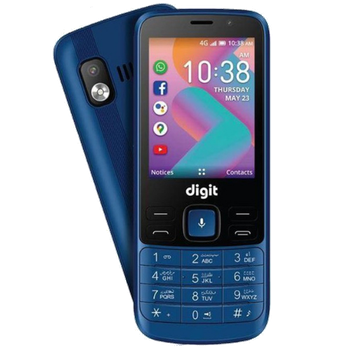
This guideline also works for similar devices like Jazz Digit 4G, Jazz Digit 4G Bold, Jazz Digit 4G Classic, Jazz Digit 4G Defender, Jazz Digit 4G Elite, Jazz Digit 4G Music, Jazz Digit 4G Star.
From now on, your contacts are protected. If anything happens to your Nokia 6300 4G, simply log into PhoneCopy to access or restore your data instantly.
The free PhoneCopy plan allows you to store up to 500 contacts, which is more than enough for most users. A premium plan is available if you need to sync more data or use advanced features.


