
Would you like to transfer or synchronize data?
You can try FREE APPLICATION from online stores:



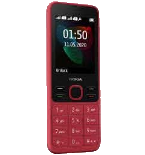
PhoneCopy.com makes it simple to back up your contacts from Nokia 6300 4G to the cloud. In this guide, we will walk you through the entire process step by step.
This guideline also works for similar devices like Nokia 2720 Flip, Nokia 800 Though, Nokia 8000 4G, Nokia 8110 4G.
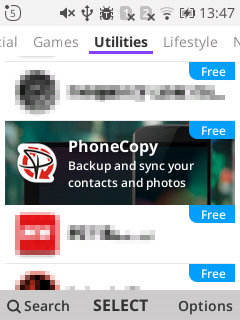
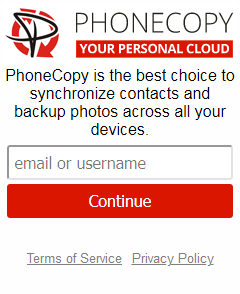
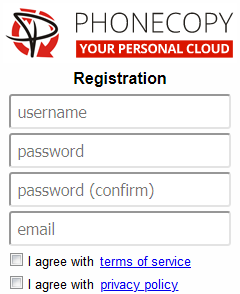
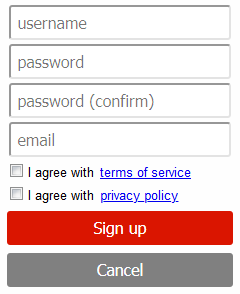
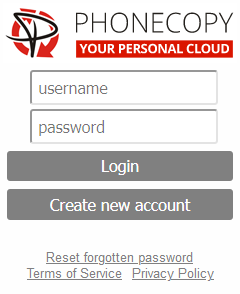
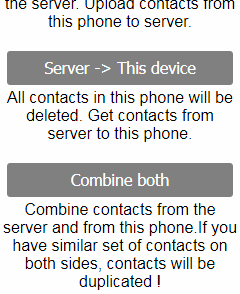
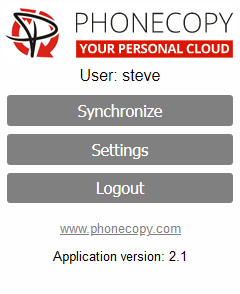
If you already have a PhoneCopy account, fill in your password. To export your contacts, press "Synchronize". Then select synchronization direction between three options: From your DEVICE to server, From SERVER to your device or Combine both. If you are not sure, use Combine both.
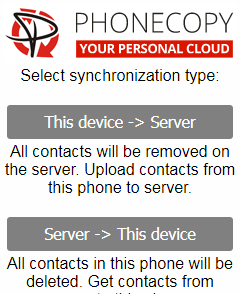
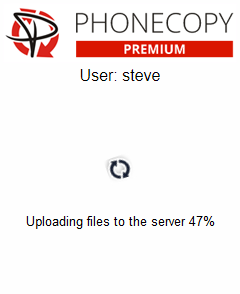
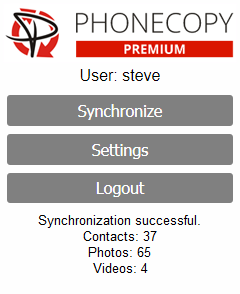
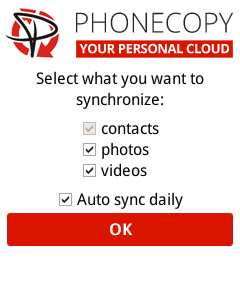
Select "contacts" and/or "photos" and press Synchronize. At the end of synchronization you will see status of synchronized items. In the Settings, you can set "auto sync daily".
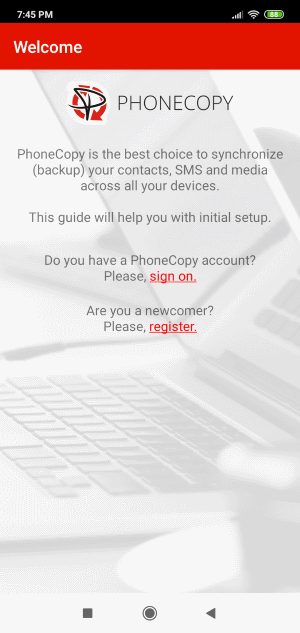
Download PhoneCopy for Huawei from Huawei AppGallery to your phone free of charge. After downloading and installation, go through the following steps.
Run the app, fill in your username and password. Here you can check where will be stored contacts from PhoneCopy. In case you are Premium user, you can upload SMS, photos and videos as well.
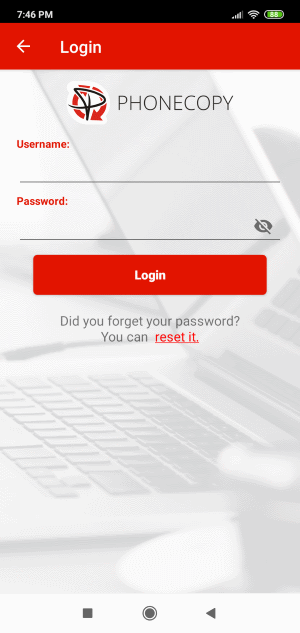
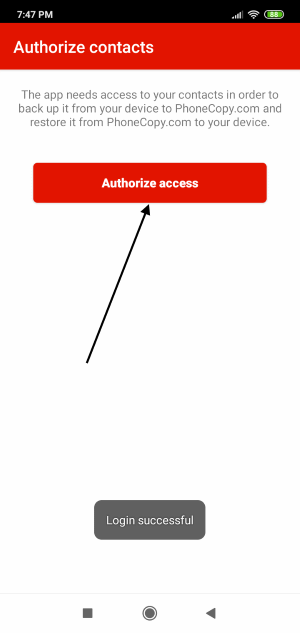
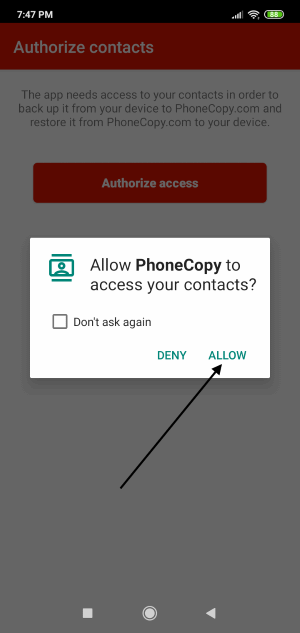
Log in to your existing account where you stored your data from the old phone. To allow correct functionality of PhoneCopy application we will kindly ask you to confirm access permissions for it.
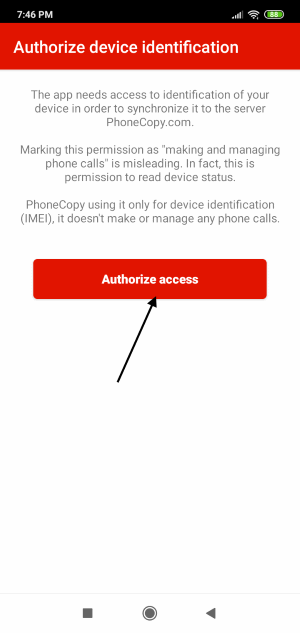
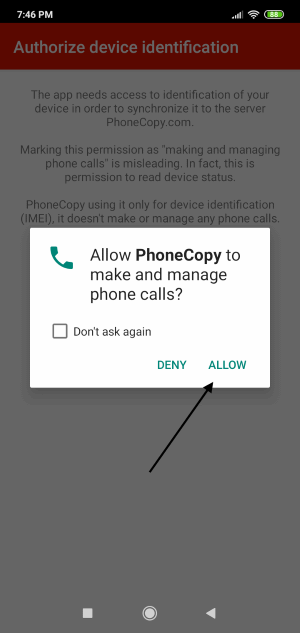
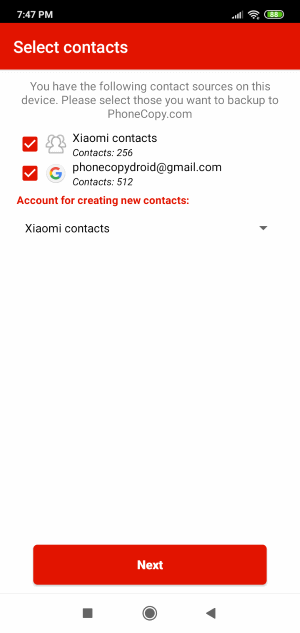
When you confirm access to contacts you can set which "contacts databases" you want to backup.
PhoneCopy allows to back up SMS too.
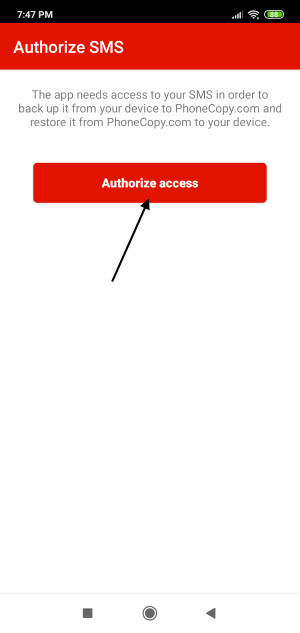
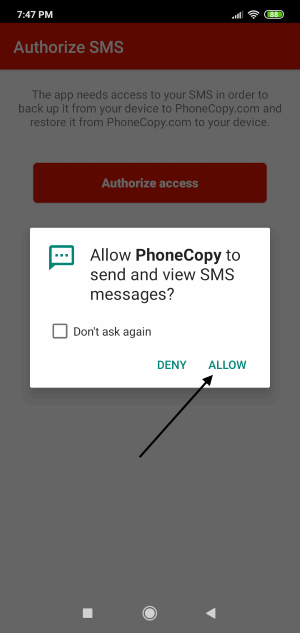
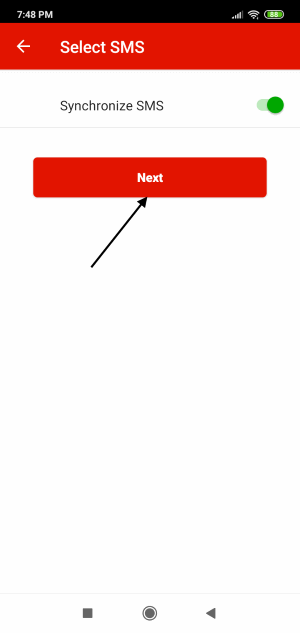
Then you can set up backup for media (photos and videos).
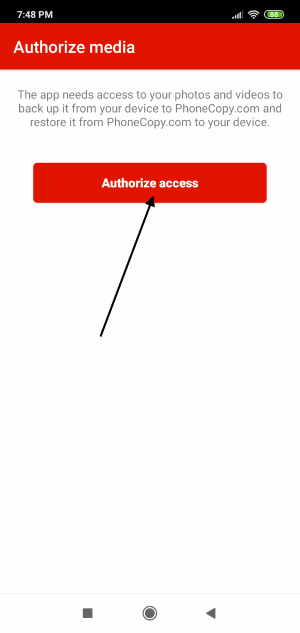
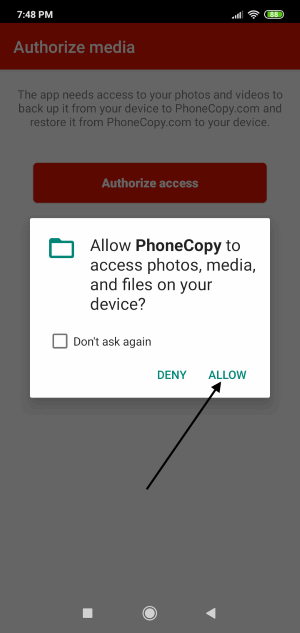
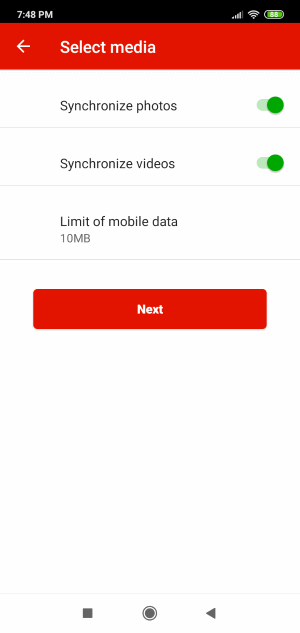
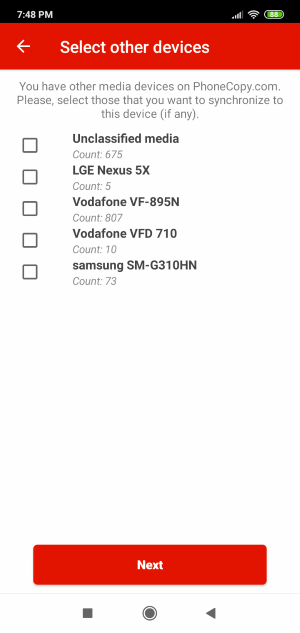
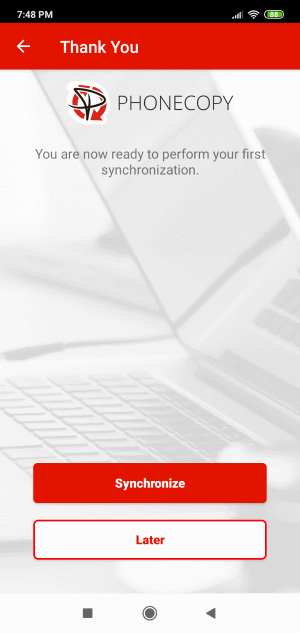
You can download photos and videos from old phone (which was synchronized to PhoneCopy.com before) you can choose it in the next step. Then you can synchronize.
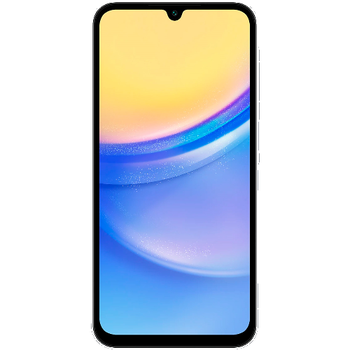
This guideline also works for similar devices like Samsung Galaxy A05 (SM-A055m), Samsung Galaxy A16 5G SM-A166b, Samsung Galaxy A24 sm-a245m, Samsung Galaxy A25 5G sm-a256u1, Samsung Galaxy A35 5G sm-a356w, Samsung Galaxy A54 5G SM-A546vl, Samsung Galaxy F15 5G (sm-e156b), Samsung Galaxy M15 5G (sm-m156b), Samsung Galaxy S24 FE 5G sm-s721u1, Samsung Galaxy Z Flip6 (SM-F741u).
Well done — your contacts are now securely backed up in the cloud. Open your PhoneCopy account in any browser to review your data or make changes at any time.
If you ever get a new phone, you can restore all your contacts in minutes using PhoneCopy. The service supports a wide range of manufacturers, so switching between brands is no problem.