
Would you like to transfer or synchronize data?
You can try FREE APPLICATION from online stores:



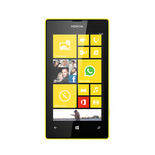

PhoneCopy.com supports hundreds of phone models, including Nokia Lumia 525. This guide will show you how to use it to create a safe backup of your contacts in just a few minutes.
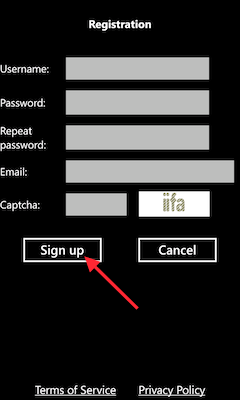
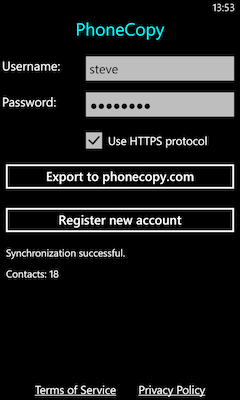
Download the PhoneCopy application from windowsphone.com. If you do not have a PhoneCopy account yet, press "Register new account" and create it by filling in "Registration" and then press "Sign up".
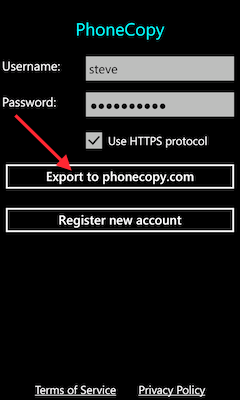
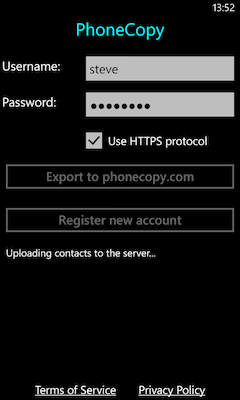
If you already have a PhoneCopy account, fill in your username and password. To export your contacts, press "Export to PhoneCopy.com". If you want to upload your merged contacts back to the same Windows Phone 8.1, it is necessary to delete all contacts there first.
Certain Outlook version do not offer similar functionality directly from the app so our guide will use Windows Control Panel widget. Depending on the Outlook version, the texts on the following screens may differ. Always aim towards setting up an email account via Exchange ActiveSync using custom settings.
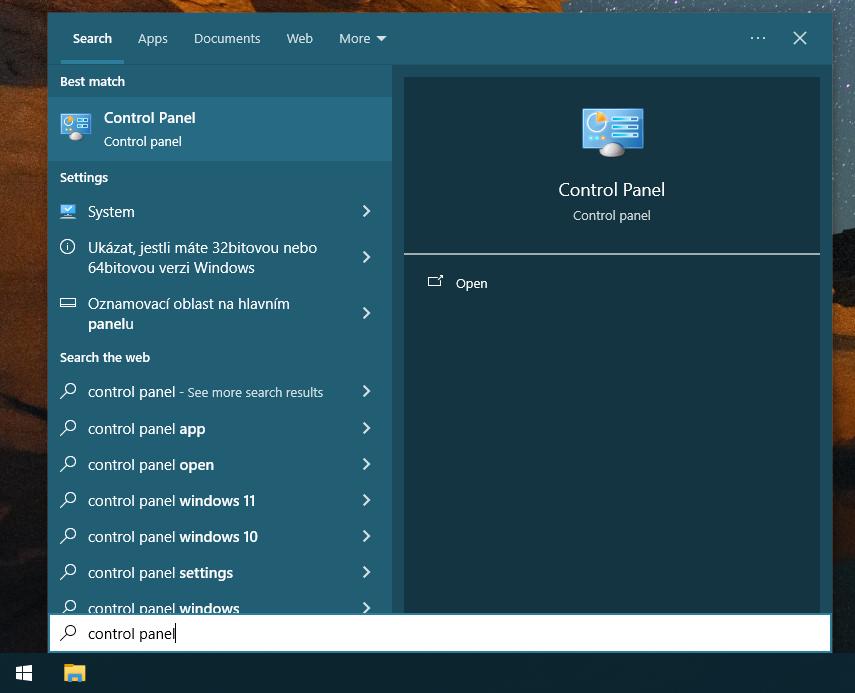
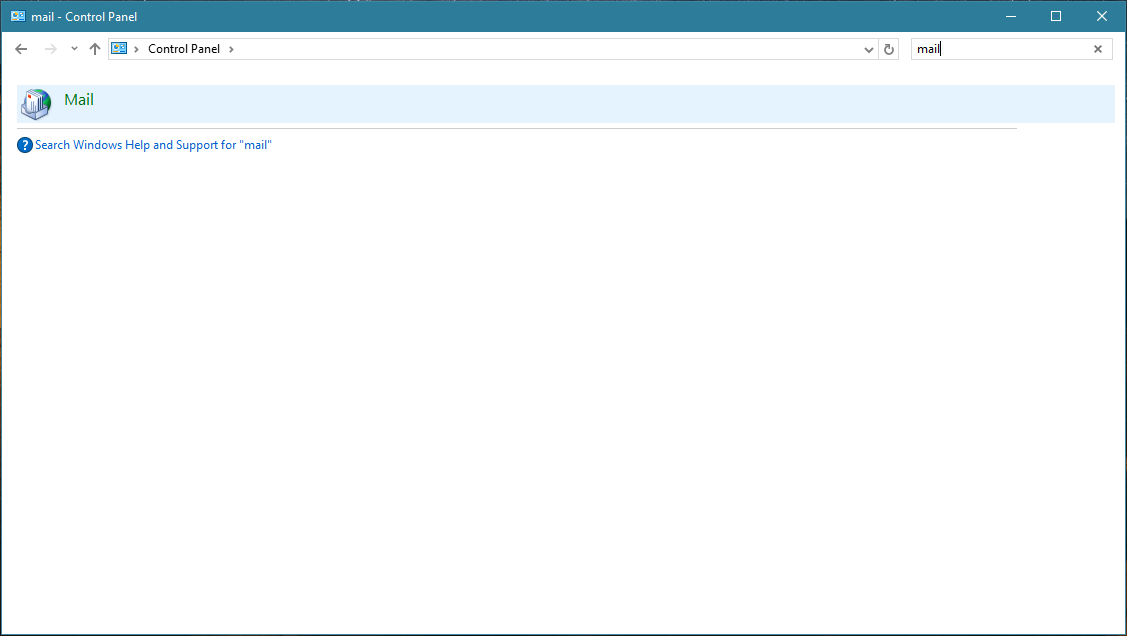
Press Windows Start button, search for Control panel, find and open Mail.
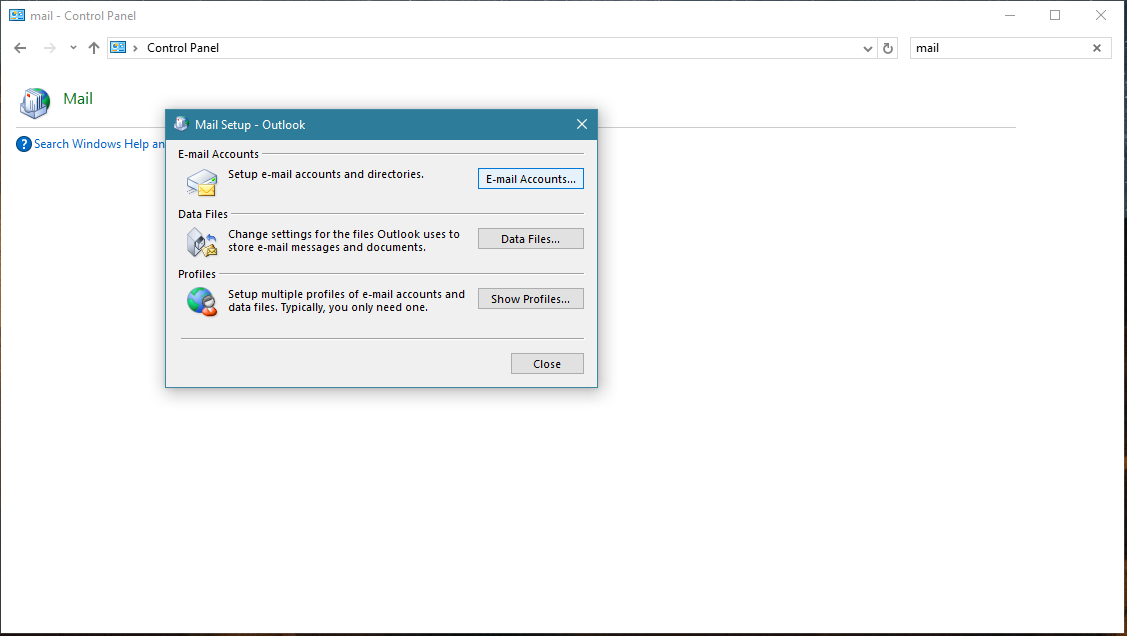
Press E-mail Accounts button.
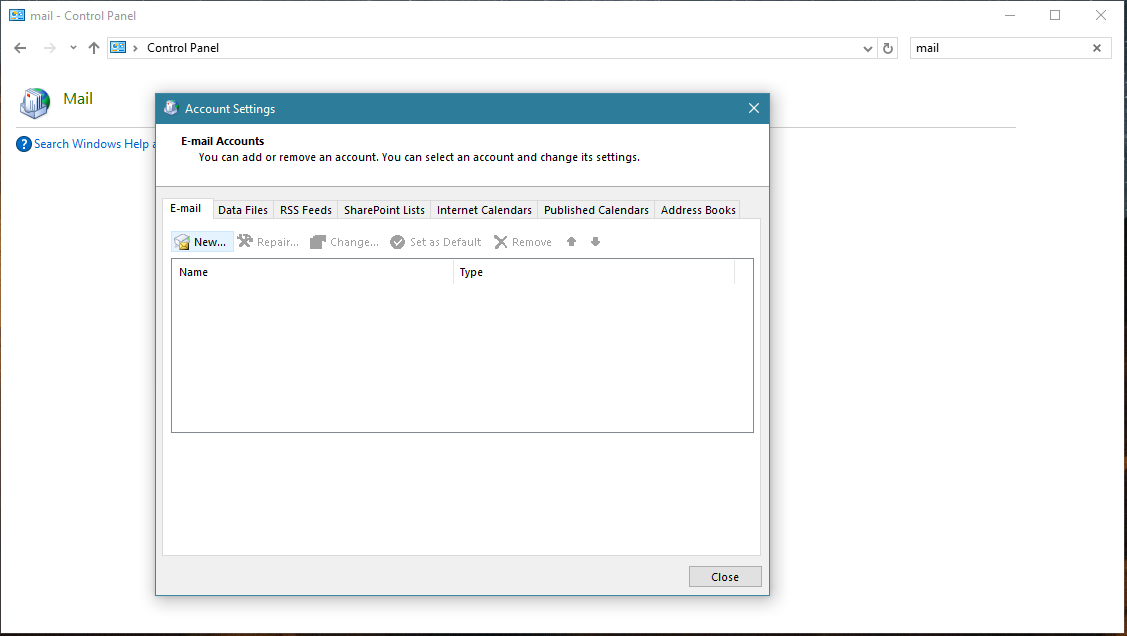
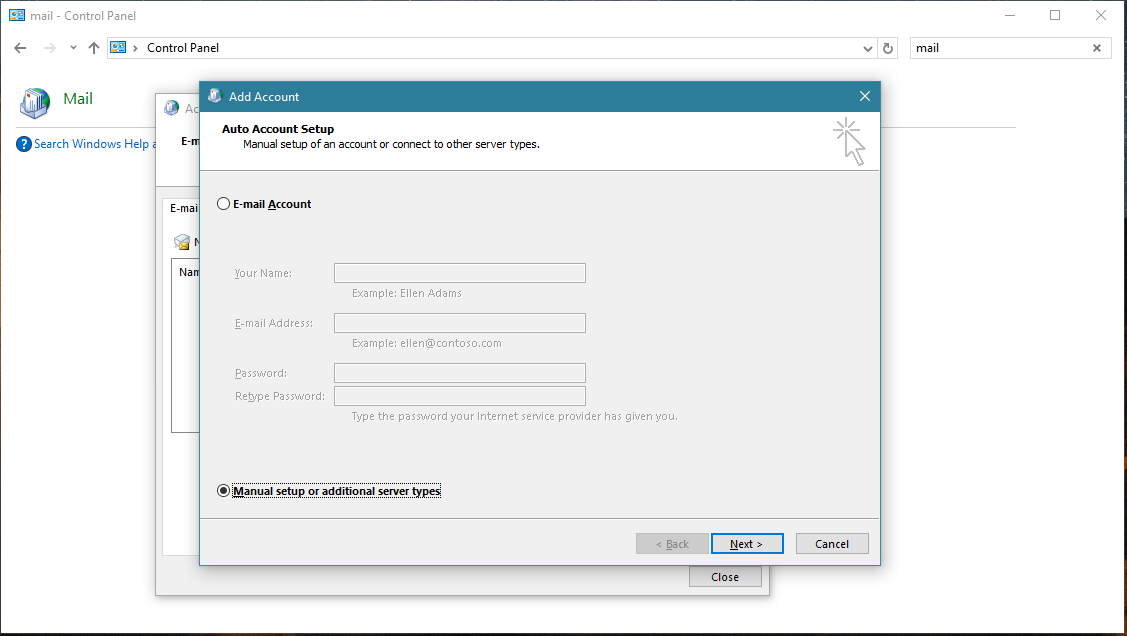
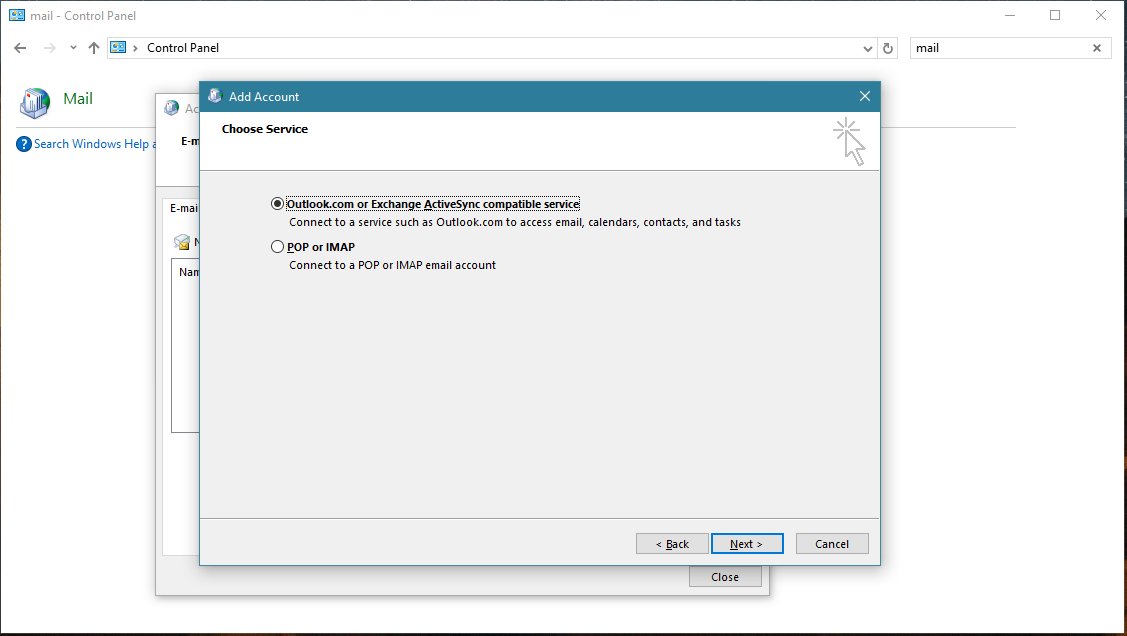
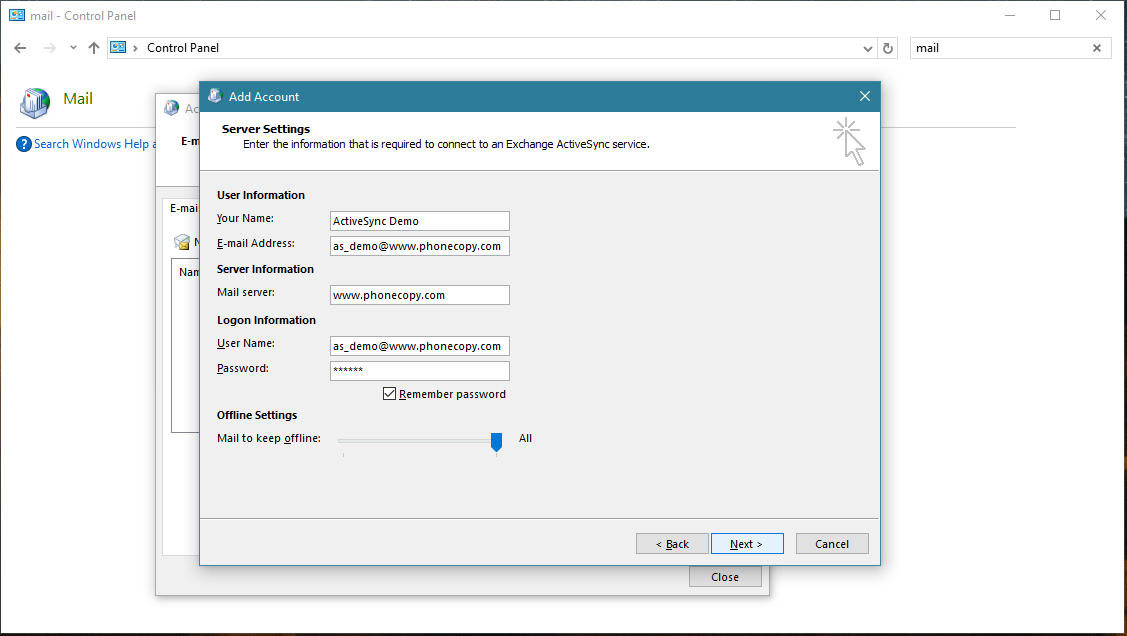
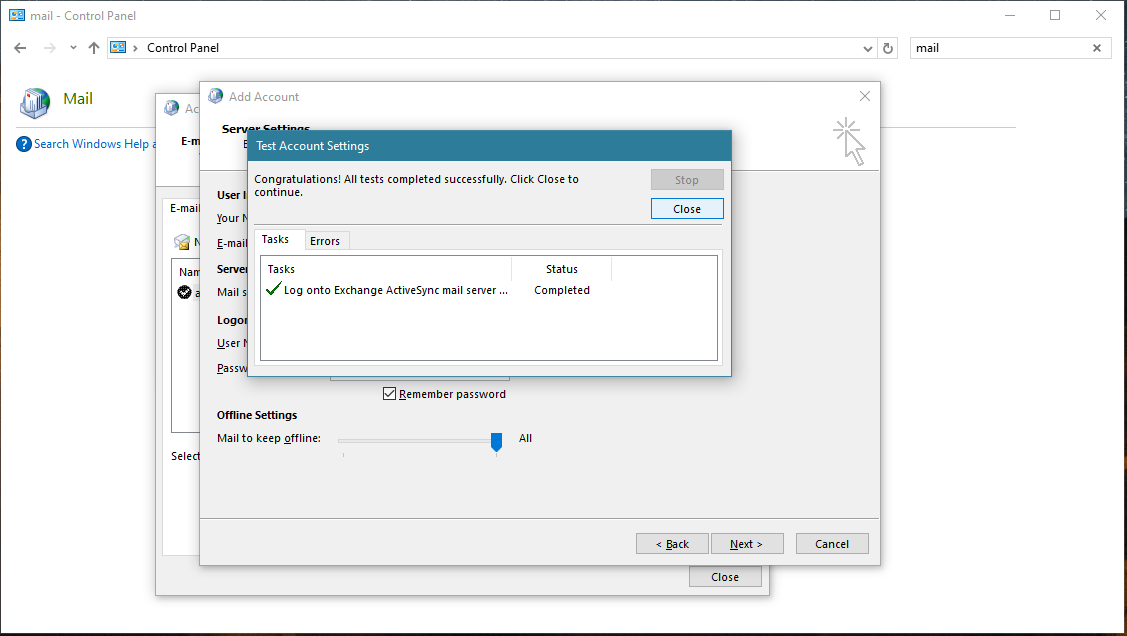
Account test should be performed. Press Close.
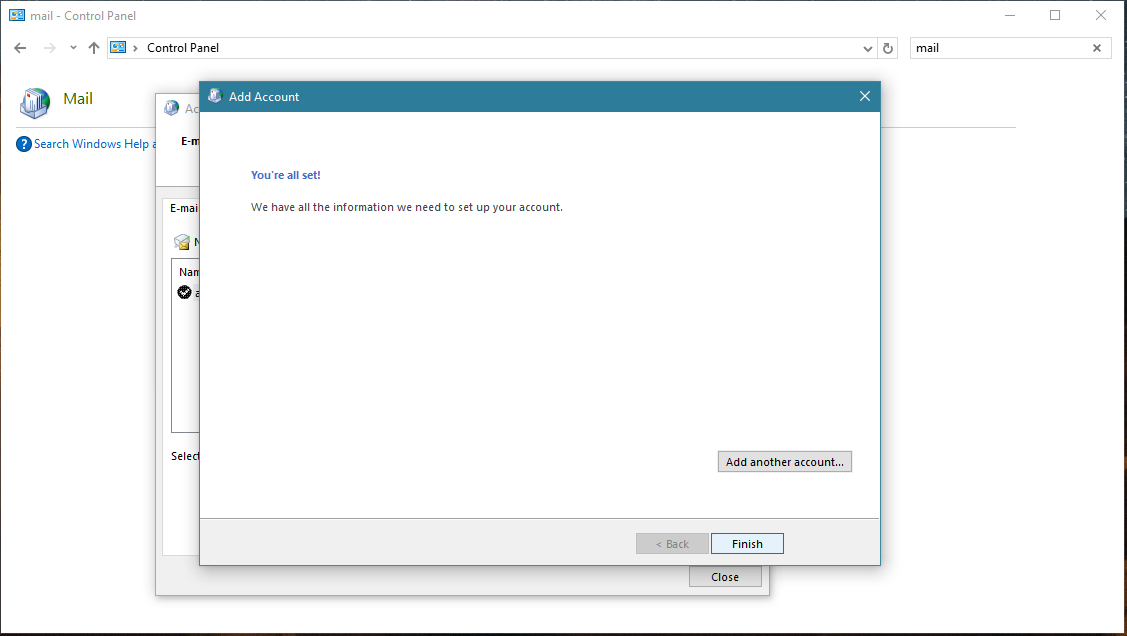
Press Finish. Now you can close all Control panel windows. Setup is complete.
Now you can run Outlook app. Your contacts, calendar and tasks should be synchronized automatically. Note that PhoneCopy items have their separate folder and calendar in Outlook app. Only these contact/task folders and calendar are synchronized with PhoneCopy.
This guideline also works for similar devices like Microsoft Outlook 2016, Microsoft Outlook 2019.
Well done — your contacts are now securely backed up in the cloud. Open your PhoneCopy account in any browser to review your data or make changes at any time.
Contacts can be then transferred to another device (eq. iPhone, Nokia, SonyEricsson, Samsung, LG etc). See PhoneCopy site for supported devices.


