
Would you like to transfer or synchronize data?
You can try FREE APPLICATION from online stores:



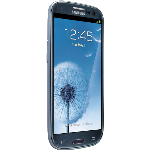
Losing your contacts can be frustrating. This guide shows you how to use PhoneCopy.com to keep a safe backup of all data from your Samsung Galaxy S3 (SCL21) — it only takes a few minutes.
This guideline also works for similar devices like Samsung Galaxy Core (gt-i8580), Samsung Galaxy Core Plus Duos (SM-G3502l), Samsung Galaxy Fame Lite Duos S6792, Samsung Galaxy Grand Neo (gt-i9168i), Samsung Galaxy Trend 2 (gt-s7898i) , Samsung Galaxy Trend Plus (GT-S7583), Samsung Galaxy Young Plus (gt-s6293t).
Download PhoneCopy for Android to your Android phone, which you can download free of charge. After downloading and installation, go through following steps.
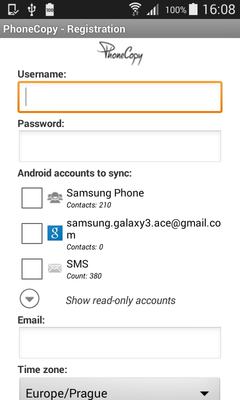
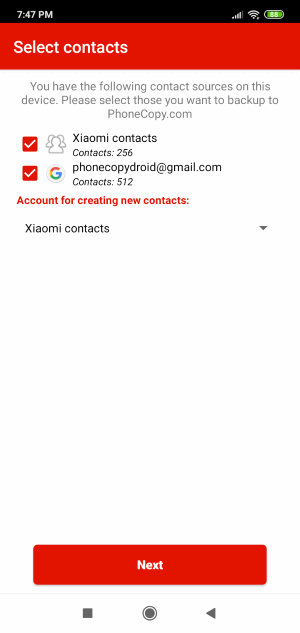
Run the app and create new account. You can check which contact databases you want to backup and synchronize. You can do multiple choice.
After successful login, press "Advanced & Account". Select "One-way sync" and after choose "This device >> server".
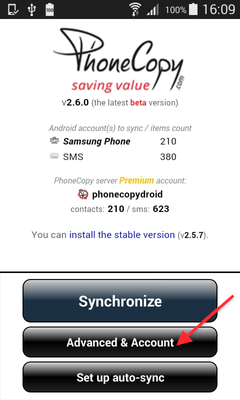
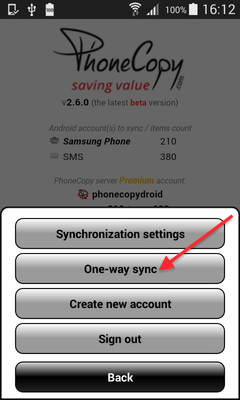
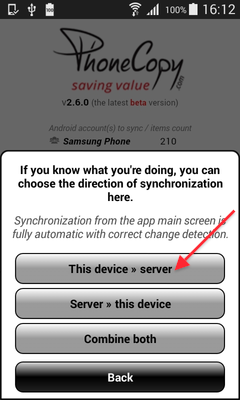
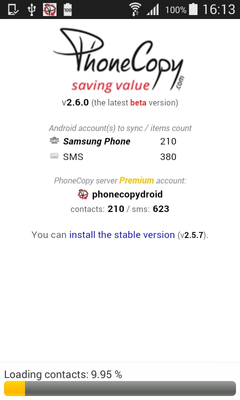
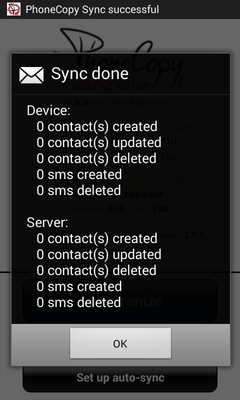
Contacts from your Android phone will be copied to PhoneCopy.com server in few seconds.
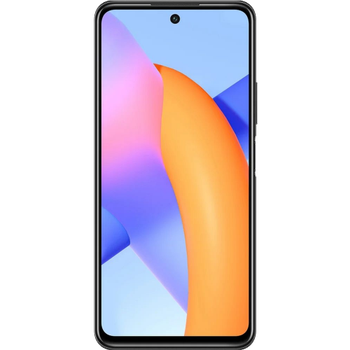
Download PhoneCopy for Huawei from Huawei AppGallery to your phone free of charge. After downloading and installation, go through the following steps.
Run the app, fill in your username and password. Here you can check where will be stored contacts from PhoneCopy. In case you are Premium user, you can upload SMS, photos and videos as well.
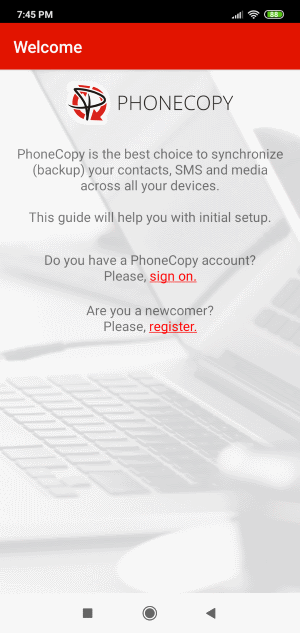
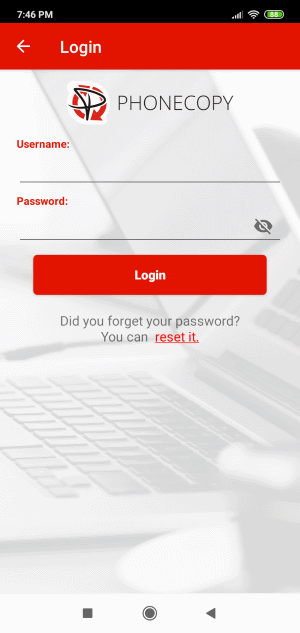
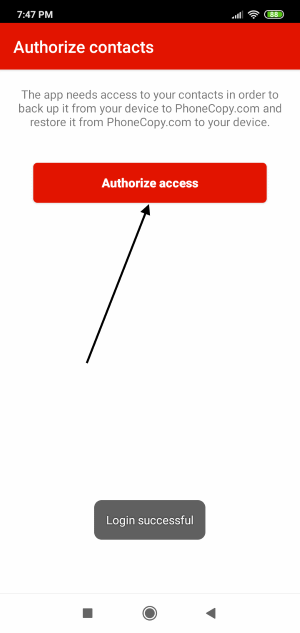
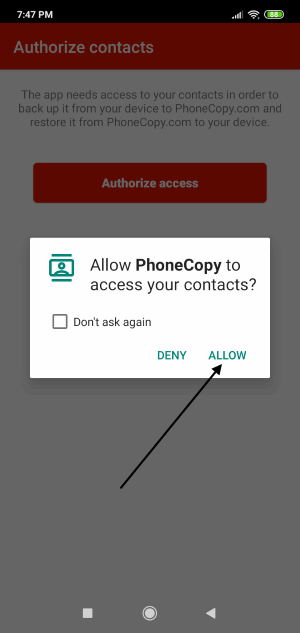
Log in to your existing account where you stored your data from the old phone. To allow correct functionality of PhoneCopy application we will kindly ask you to confirm access permissions for it.
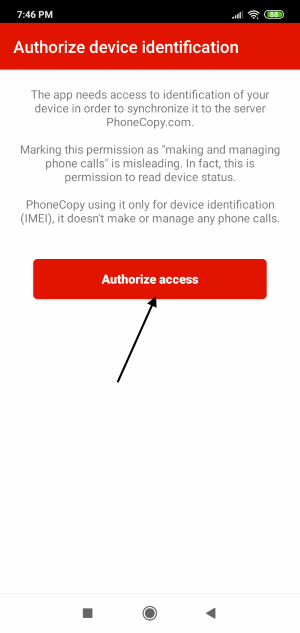
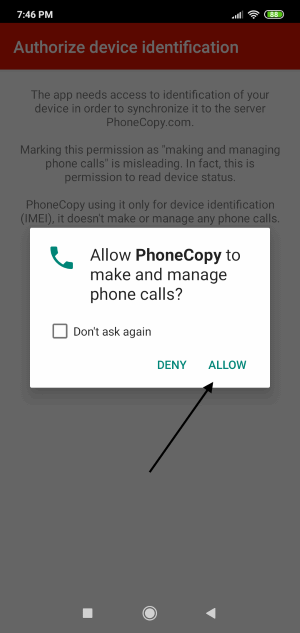
When you confirm access to contacts you can set which "contacts databases" you want to backup.
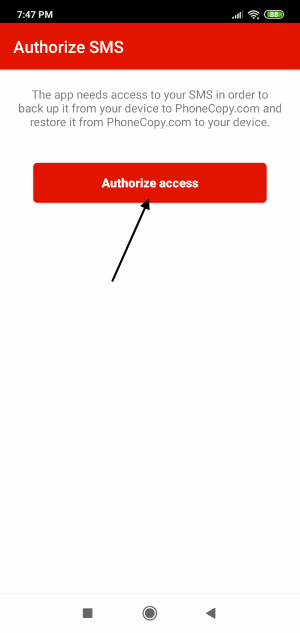
PhoneCopy allows to back up SMS too.
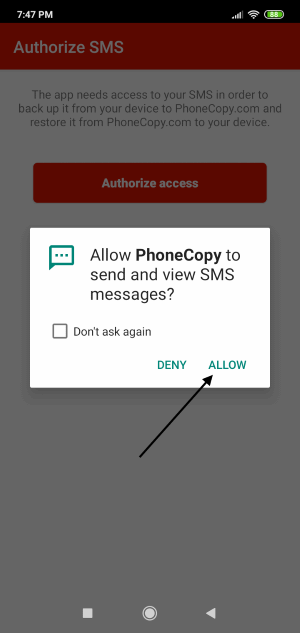
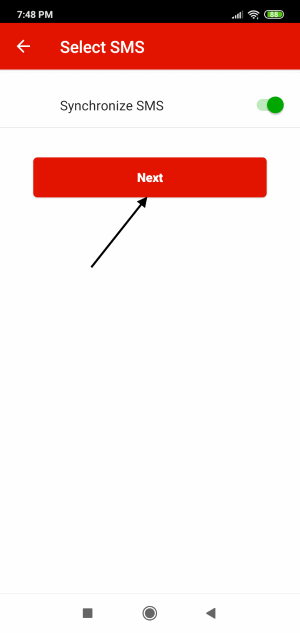
Then you can set up backup for media (photos and videos).
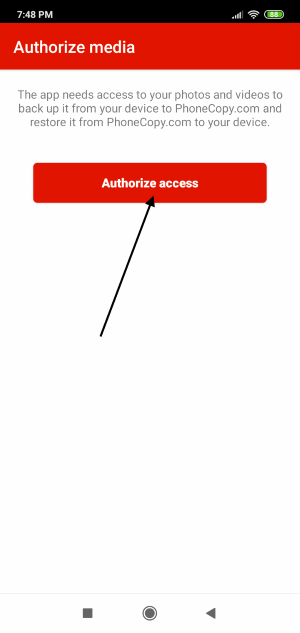
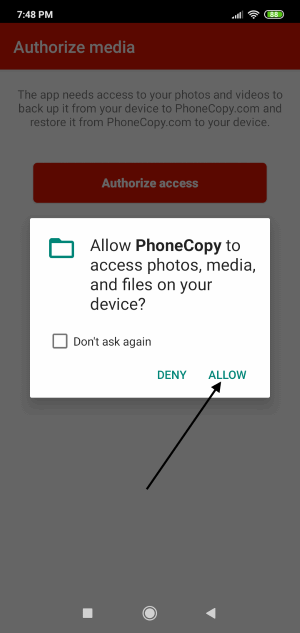
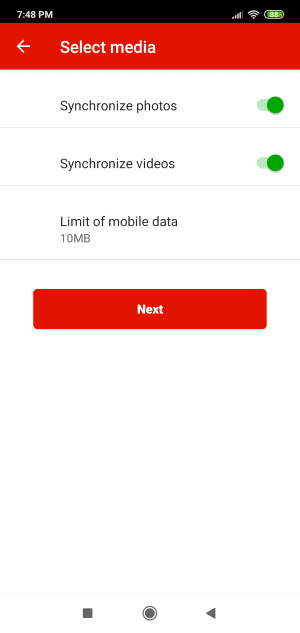
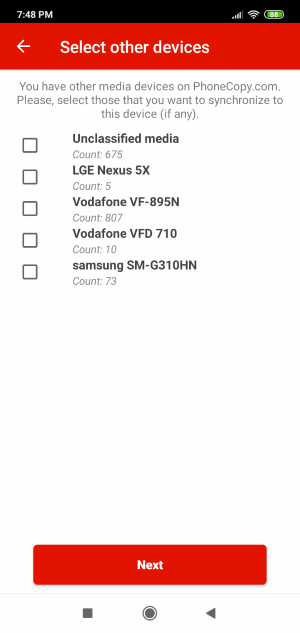
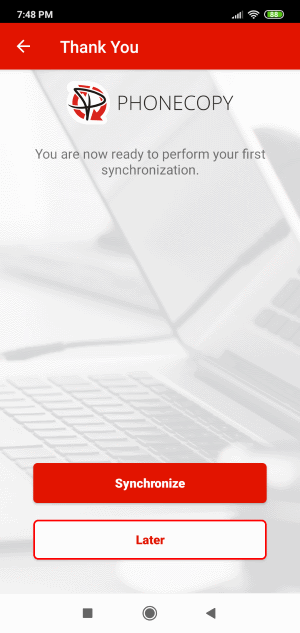
You can download photos and videos from old phone (which was synchronized to PhoneCopy.com before) you can choose it in the next step. Then you can synchronize.
This guideline also works for similar devices like Honor 4X (Che2-tl00h), Honor 50 5G (nth_nx9), Honor 5X (KIW-TL00), Honor 6X BLN-TL10, Honor 8C (bkk-al10), Honor 9A (moa-ax9n), Honor 9C (AKA-L29), Honor 9X Pro (hlk-l41), Honor 9X Pro (hlk-l42), Honor Honor 7A (aum-al41).
From now on, your contacts are protected. If anything happens to your Samsung Galaxy S3 (SCL21), simply log into PhoneCopy to access or restore your data instantly.
If you ever get a new phone, you can restore all your contacts in minutes using PhoneCopy. The service supports a wide range of manufacturers, so switching between brands is no problem.


