
Would you like to transfer or synchronize data?
You can try FREE APPLICATION from online stores:



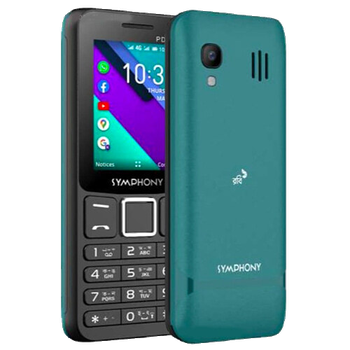
This step-by-step guide will help you back up your contacts from Symphony PD1 4G using PhoneCopy.com. The service works in the background and the whole process takes just a few minutes.
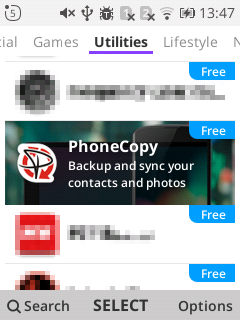
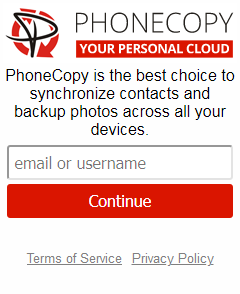
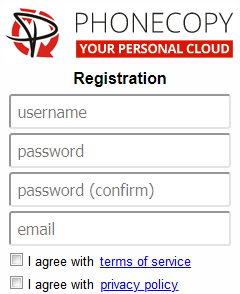
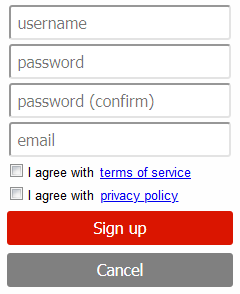
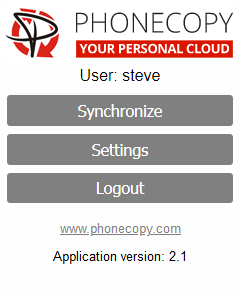
If you already have a PhoneCopy account, fill in your password. To export your contacts, press "Synchronize". Then select synchronization direction between three options: From your DEVICE to server, From SERVER to your device or Combine both. If you are not sure, use Combine both.
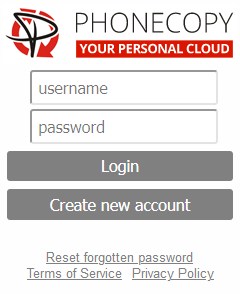
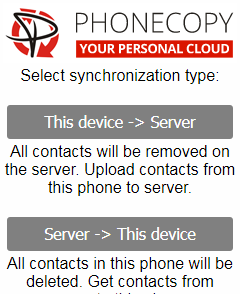
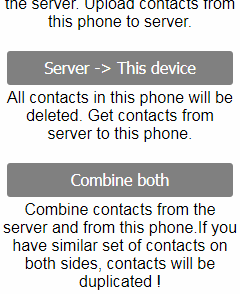
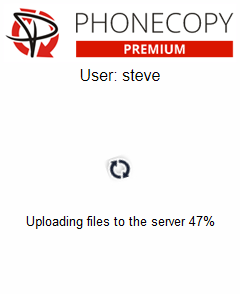
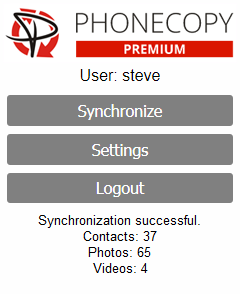
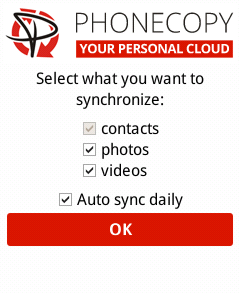
Select "contacts" and/or "photos" and press Synchronize. At the end of synchronization you will see status of synchronized items. In the Settings, you can set "auto sync daily".
From now on, your contacts are protected. If anything happens to your Symphony PD1 4G, simply log into PhoneCopy to access or restore your data instantly.
You can easily remove duplicate items among your contact list or SMS messages. Just go to the Contacts (or SMS) section and choose More Actions -> Search for duplicates. Detailed wizard will help you to solve this kind of problem easily.


