
Would you like to transfer or synchronize data?
You can try FREE APPLICATION from online stores:



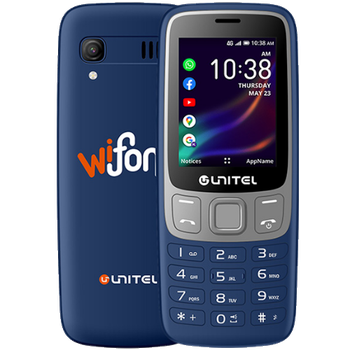

This step-by-step guide will help you back up your contacts from Unitel Wifone using PhoneCopy.com. The service works in the background and the whole process takes just a few minutes.
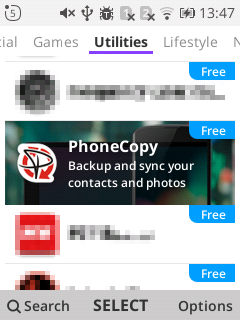
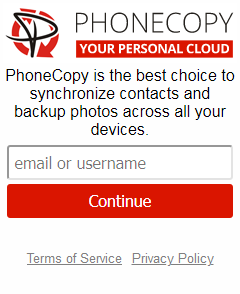
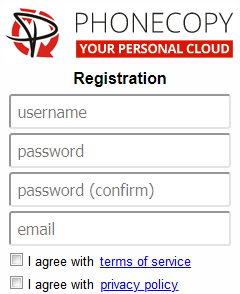
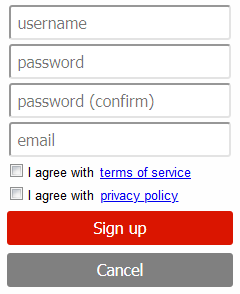
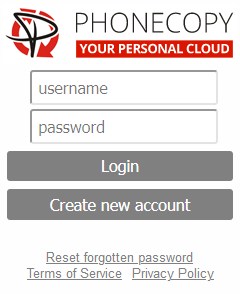
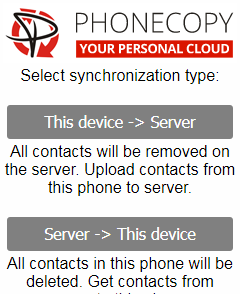
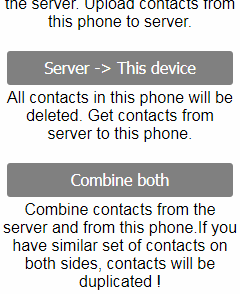
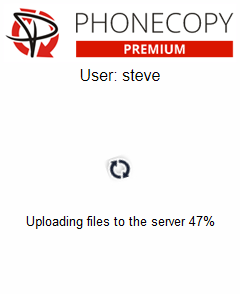
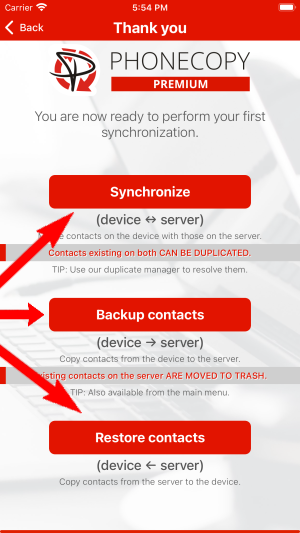
If you already have a PhoneCopy account, fill in your password. To export your contacts, press "Synchronize". Then select synchronization direction between three options: From your DEVICE to server, From SERVER to your device or Combine both. If you are not sure, use Combine both.
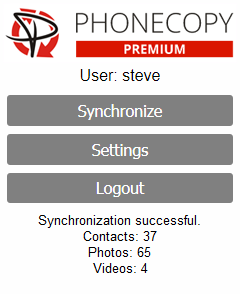
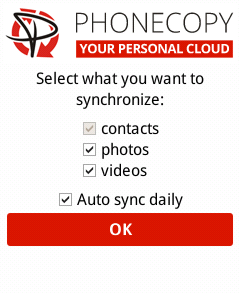
Select "contacts" and/or "photos" and press Synchronize. At the end of synchronization you will see status of synchronized items. In the Settings, you can set "auto sync daily".
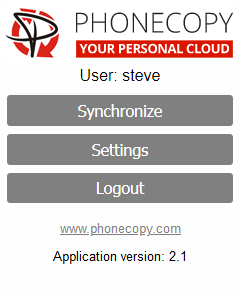
Run the app and select "Sign on" if you already have an account.
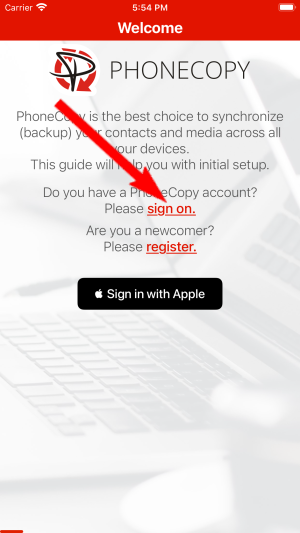
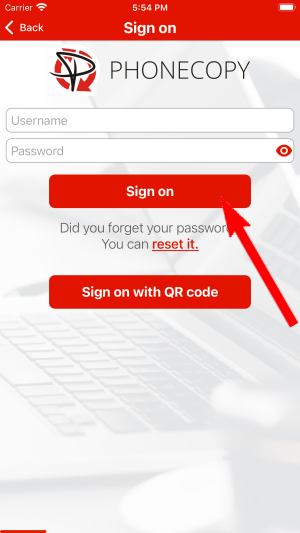
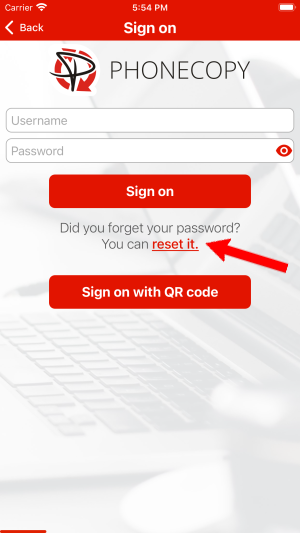
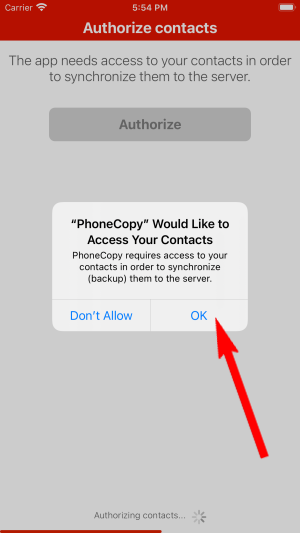
Then you need to allow PhoneCopy access to your contact list and select contacts which will be synchronized

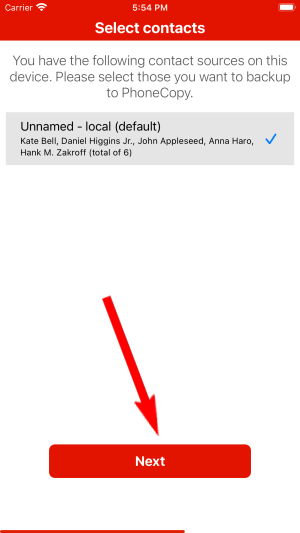
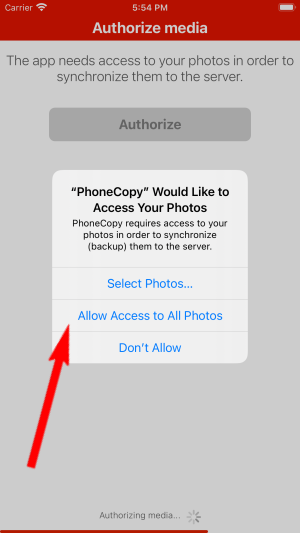
You can also sync photos and videos. Please note that the authorization of photos or videos is not required. If you will not grant it, PhoneCopy will only synchronize your contacts.


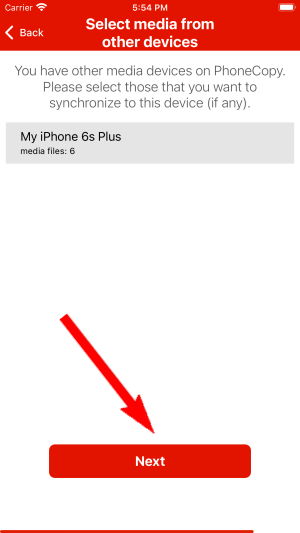
If you already have photos or videos in your PhoneCopy account you can choose from which phone(s) you want to transfer the backed up photos and videos to the new iPhone. Then let's synchronize!
This guideline also works for similar devices like Apple iPhone 11, Apple iPhone 11 Pro, Apple iPhone 11 Pro Max, Apple iPhone 12 mini, Apple iPhone 12 Pro, Apple iPhone 12 Pro Max, Apple iPhone 13, Apple iPhone 13 Pro, Apple iPhone SE 2020, Apple iPod Touch 7th generation.
That is all there is to it. Your contacts are now backed up on PhoneCopy and you can access them from any browser whenever you need them.
If the sync does not complete, make sure your phone has a stable internet connection and that background data is enabled for the PhoneCopy app. A brief pause and retry usually resolves the issue.


