
Would you like to transfer or synchronize data?
You can try FREE APPLICATION from online stores:




PhoneCopy.com supports hundreds of phone models, including Xiaomi Redmi Note 11S. This guide will show you how to use it to create a safe backup of your contacts in just a few minutes.
This guideline also works for similar devices like Xiaomi 12 5G, Xiaomi Mi 11i 5G, Xiaomi Mi 8 Explorer Edition, Xiaomi Redmi 10 Prime, Xiaomi Redmi 10c, Xiaomi Redmi Note 11 Pro 4G, Xiaomi Redmi Note 11 Pro 5G.
Download PhoneCopy for Huawei from Huawei AppGallery to your Huawei phone, which you can download free of charge. After downloading and installation, go through the following steps.
Run the app and create new account. If you already have an account choose "sign on".
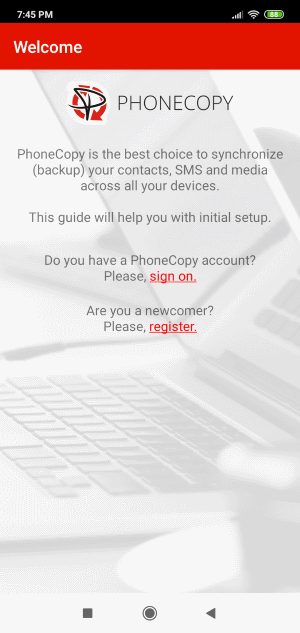
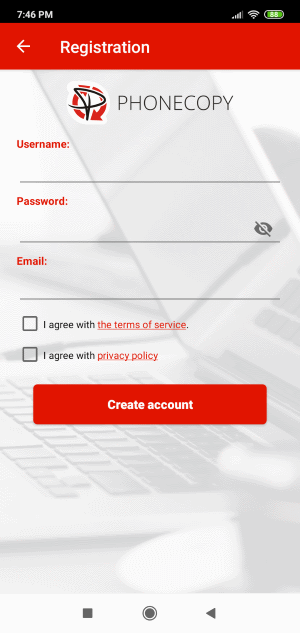
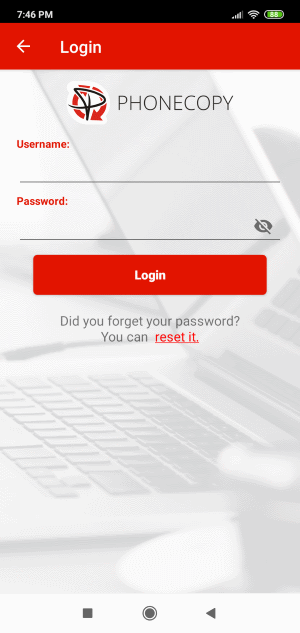
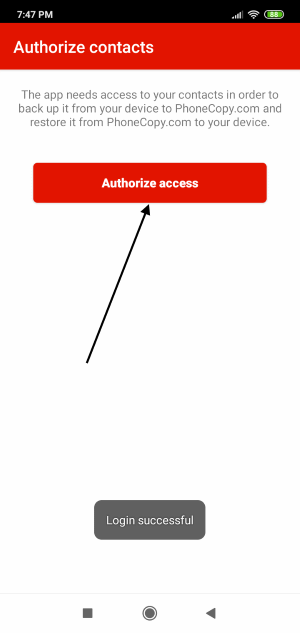
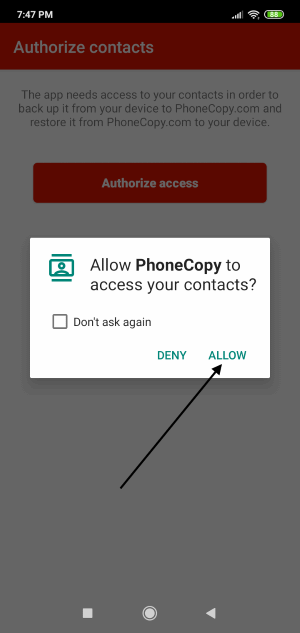
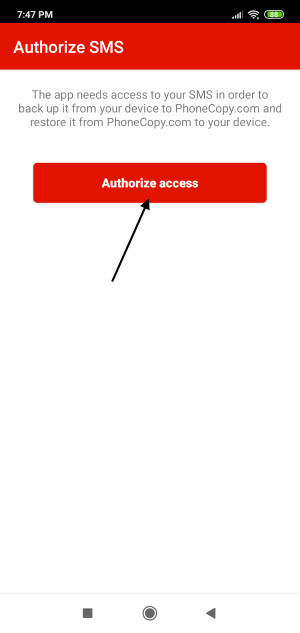
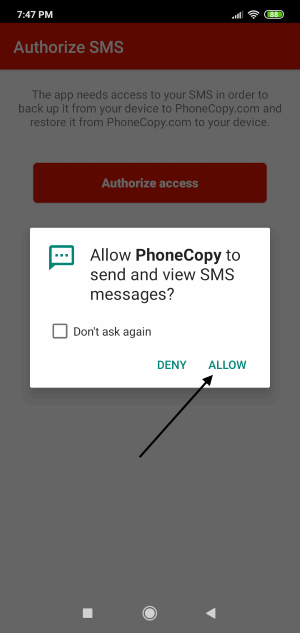
To allow correct functionality of PhoneCopy application we will kindly ask you to confirm access permissions for it.
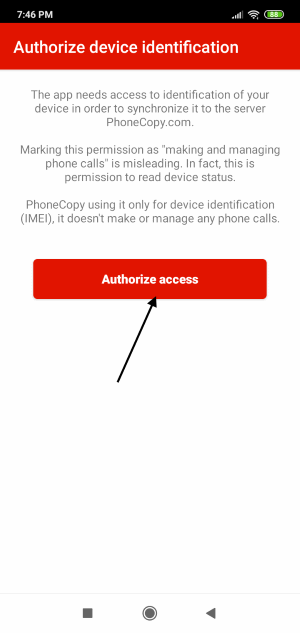
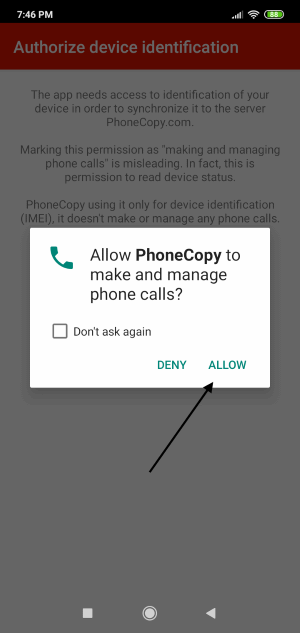
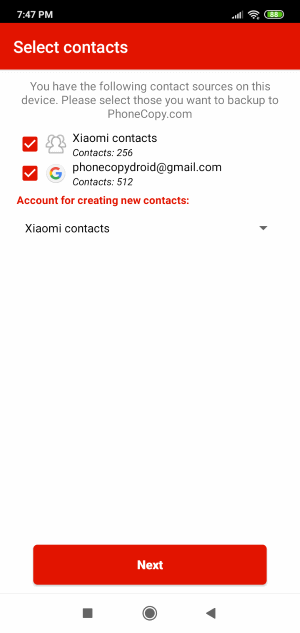
When you confirm access to contacts you can set which "contacts databases" you want to backup.
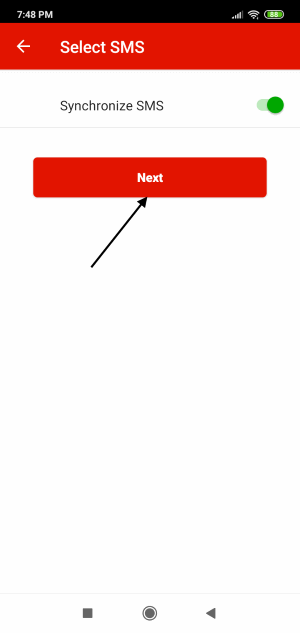
PhoneCopy allows to back up SMS too.
Then you can set up backup for media (photos and videos).
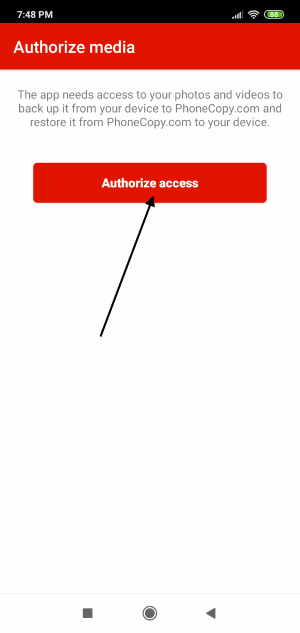
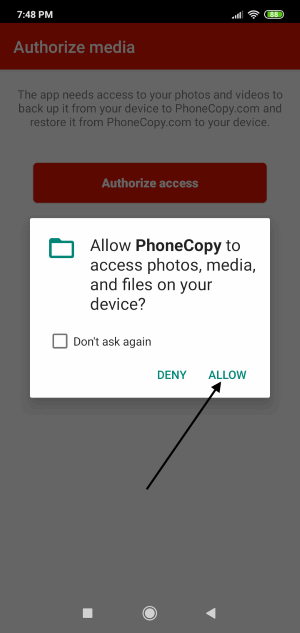
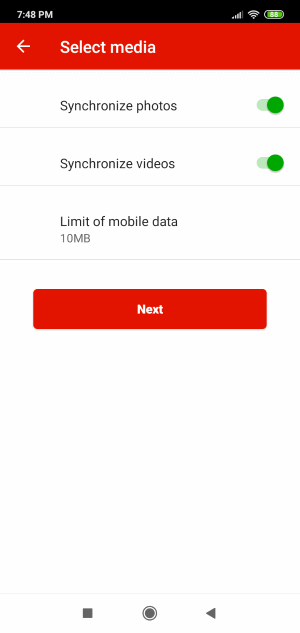
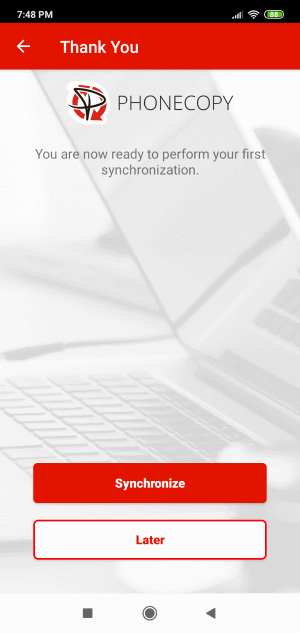
If you want download photos and videos from old phone (which was synchronized to PhoneCopy.com before) you can choose it in the next step. Then you can synchronize.
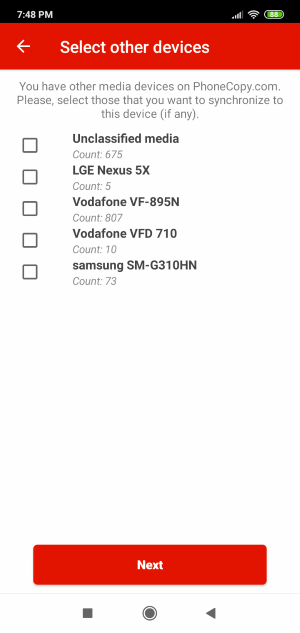
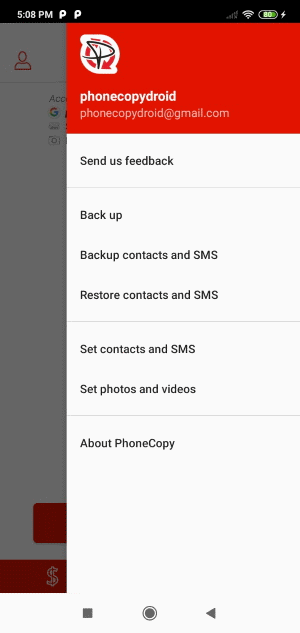
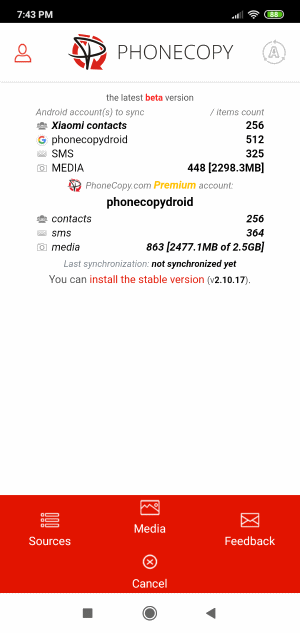
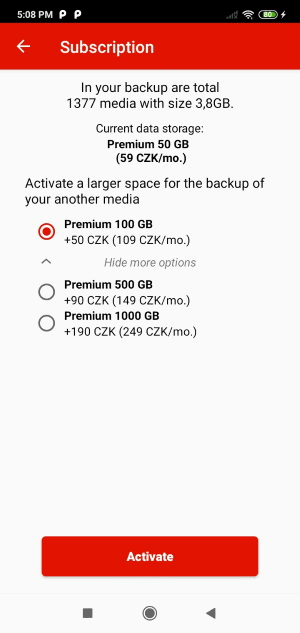
You can access all settings later by bottom menu of the application or by main menu. In case you exceed limits for a free account we recommend you to buy Premium
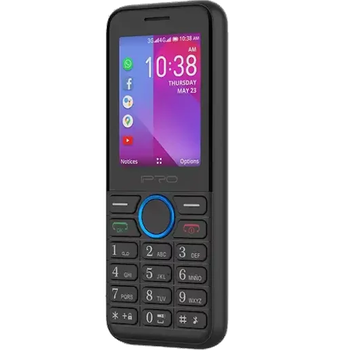
This guideline also works for similar devices like iPro i324f.
Your data is now safe on PhoneCopy. The service stores a full copy of your contacts online, so you can access them from any device or restore them whenever needed.
Contacts can be then transferred to another device (eq. iPhone, other Nokia, SonyEricsson, Samsung, LG etc). You can always edit your contacts in your online account. Also, you will see full history of your contacts, as well as the data that you have deleted between two synchronizations.